Black plate (144,1)
Model "INFINITI_NAVI" EDITED: 2006/ 3/ 20
OPERATIONS AFTER SETTING A DESTI-
NATION
The following operations are available after
you set a destination.
INFO:
The menu will not be displayed if you select,
[Stored Route] or [Nearby Places] from the
Destination menu.
INV2768
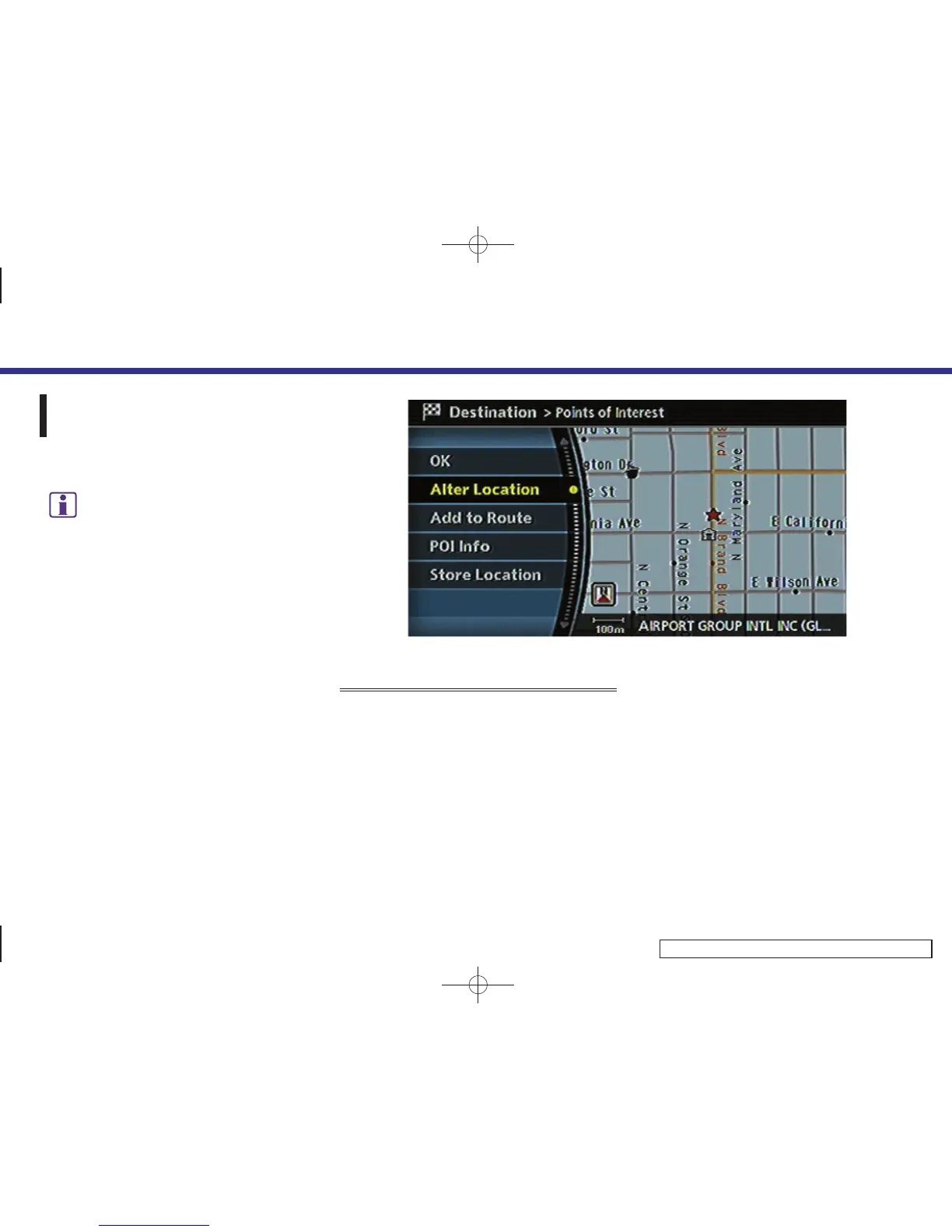
AVAILABLE SETTING ITEMS
. OK:
Sets the destination. If the route is
already set, the location becomes the
new destination, and the route is
recalculated.
. Alter Location:
Displays a map screen where you can
adjust the location of the destination.
. Add to Route:
Allows you to add a waypoint to the
route already set.
. POI Info:
Allows you to view information about
the facility that you have set as the
destination if it is included in the map
DVD-ROM data.
. Store Location:
Allows you to store the location in the
Address Book.
4. Setting a destination
4-50


 To Next Page
 Loading...