Black plate (145,1)
Model "INFINITI_NAVI" EDITED: 2006/ 3/ 20
ADJUSTING THE LOCATION OF THE
DESTINATION
You can adjust the location of the destina-
tion by moving the cross pointer across the
map.
INV2574
1. Set the destination using an appropri-
ate method.
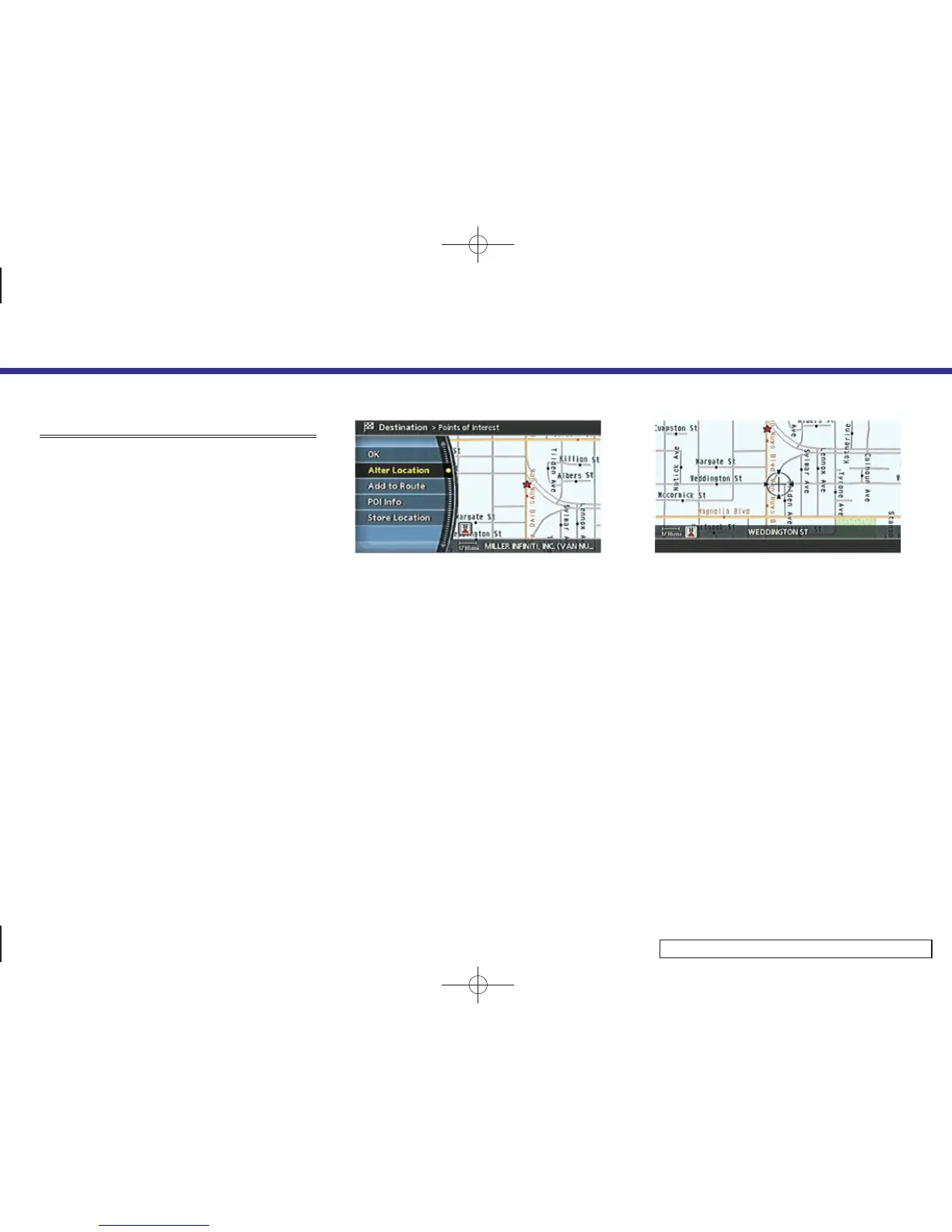
2. Highlight [Alter Location] and push
<ENTER>.
INV2575
3. Adjust the location by moving the cross
pointer across the map and push
<ENTER>.
The location of the destination is
modified.
4. Setting a destination
4-51



 To Next Page