Black plate (212,1)
Model "INFINITI_NAVI" EDITED: 2006/ 3/ 20
INV2672
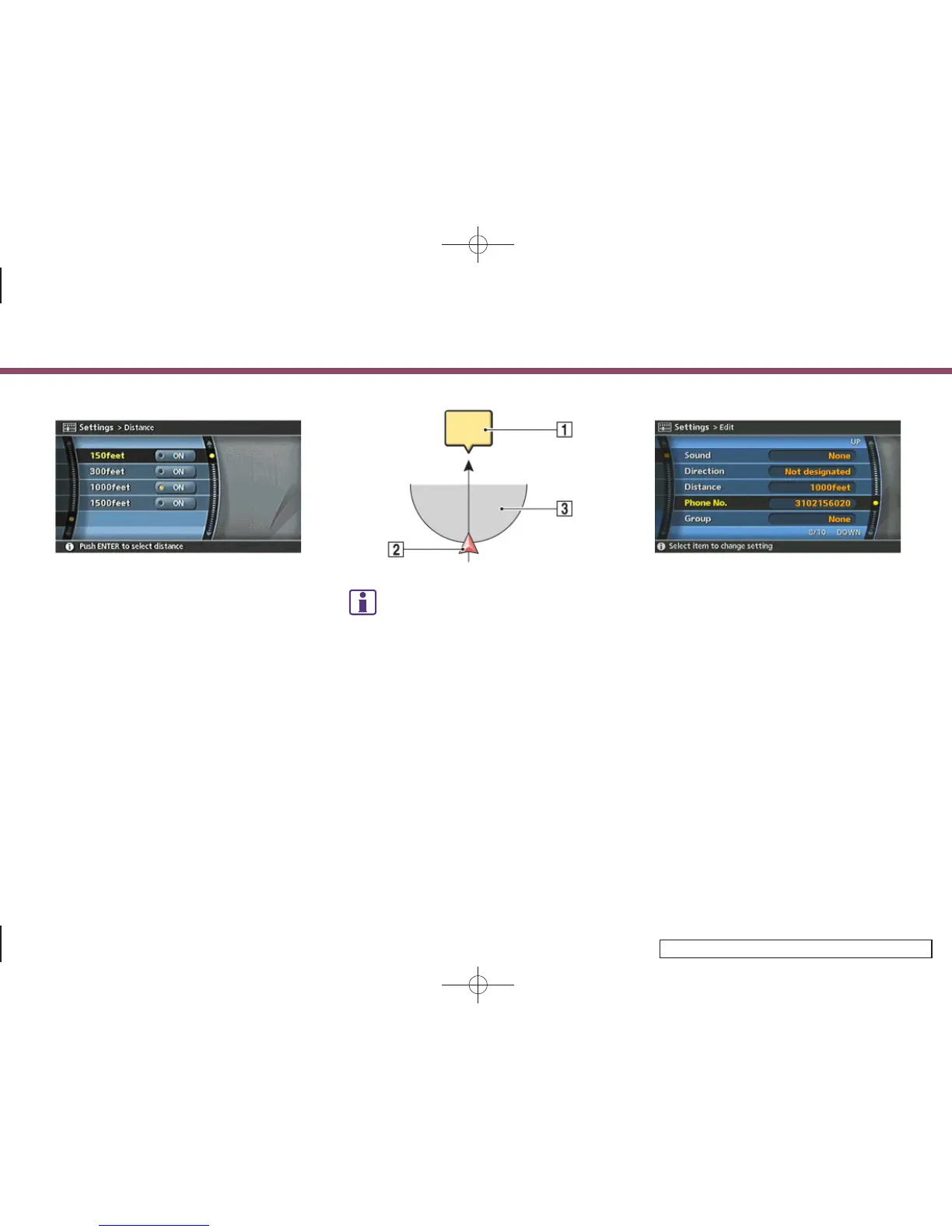
2. Highlight the preferred distance option
and push <ENTER>.
The indicator of the selected distance
illuminates.
Available distance options:
. 150 feet (50 m)
. 300 feet (100 m)
. 1000 feet (300 m)
. 1500 feet (500 m)
INI0120
INFO:
Once you set the direction and distance to
sound an alarm, the system will sound the
alarm when the vehicle icon passes a half circle
outline on the map, as shown in the figure.
Example: Set to 300 feet (100 m) distance,
upward direction
&
1
Stored location icon
&
2
Vehicle icon
&
3
Setting range
INV2673
Phone No.
Stores the telephone number of the home
or a stored location.
1. Highlight [Phone No.] and push
<ENTER>.
The telephone number entry screen is
displayed.
6. Storing a location/route
6-24


 To Next Page
 Loading...