Black plate (213,1)
Model "INFINITI_NAVI" EDITED: 2006/ 3/ 20
INV2674
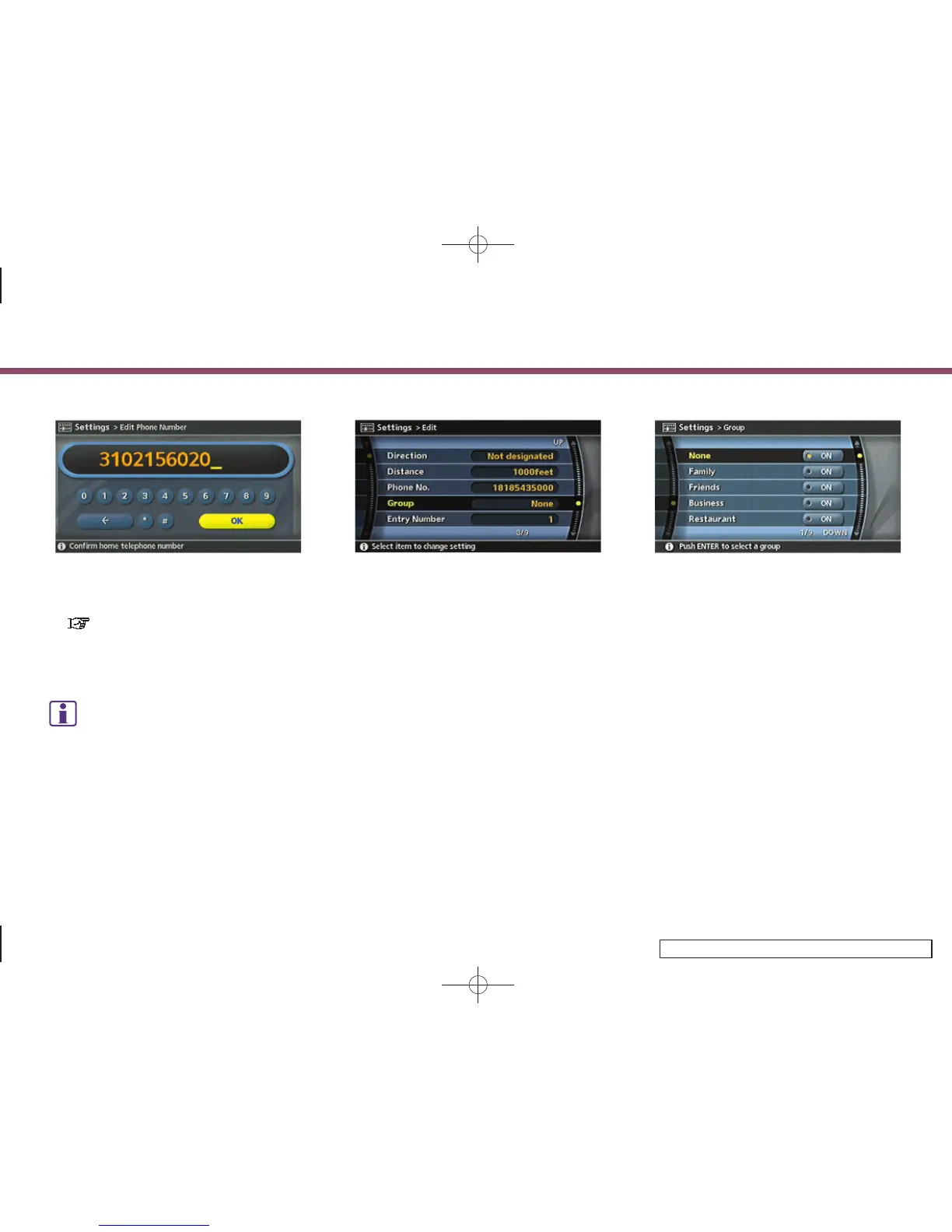
2. Enter the telephone number of the
home or stored location.
“PHONE NUMBER INPUT SCREEN”
(page 2-36)
3. Highlight [OK] and push <ENTER>.
The telephone number is stored.
INFO:
If the phone number of your home or a location
is stored, the phone number can be used to
search for the destination even if it is not
included in the map DVD-ROM data.
INV3034
Group (only for stored locations)
This allows you to group the stored
locations.
By grouping the stored locations, you can
utilize the [By Group] option of the sort
function more effectively.
1. Highlight [Group] and push <ENTER>.
INV2678
2. Highlight the preferred group and push
<ENTER>.
When the in dicator of the selected
group illuminates, the stored location
is classified into the applicable group.
6. Storing a location/route
6-25


 To Next Page
 Loading...