Black plate (20,1)
Model "INFINITI_NAVI" EDITED: 2006/ 3/ 20
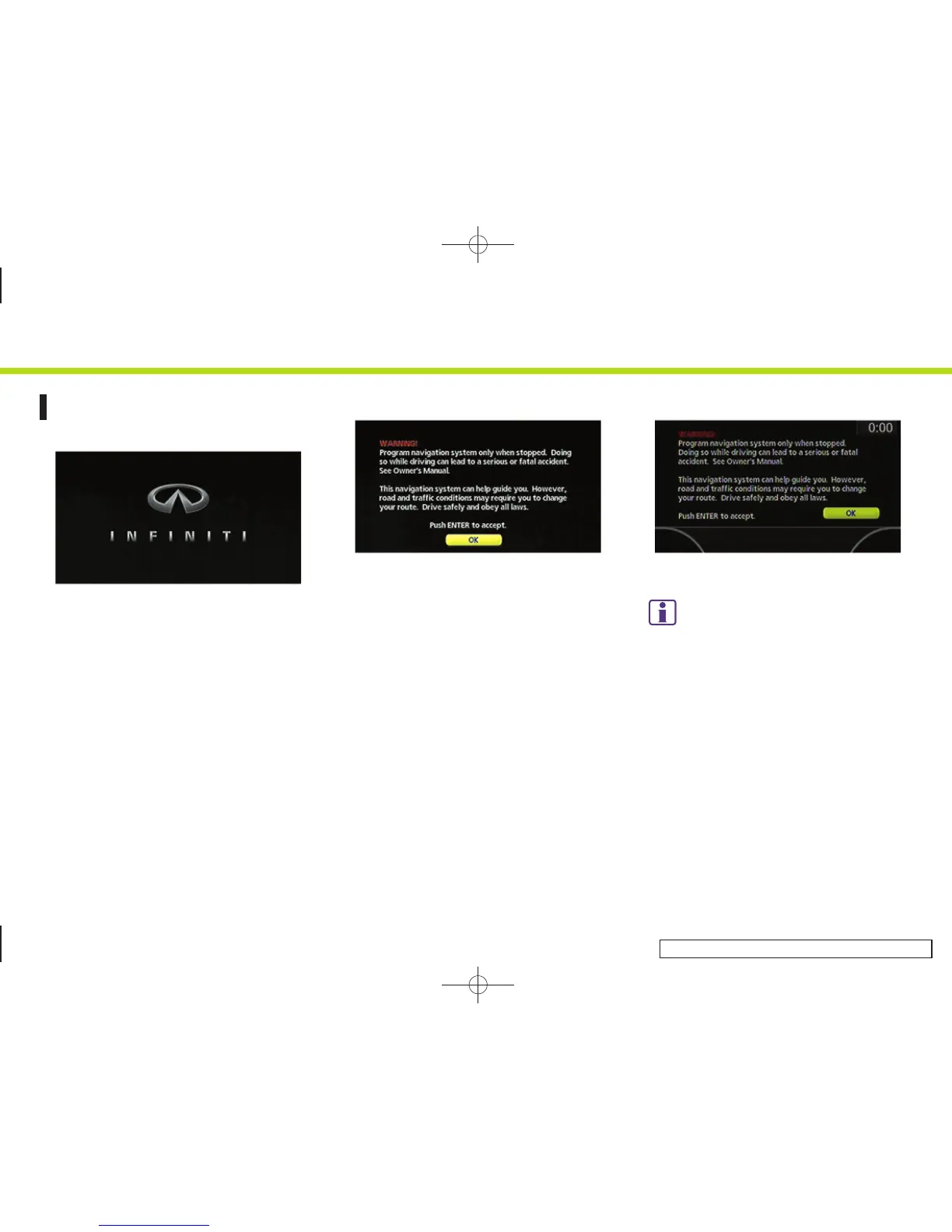
START-UP SCREEN
INV2729
1. The navigation system starts when the
ignition switch is pushed to the ACC or
ON position.
INV2730
G35 Coupe, M45/M35
2. As the start-up screen is displayed,
read the precautions carefully, high-
light [OK] and push <ENTER> .
INV2901
FX45/35, QX56
INFO:
If you do not push <ENTER> for more than 30
seconds, the status screen will be displayed.
Push <DEST>, <MAP>, <ROUTE>, <INFO>,
<SETTING>, <STATUS> or <TALK> to return to the
start-up screen (M45/M35 only).
2. Getting started
2-12



 To Next Page