Black plate (21,1)
Model "INFINITI_NAVI" EDITED: 2006/ 3/ 20
NAVIGATION SYSTEM STATUS SCREEN
(M45/M35 only)
By pushing <STATUS> while the current
location map screen is displayed, you can
display the current status of the navigation
system.
Each time <STATUS> is pushed, displayed
information is switched in the order of
audio, air conditioner, vehicle information
and navigation route information.
INFO:
There are different status screens displayed
depending on vari ous factors, such as the
currently active mode, whether a destination
has been set or not, etc.
INV2799
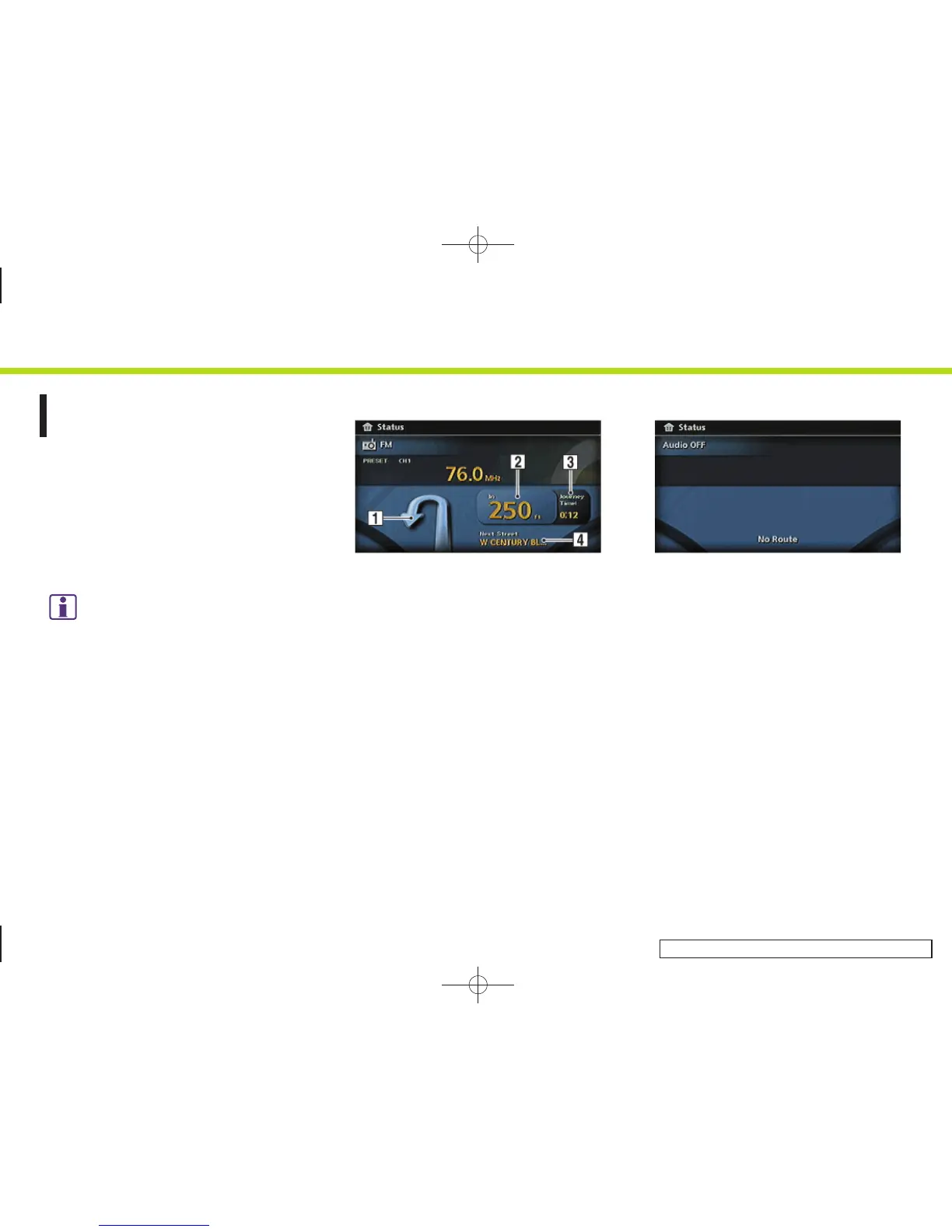
When a route to the destination is set and
the audio system is on, a screen similar to
the one above appears.
&
1
Turning direction at the next intersec-
tion
&
2
Distance to the next intersection
&
3
Remaining time to the destination
&
4
Name of the next street
INV2777
When a route to the destination is not set
and the audio system is off, a screen
similar to the one above appears.
2. Getting started
2-13


 To Next Page
 Loading...