Black plate (238,1)
Model "INFINITI_NAVI" EDITED: 2006/ 3/ 20
INV3042
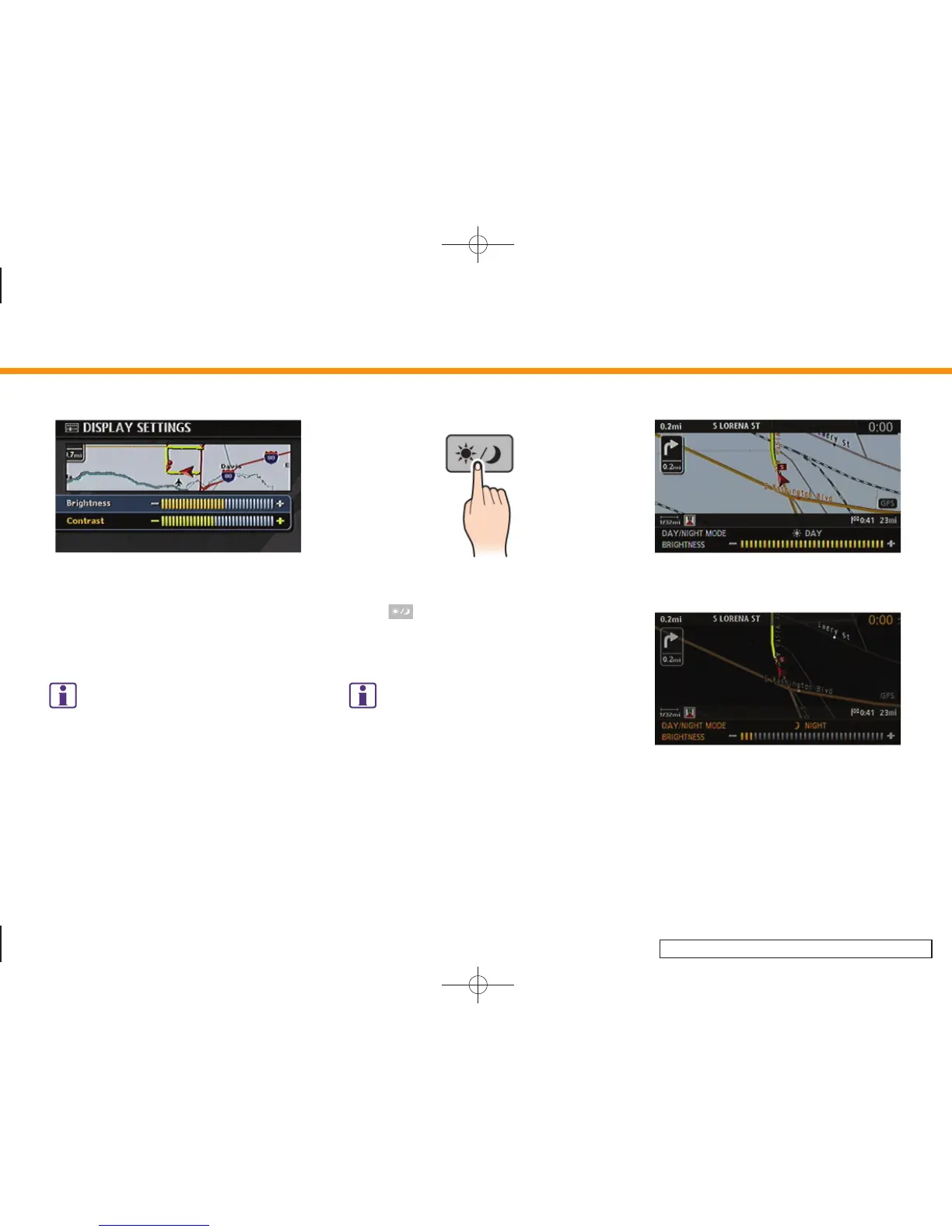
Contrast
Adjust the display contrast by tilting the
joystick, pushing the main directional
buttons or rotating the center dial in the
direction of [+] or [–].
INFO:
The preview of the map screen is displayed on
the upper portion of the screen, if the previous
screen displayed a map.
INI0251
Map Background
Push < > (Day/Night) to choose the
background color. Adjust the background
color brightness by tilting the joystick in
the direction of [+] or [–].
INFO:
When you turn the headlight switch on, the
background color changes.
INV2945
Bright background color
INV2946
Dark background color
8. Other settings
8-6


 To Next Page
 Loading...