Black plate (239,1)
Model "INFINITI_NAVI" EDITED: 2006/ 3/ 20
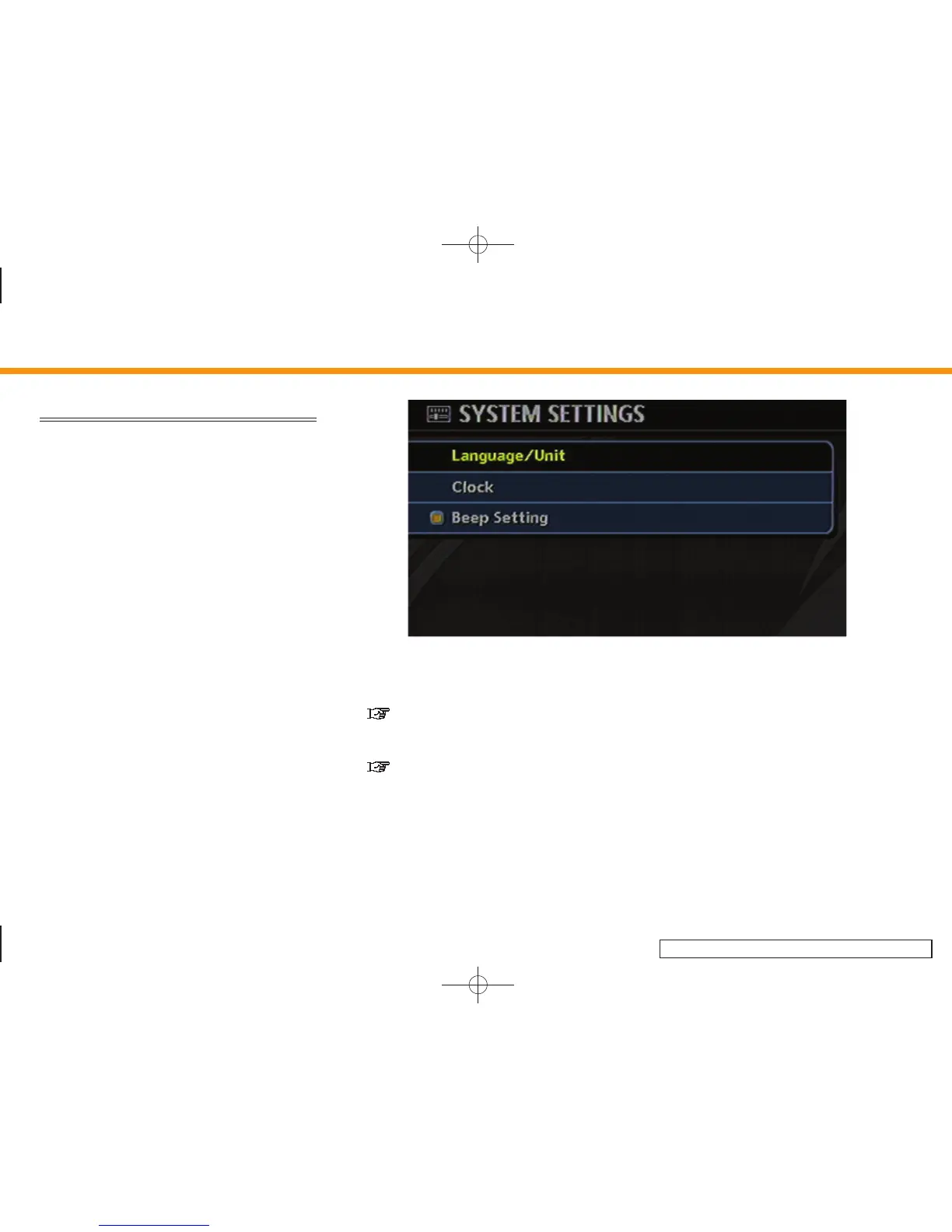
SYSTEM SETTINGS SCREEN
Allows you to set system settings such as
language/measurement unit setting.
Basic operation
1. Highlight [System Settings] and push
<ENTER>.
2. Highlight the preferred adjustment item
and push <ENTER>.
3. Push <BACK> to return to the previous
screen. Push <MAP> to return to the
current location map screen.
INV2947
Available setting items
. Language/Unit:
“LANGUAGE AND UNIT SETTINGS”
(page 8-8)
. Clock:
“CLOCK SETTINGS” (page 8-11)
. Beep Setting:
Select to toggle the beep function
between on and off. The indicator light
illuminates when the beep function is
set to on.
The beep that sounds when pushing
andholdingabuttonorwhena
prohibited operation is performed can-
not be set to off.
8. Other settings
8-7


 To Next Page
 Loading...