Black plate (257,1)
Model "INFINITI_NAVI" EDITED: 2006/ 3/ 20
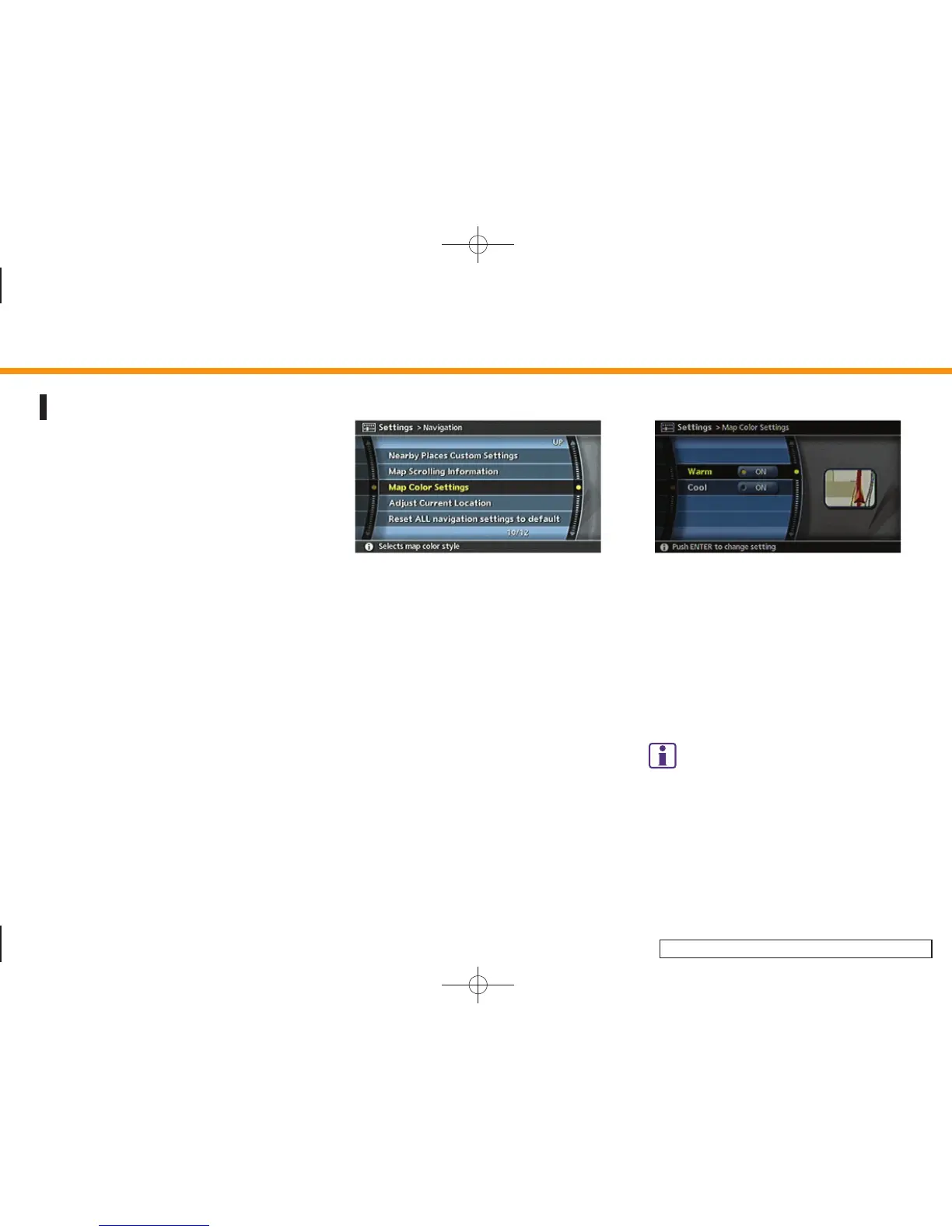
MAP COLOR SETTINGS
This allows you to change the map color.
INV2716
1. Highlight [Navigation] and push
<ENTER>.
2. Highlight [Map Color Settings] and
push <ENTER>.
INV2954
3. Highlight the preferred map color and
push <ENTER>. The indicator light of the
selected color illuminates.
Available map colors
Warm: Sets warm colors for the map
coloring.
Cool: Sets cool colors for the map color-
ing.
INFO:
You can confirm the effect of your setting on the
preview displayed on the right side of the
screen.
8. Other settings
8-25



 To Next Page