Black plate (29,1)
Model "INFINITI_NAVI" EDITED: 2006/ 3/ 20
INV2736
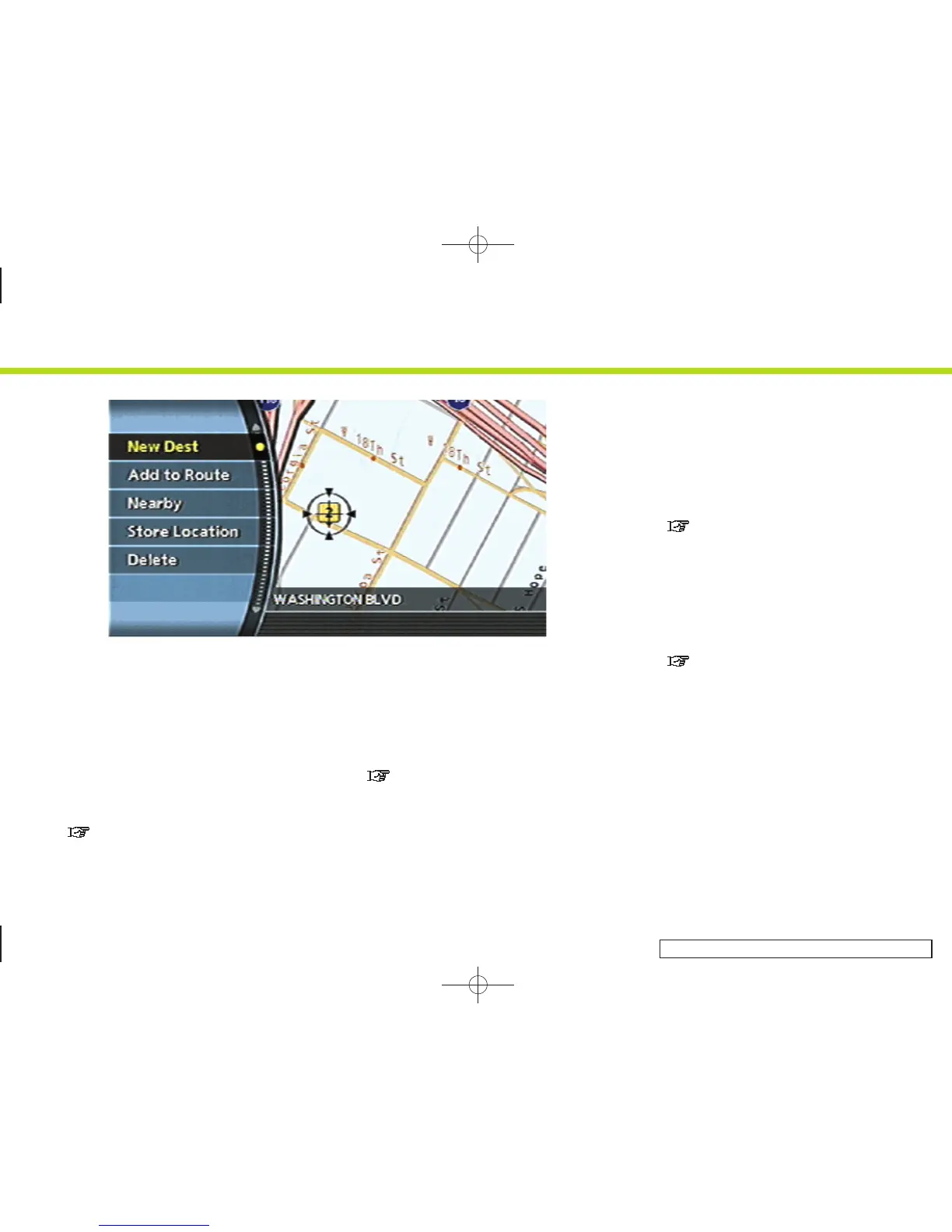
Scrolled location map screen
If <ENTER> is pushed while a scrolled map
screen is displayed, the following options
are available.
. New Dest:
Allows you to set the destination to the
location where you pushed <ENTER>.If
a destination is already set, the loca-
tion will be set as the new destination.
“SETTING FROM MAP” (page 4-19)
. Add to Route:
Allows you to set the location where
you pushed <ENTER> as the destination
or a waypoint.
This is available only when the sug-
gested route is already set.
“Setting a destination or way-
point” (page 5-20)
. Nearby:
Allows you to search for points of
interest near the location where you
pushed <ENTER> and set it as a
destination or waypoint.
Use the same search method as the
one for POI.
“SETTING A NEARBY PLACE”
(page 4-47)
. Store Location:
Allows you to store the location where
you pushed <ENTER> in the Address
Book. The stored location can be
retrieved to set it as a destination or
waypoint.
“STORING A LOCATION” (page 6-2)
. Delete:
Allows you to delete a stored location,
destination or waypoint. To delete it,
place the cross pointer over the corre-
sponding icon.
2. Getting started
2-21


 To Next Page
 Loading...