Black plate (30,1)
Model "INFINITI_NAVI" EDITED: 2006/ 3/ 20
START MENU (M45/M35 only)
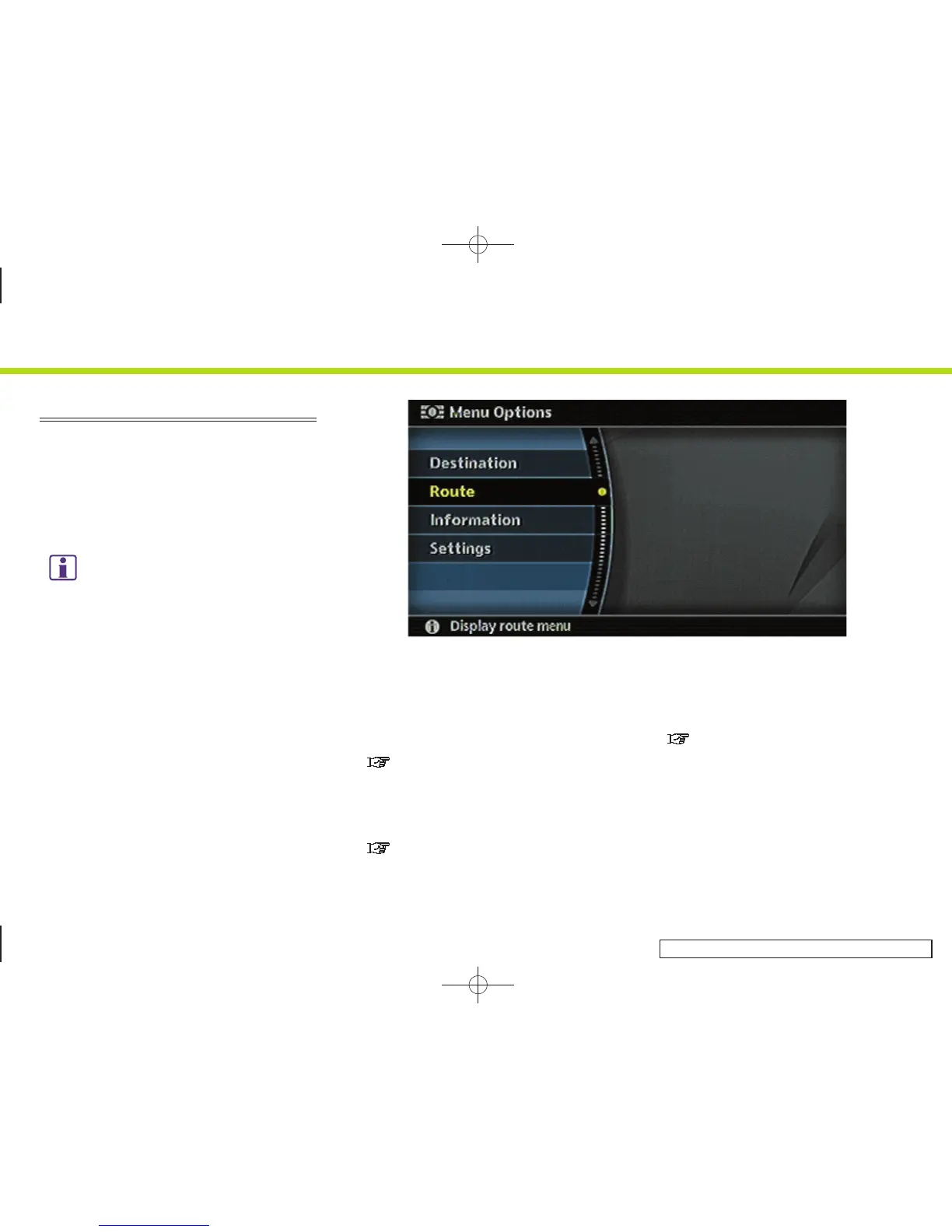
The start menu can be displayed using the
steering switch.
1. Push and hold <ENTER> on the steering
switch.
2. Highlight the preferred item and push
<ENTER>.
INFO:
<ENTER> on the steering switch can be used to
display the start menu only when the map or
status screen is displayed.
INV2759
Available items
. Destination:
Displays the destination screen. It is
the same screen that appears when you
push <DEST>.
“4. Setting a destination”
. Route:
Displays the route screen. It is the
same screen that appears when you
push <ROUTE>.
“5. Route guidance”
. Information:
Displays the information screen. It is
the same screen that appears when you
push <INFO>.
“7. Viewing technical information”
. Settings:
Displays the settings screen. It is the
same screen that appears when you
push <SETTING>.
2. Getting started
2-22


 To Next Page
 Loading...