Black plate (38,1)
Model "INFINITI_NAVI" EDITED: 2006/ 3/ 20
INV2476
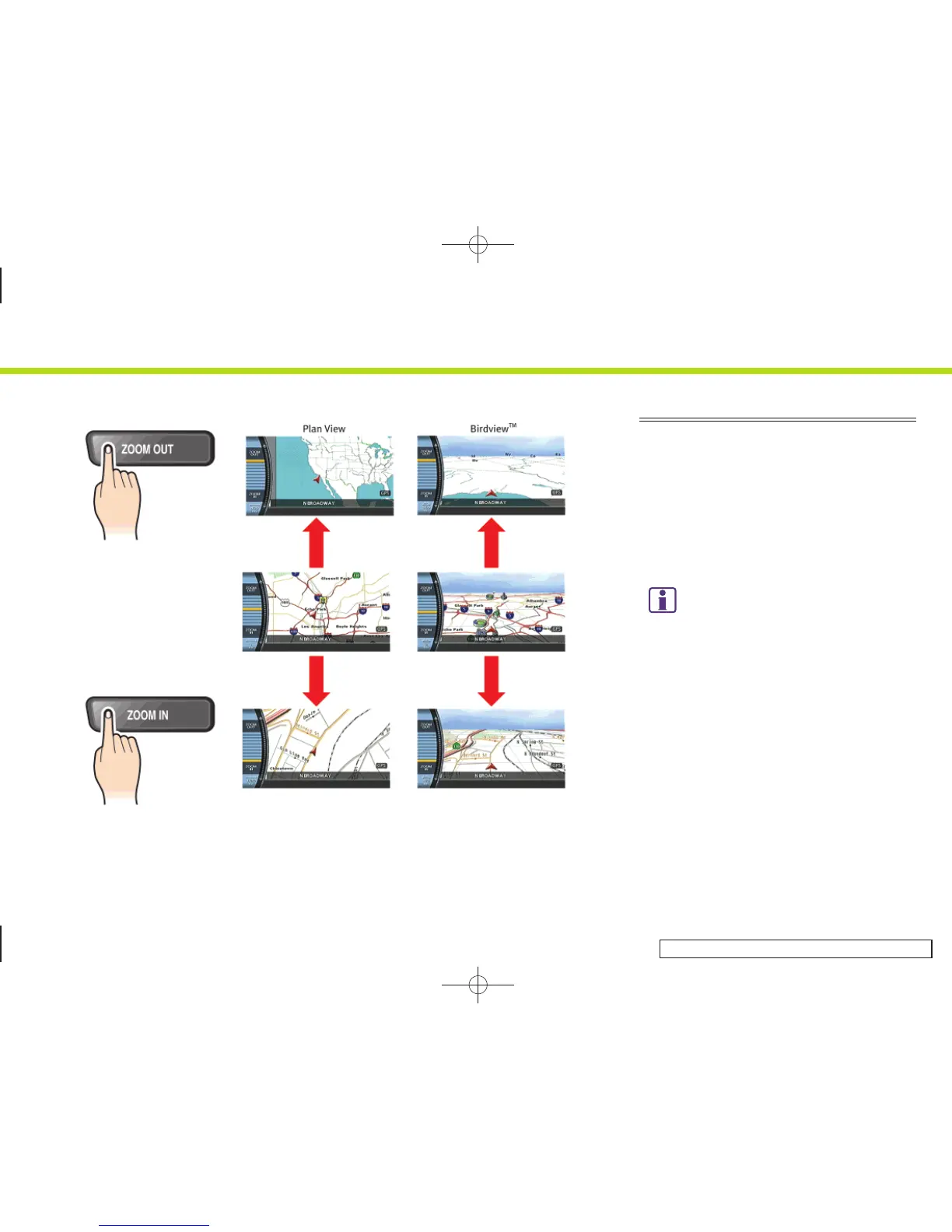
CHANGING THE SCALE OF A MAP
Push <ZOOM IN> or <ZOOM OUT>. A scale
appears on the left side of the screen.
To view the map in detail, push <ZOOM IN>.
To view a wider area, push <ZOOM OUT>.
The scale will automatically disappear
when neither <ZOOM IN> nor <ZOOM
OUT> has been pushed for several sec-
onds.
INFO:
Free zoom
.
Push and hold <ZOOM IN> or <ZOOM OUT>
to change the map scale in smaller steps
(free zoom). Once the free zoom has been
utilized, push <ZOOM IN> or <ZOOM OUT> to
change the map scale in smaller steps.
.
The free zoom is also available by turning
the center dial after pushing <ZOOM IN> or
<ZOOM OUT>. (M45/M35, FX45/35)
2. Getting started
2-30


 To Next Page
 Loading...