Black plate (41,1)
Model "INFINITI_NAVI" EDITED: 2006/ 3/ 20
INV3002
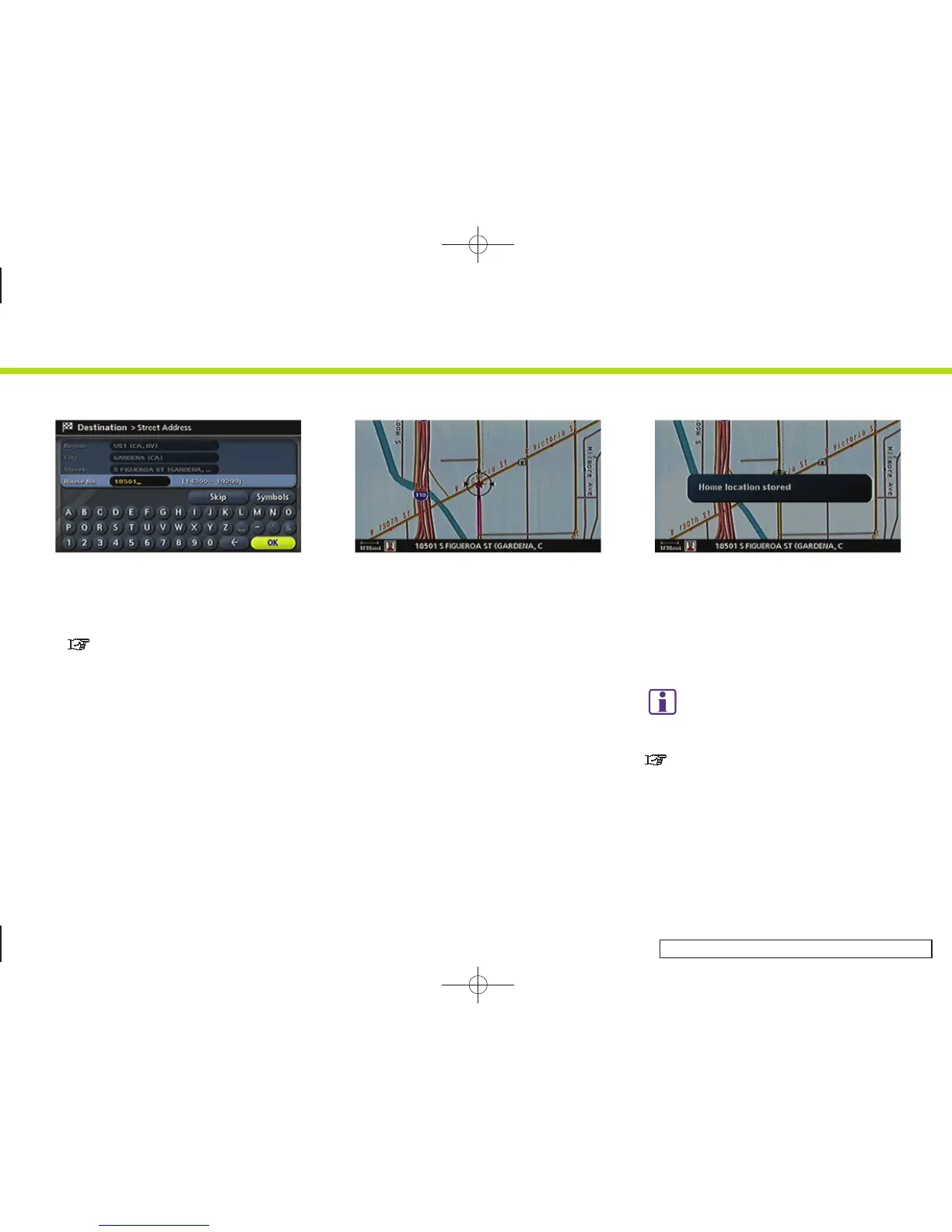
6. Enter the address of your home, high-
light [OK] and push <ENTER> .
The map screen is displayed.
“SETTING A STREET ADDRESS”
(page 4-5)
INV2968
7. Using the joystick, adjust your home
location if necessary.
8. After adjusting the location, push
<ENTER>.
INV2969
9. A message is displayed and your home
location is stored.
10.Push <MAP> to return to the current
location map screen.
The home icon is displayed on the map.
INFO:
You can also perform the same setting by
pushing <SETTING> and selecting [Navigation].
“STORING A LOCATION BY SEARCHING”
(page 6-2)
2. Getting started
2-33


 To Next Page
 Loading...