Black plate (42,1)
Model "INFINITI_NAVI" EDITED: 2006/ 3/ 20
CHARACTER (letter and number)
INPUT SCREEN
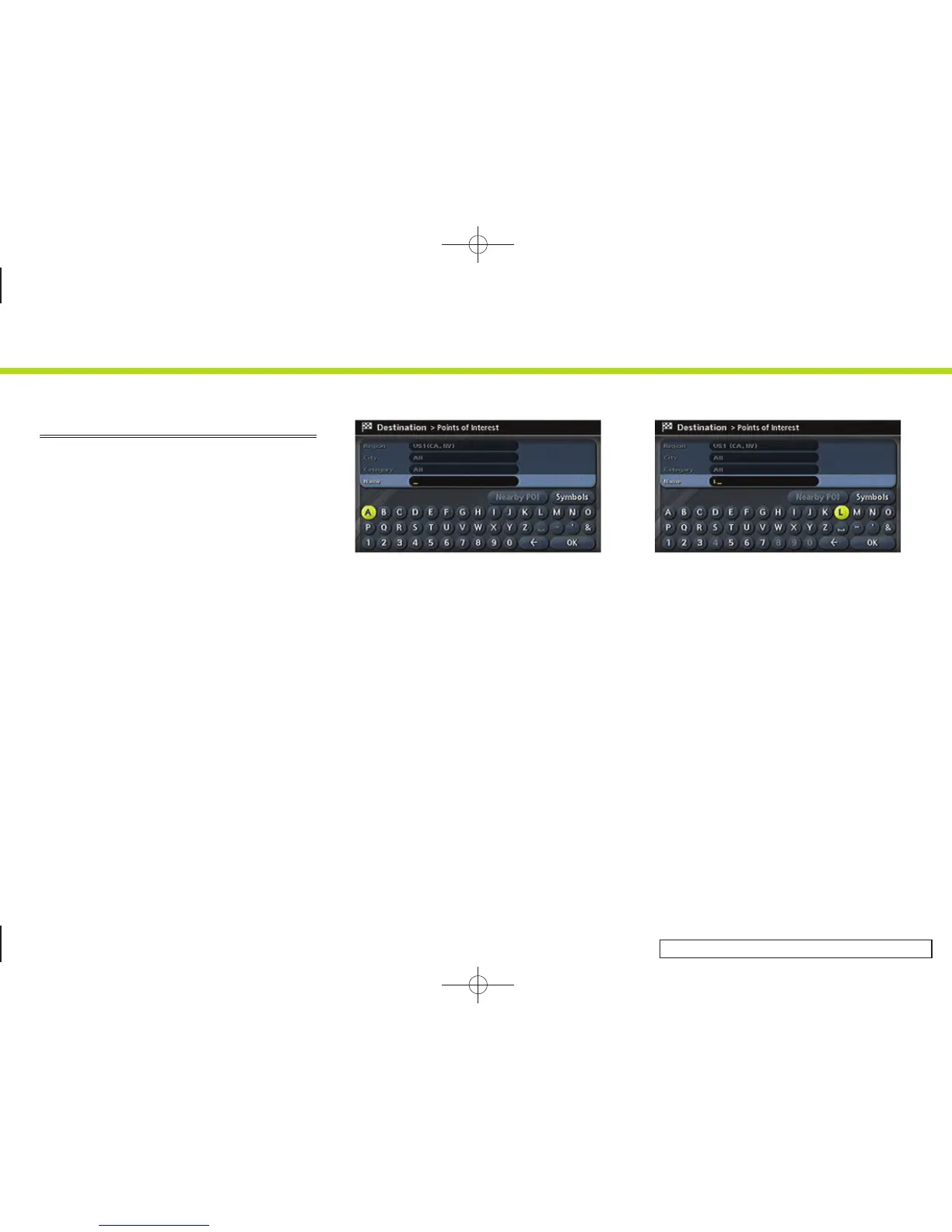
You will have to enter alphanumeric
characters when setting a destination,
searching for a facility or editing the stored
locations, etc.
INV3001
1. M45/M35, FX45/35:
Use the center dial, main directional
buttons or additional directional but-
tons to highlight a character on the
displayed keyboard.
G35 Coupe, QX56:
Use the joystick to highlight a character
on the displayed keyboard.
INV3003
2. Push <ENTER>. The highlighted charac-
ter is entered.
2. Getting started
2-34



 To Next Page