Black plate (75,1)
Model "INFINITI_NAVI" EDITED: 2006/ 3/ 20
INI0213
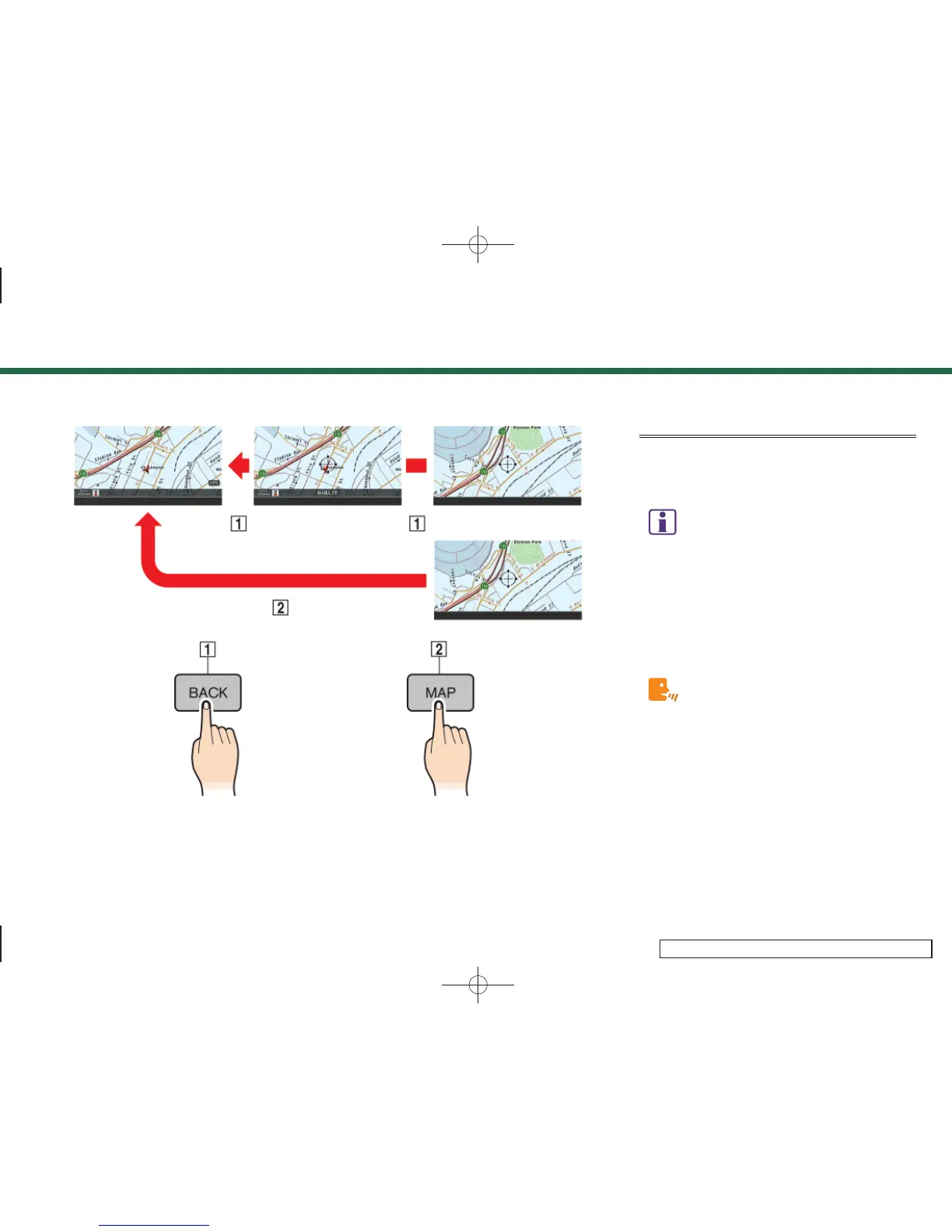
RETURNING TO THE CURRENT VEHI-
CLE LOCATION
Push <MAP>.
The current location map screen is dis-
played.
INFO:
.
The previous screen can be displayed by
pushing <BACK>. You can also return to the
current location map screen by repeatedly
pushing <BACK>.
.
Depending on the menu selected, pushing
<MAP> may not return you to the current
location map screen.
Setting by voice command
(M45/M35 only)
1. Push and release <TALK> located on the
steering switch.
2. After the tone sounds, speak a com-
mand.
To display the current location map screen:
“Map”
3. Map settings
3-9


 To Next Page
 Loading...