Black plate (76,1)
Model "INFINITI_NAVI" EDITED: 2006/ 3/ 20
MAP SCROLLING INFORMATION
Information about the location, on which
the center of the cross pointer is placed by
scrolling on the map, can be set to be
displayed.
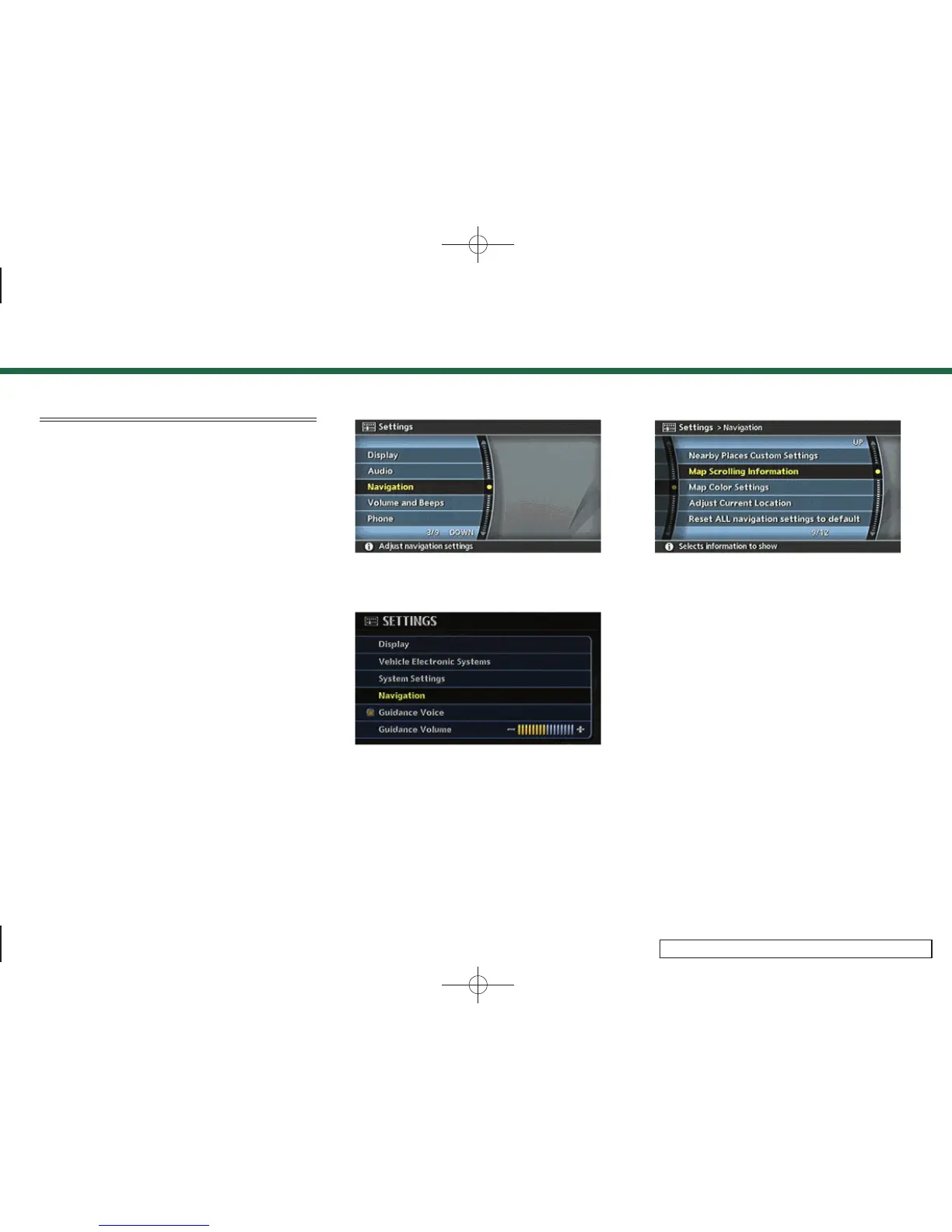
1. Push <SETTING>.
INV2464
G35 Coupe, M45/M35
INV2973
FX45/35, QX56
2. Highlight [Navigation] and push
<ENTER>.
INV2473
3. Highlight [Map Scrolling Information]
and push <ENTER>.
3. Map settings
3-10



 To Next Page