Black plate (81,1)
Model "INFINITI_NAVI" EDITED: 2006/ 3/ 20
OTHER SETTINGS FOR THE MAP SCREEN
Other settings are also available for the
map screen, such as changing the map
direction, splitting the screen, etc.
SETTINGS OF HEADING/LONG
RANGE MAP VIEW
You can change the map direction (orienta-
tion) in Plan View or change the position of
the vehicle icon to view a wider area in the
traveling direction.
These settings are available only in the
Plan View or Split (Plan View) mode.
INV2635
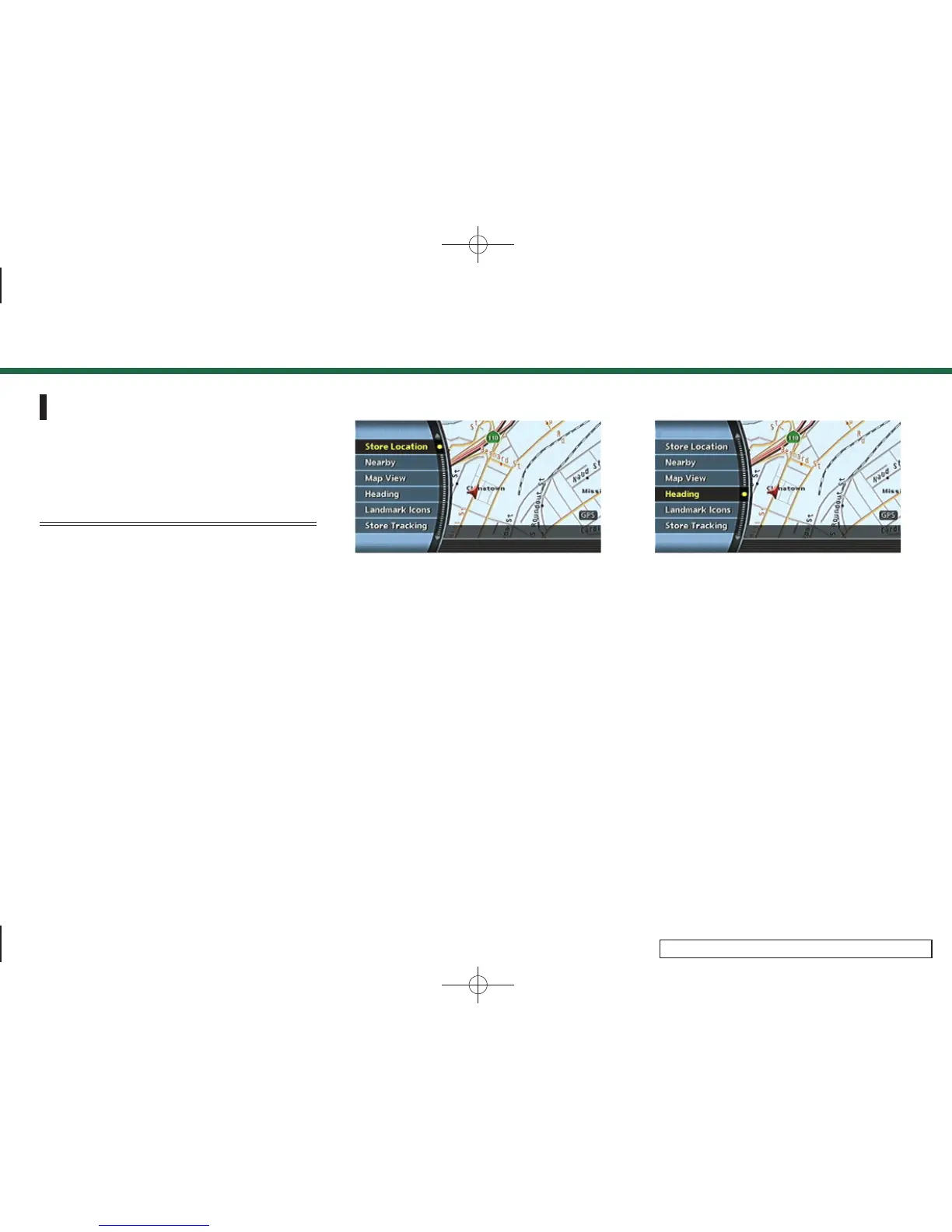
1. Push <ENTER> while the current location
map screen is displayed.
INV2482
2. Highlight [Heading] and push <ENTER>.
3. Map settings
3-15


 To Next Page
 Loading...