Black plate (82,1)
Model "INFINITI_NAVI" EDITED: 2006/ 3/ 20
INV2478
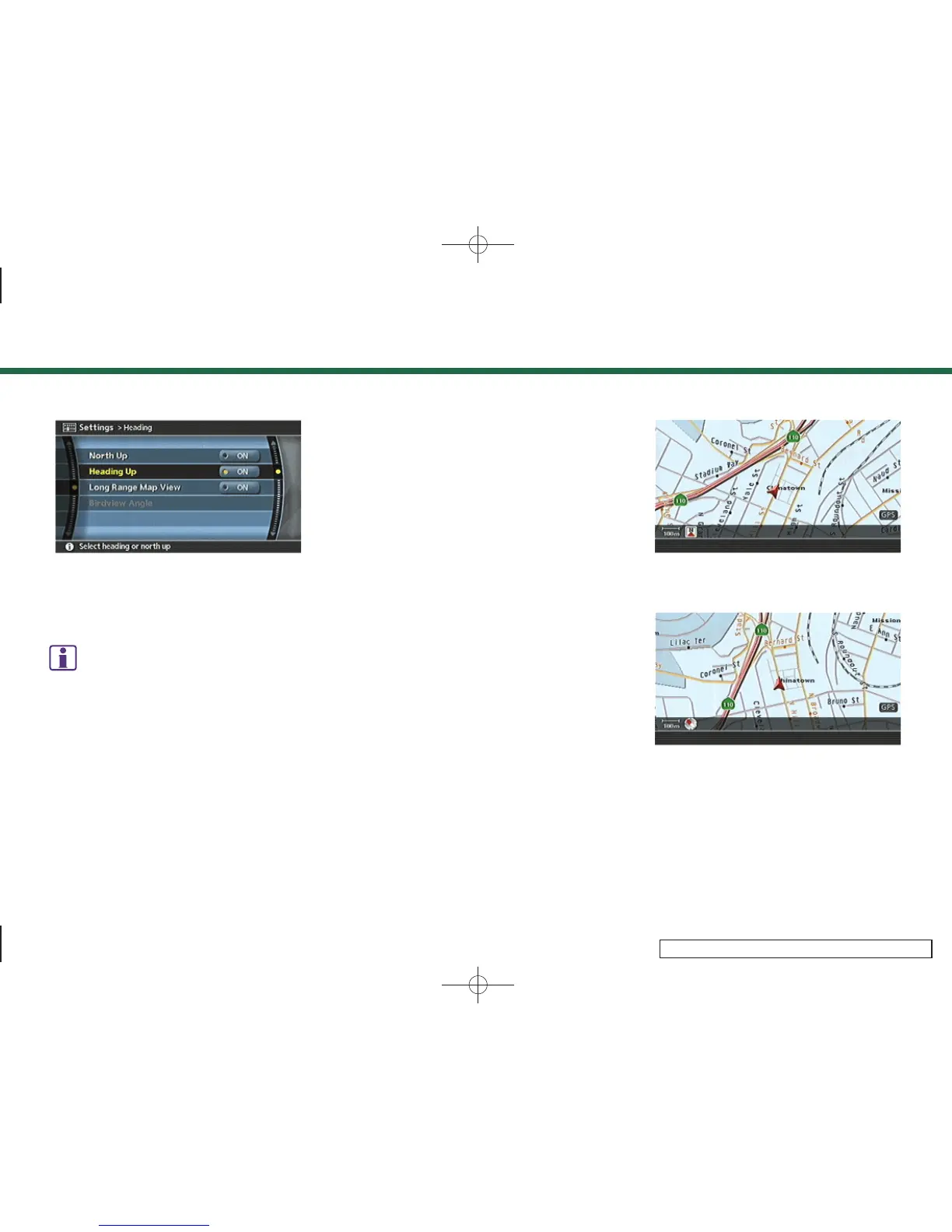
3. Highlight the preferred map orientation
and push <ENTER>. The indicator of the
selected map orientation illuminates.
INFO:
[Long Range Map View] is displayed only
when you select [Heading Up].
4. Push <MAP> to return to the current
location map screen.
Available map orien tations
. North Up:
North is set at the top of the map.
. Heading Up:
The traveling direction is set at the top
of the map.
. Long Range Map View:
The vehicle icon is located sligh tly
lower than the center of the screen.
This offers a wider view in the traveling
direction.
. Birdview
TM
Angle:
This changes the Birdview
TM
angle.
INV2479
North Up
INV2480
Heading Up
3. Map settings
3-16


 To Next Page
 Loading...