Black plate (83,1)
Model "INFINITI_NAVI" EDITED: 2006/ 3/ 20
INV2481
Long Range Map View
INFO:
If the map orientation is switched, the icon
displayed in the lower left corner is also
switched.
: North Up
: Heading Up
INV2477
INFO:
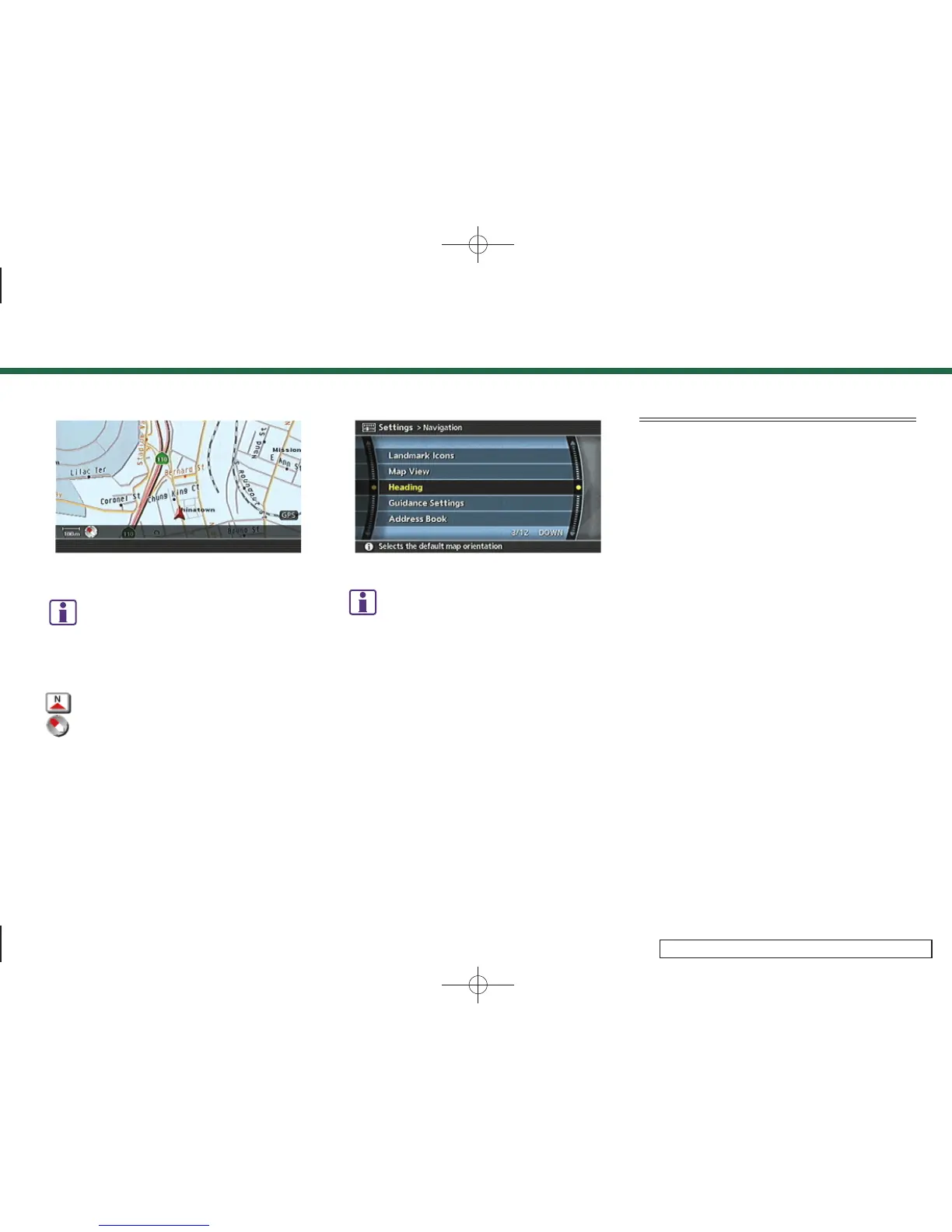
You can also set the orientation of the map
using the following procedure.
1)
Push <SETTING>.
2)
Highlight [Navigation] and push <ENTER>.
3)
Highlight [Heading] and push <ENTER>.
CHANGING THE BIRDVIEW
TM
ANGLE
This changes the Birdview
TM
angle.
This setting is available only in the Bird-
view
TM
or Split (Birdview
TM
) mode.
3. Map settings
3-17



 To Next Page