Black plate (85,1)
Model "INFINITI_NAVI" EDITED: 2006/ 3/ 20
INV2484
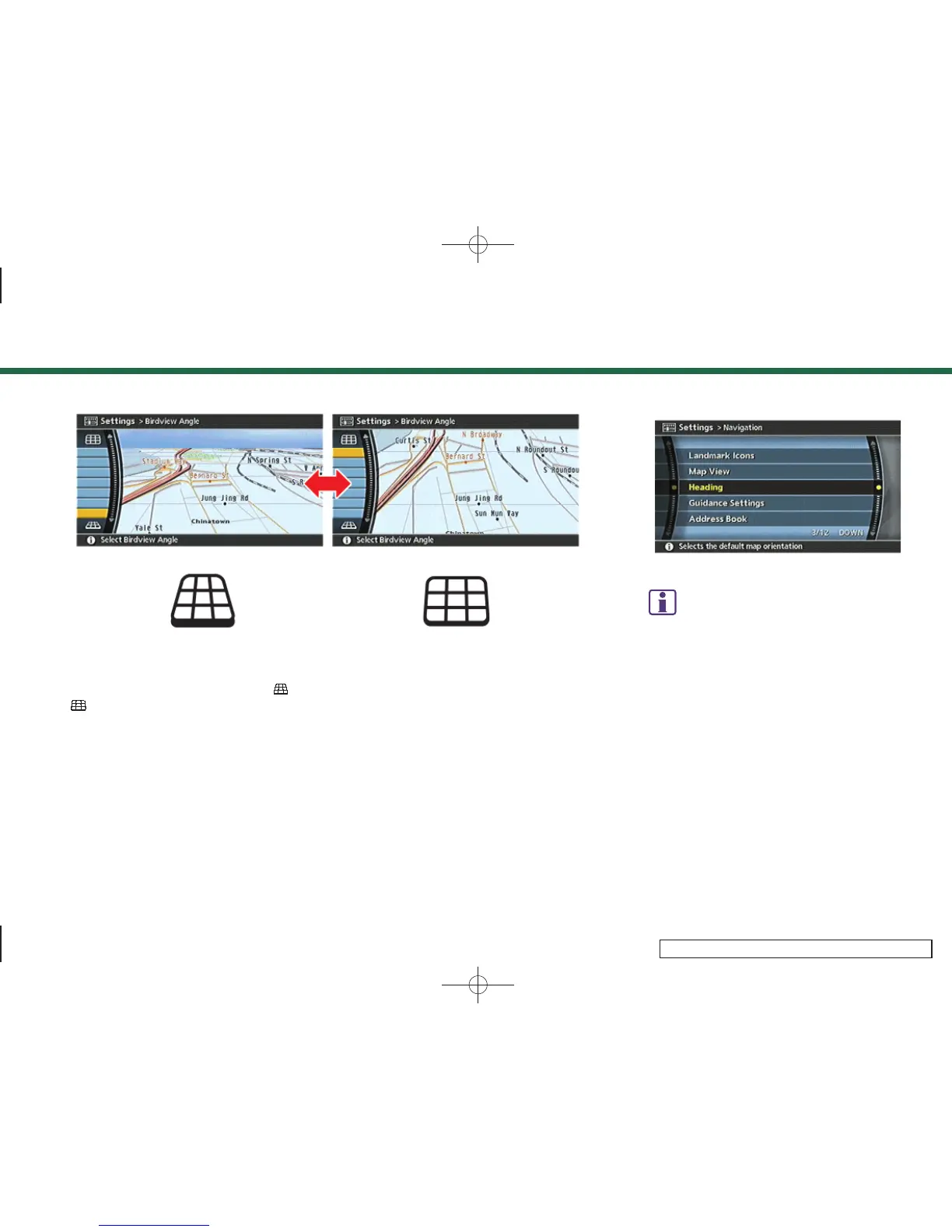
4. Adjust the Birdview
TM
angle by moving
the cursor in the direction of [
]or
[
].
5. Push <MAP> to return to the current
location map screen.
INV2477
INFO:
You can also set the Birdview
TM
angle using the
following procedure.
1)
Push <SETTING>.
2)
Highlight [Navigation] and push <ENTER>.
3)
Highlight [Heading] and push <ENTER>.
4)
Highlight [Birdview
TM
Angle] and push
<ENTER>.
3. Map settings
3-19



 To Next Page