Black plate (86,1)
Model "INFINITI_NAVI" EDITED: 2006/ 3/ 20
CHANGING THE SCALE OF THE LEFT
SCREEN
When the split screen is displayed, you can
change the scale of the left screen.
INV2635
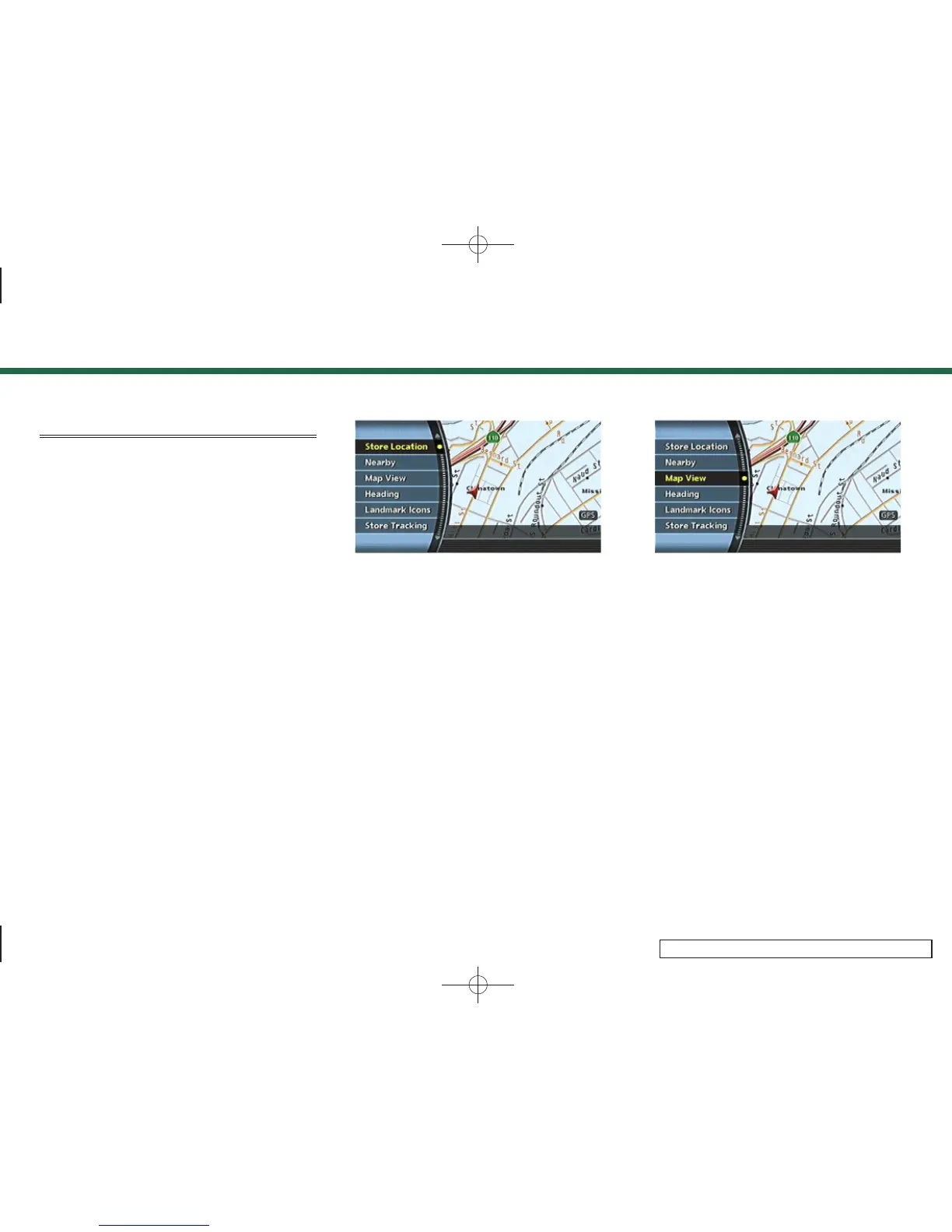
1. Push <ENTER> while the current location
map screen is displayed.
INV2469
2. Highlight [Map View] and push
<ENTER>.
3. Map settings
3-20



 To Next Page