Black plate (87,1)
Model "INFINITI_NAVI" EDITED: 2006/ 3/ 20
INV2485
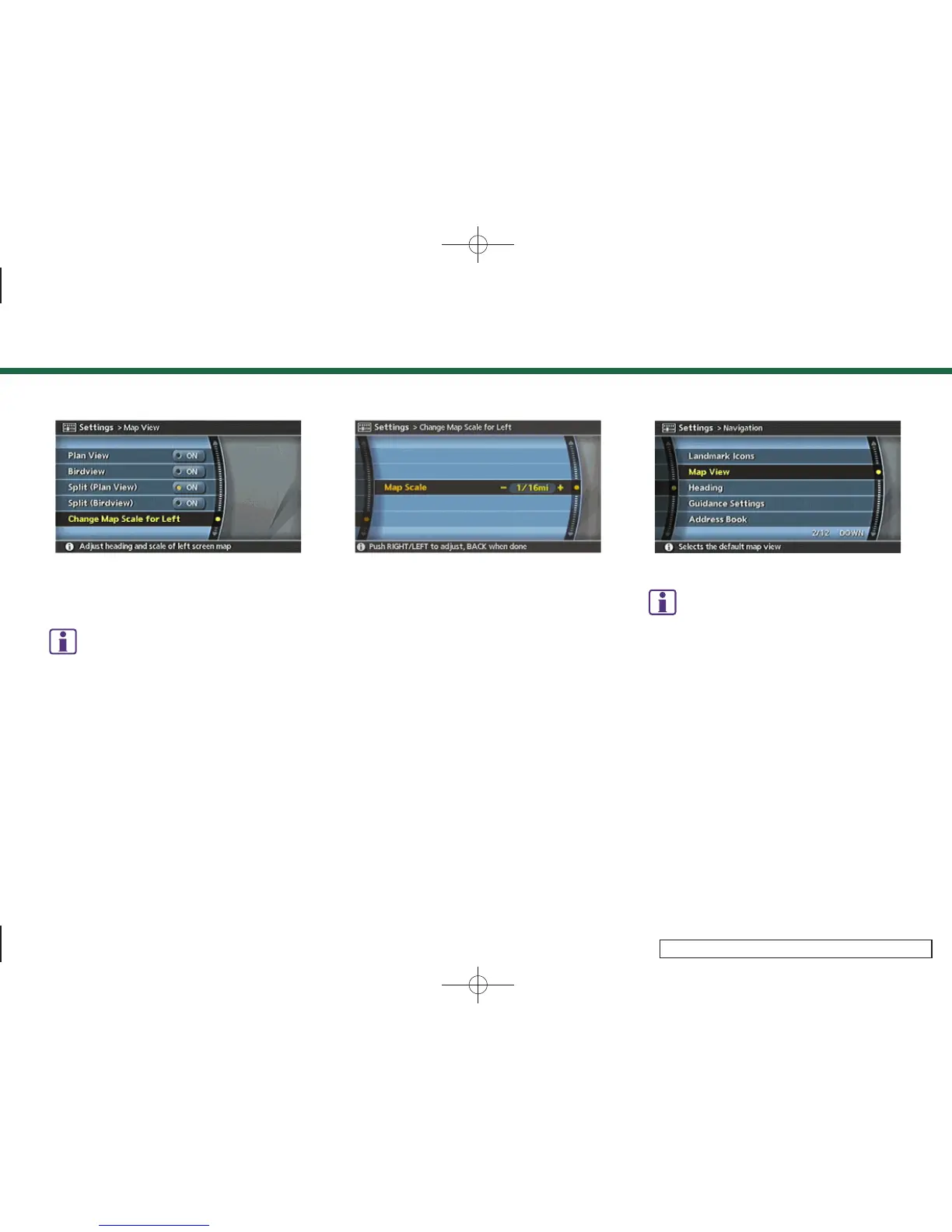
3. Highlight [Change Map Scale for Left]
and push <ENTER>.
INFO:
[Change Map Scale for Left] is displayed
only when the map view is in the Split (Plan
View) or Split (Birdview
TM
) mode.
INV2486
4. Highlight [Map Scale] and push
<ENTER>.
Adjust the map scale by moving the
cursor in the direction of [+] or [–].
After finishing the setup, push <ENTER>
or <BACK> to apply the scale setting.
5. Push <MAP> to return to the current
location map screen.
INV2465
INFO:
You can also change the scale of the left screen
using Push the following procedure.
1)
Push <SETTING>.
2)
Highlight [Navigation] and push <ENTER>.
3)
Highlight [Map View] and push <ENTER>.
4)
Highlight [Change Map Scale for Left] and
push <ENTER> .
3. Map settings
3-21


 To Next Page
 Loading...