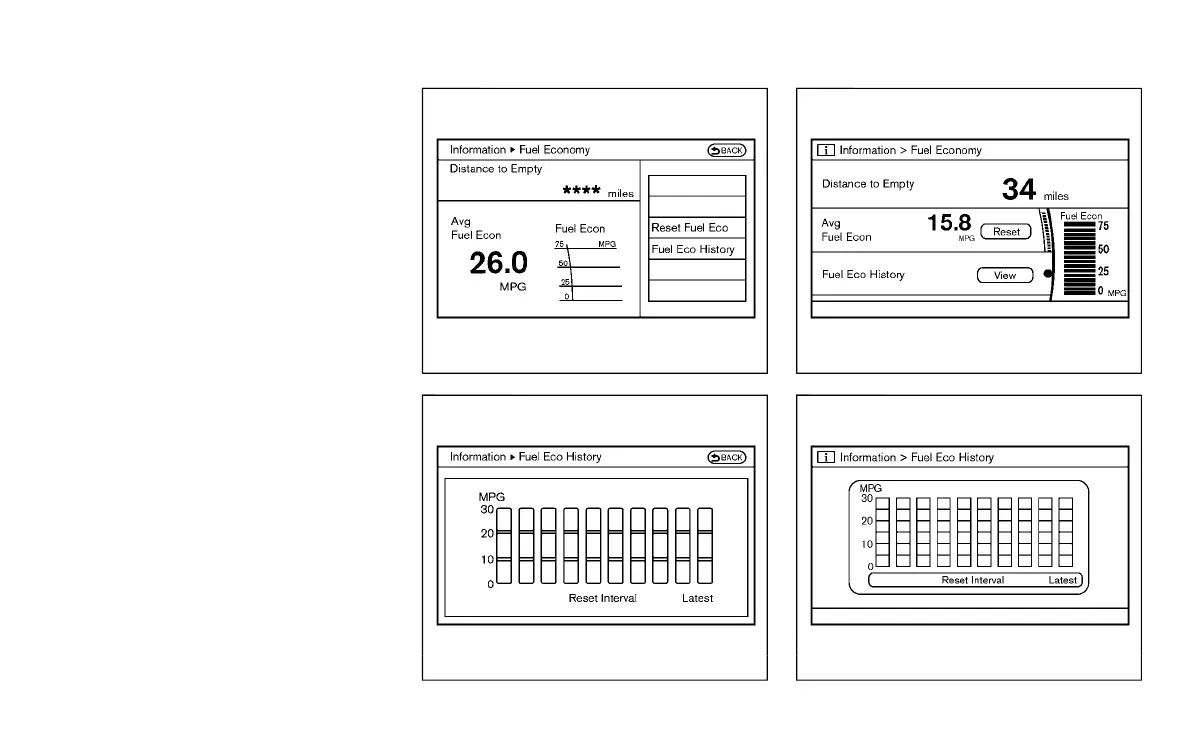
[ Edit: 2016/ 8/ 1 Model: 2017MY INFINITI Q70(Y51) OM17E00Y51U0 ]
1. Push the INFO button on the control
panel.
2. Select an item from the INFO menu.
3. After viewing or adjusting the informa-
tion on the following screens, push the
BACK button to return to the INFO
menu.
See the separate Navigation System Own-
er’s Manual for the following items:
. Infiniti Connection
. Traffic Info
. Weather Info
. Where am I?
. Map Update
. Navigation Version
. GPS Position
The “Tire Pressure” is displayed only when
the ignition switch is in the ON position.
When the ignition switch is in the ON
position, the “Navigation Version” and
“Map Update key” is displayed after
selecting the “Others” key.
JVH0995X
Models with navigation system
SAA2480
Models with navigation system
JVH0996X
Models without navigation system
JVH0181M
Models without navigation system
Monitor, climate, audio, phone and voice recognition systems 4-11
Condition:



 To Next Page