[ Edit: 2016/ 8/ 1 Model: 2017MY INFINITI Q70(Y51) OM17E00Y51U0 ]
and adjust it with the INFINITI controller.
For the details of “ECO DRIVE”, see “ECO
pedal system” (P.5-22).
DRIVER ASSISTANCE settings (if so
equipped)
Y51D-V-E01-FCB9045C-F1B4-4D3D-8296-E8E065CF5381
For the details of the “Driver Assistance”
settings, see the following items:
. “Lane Departure Warning (LDW) /Lane
Departure Prevention (LDP)” (P.5-24).
. “Blind Spot Warning (BSW)” (P.5-34).
. “Blind Spot Intervention
®
(BSI)” (P.5-
45).
. “Back-up Collision Intervention (BCI)”
(P.5-58)
. “Distance Control Assist (DCA)” (P.5-94)
. “Forward Emergency Braking (FEB)”
(P.5-108).
. “Predictive Forward Collision Warning
(PFCW)” (P.5-115)
SAA3008
Others settings (models with navi-
gation system)
Y51D-V-E01-BB9E5153-F415-4F72-8C7B-F01332A4AE7F
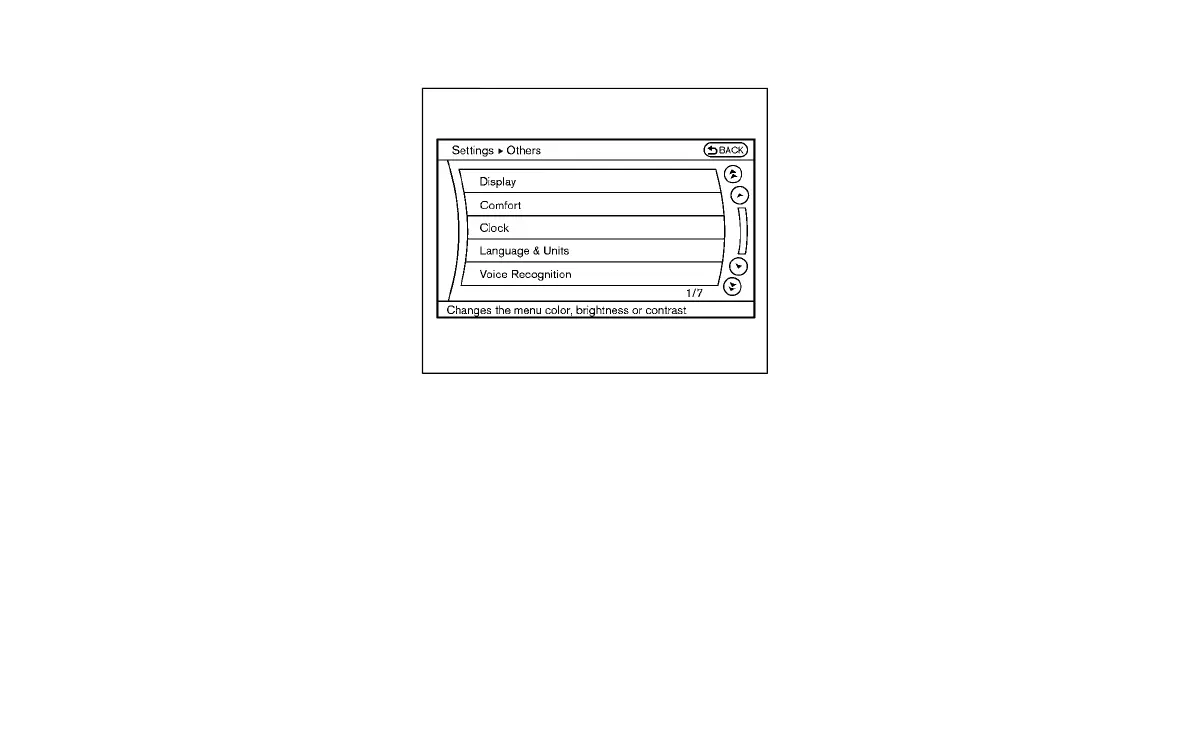
The Others settings display will appear
when pushing the SETTING button and
selecting the “Others” key.
The following items are available:
. Comfort
. Language & Units
. Voice Recognition
. Infiniti Connection
. Camera
. Image Viewer
Depending on the vehicle equipment,
pushing SETTING button will display the
following items.
. Display
. Clock
Monitor, climate, audio, phone and voice recognition systems 4-19
Condition:



 To Next Page