[ Edit: 2016/ 8/ 1 Model: 2017MY INFINITI Q70(Y51) OM17E00Y51U0 ]
. Use the displayed lines as a reference.
The lines are highly affected by the
number of occupants, fuel level, vehicle
position, road conditions and road
grade.
. Make sure that the trunk lid is securely
closed when backing up.
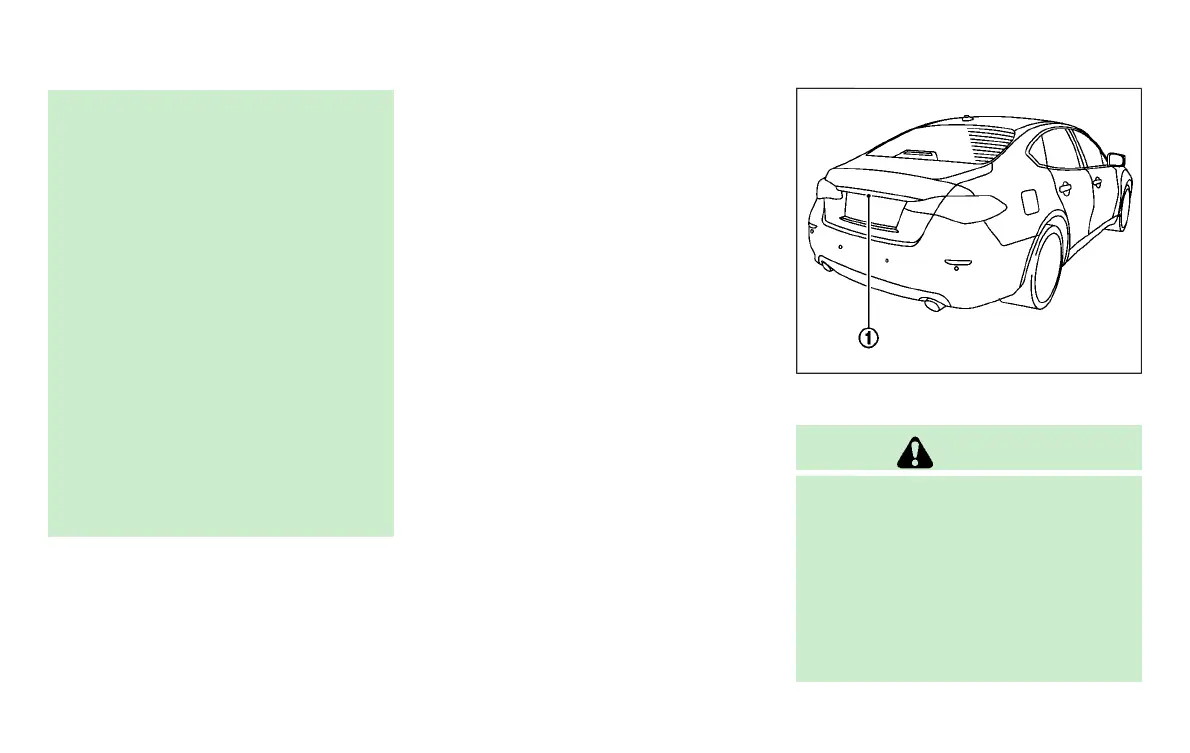
. Do not put anything on the rearview
camera. The rearview camera is installed
above the license plate.
. When washing the vehicle with high-
pressure water, be sure not to spray it
around the camera. Otherwise, water
may enter the camera unit causing water
condensation on the lens, a malfunction,
fire or an electric shock.
. Do not strike the camera. It is a precision
instrument. Otherwise, it may malfunc-
tion or cause damage resulting in a fire
or an electric shock.
The following are operating limitations and
do not represent a system malfunction:
. When the temperature is extremely high
or low, the screen may not clearly
display objects.
. When strong light is directly coming on
the camera, objects may not be dis-
played clearly.
. Vertical lines may be seen in objects on
the screen. This is due to strong
reflected light from the bumper.
. The screen may flicker under fluores-
cent light.
. The colors of objects on the RearView
Monitor may differ somewhat from the
actual color of objects.
. Objects on the monitor may not be clear
in a dark environment.
. If dirt, rain or snow accumulates on the
camera, the RearView Monitor may not
display object clearly. Clean the cam-
era.
. Do not use wax on the camera window.
Wipe off any wax with a clean cloth
dampened with mild detergent diluted
with water.
JVH1267X
SYSTEM MAINTENANCE
Y51D-V-E01-16C7552D-B5BC-4836-8F67-634EDD5F81E9
CAUTION
. Do not use alcohol, benzine or thinner to
clean the camera. This will cause dis-
coloration. To clean the camera, wipe
with a cloth dampened with diluted mild
cleaning agent and then wipe with a dry
cloth.
. Do not damage the camera as the
monitor screen may be adversely af-
fected.
Monitor, climate, audio, phone and voice recognition systems 4-31
Condition:


 To Next Page
 Loading...
