[ Edit: 2016/ 8/ 1 Model: 2017MY INFINITI Q70(Y51) OM17E00Y51U0 ]
4-32 Monitor, climate, audio, phone and voice recognition systems
If dirt, rain or snow accumulates on the
camera
*
1
, RearView Monitor may not
display objects clearly. Clean the camera
by wiping it with a cloth dampened with a
diluted mild cleaning agent and then
wiping it with a dry cloth.
GUID-F1ECAF8E-40C7-4834-9A06-C089B181D06B
JVH1270X
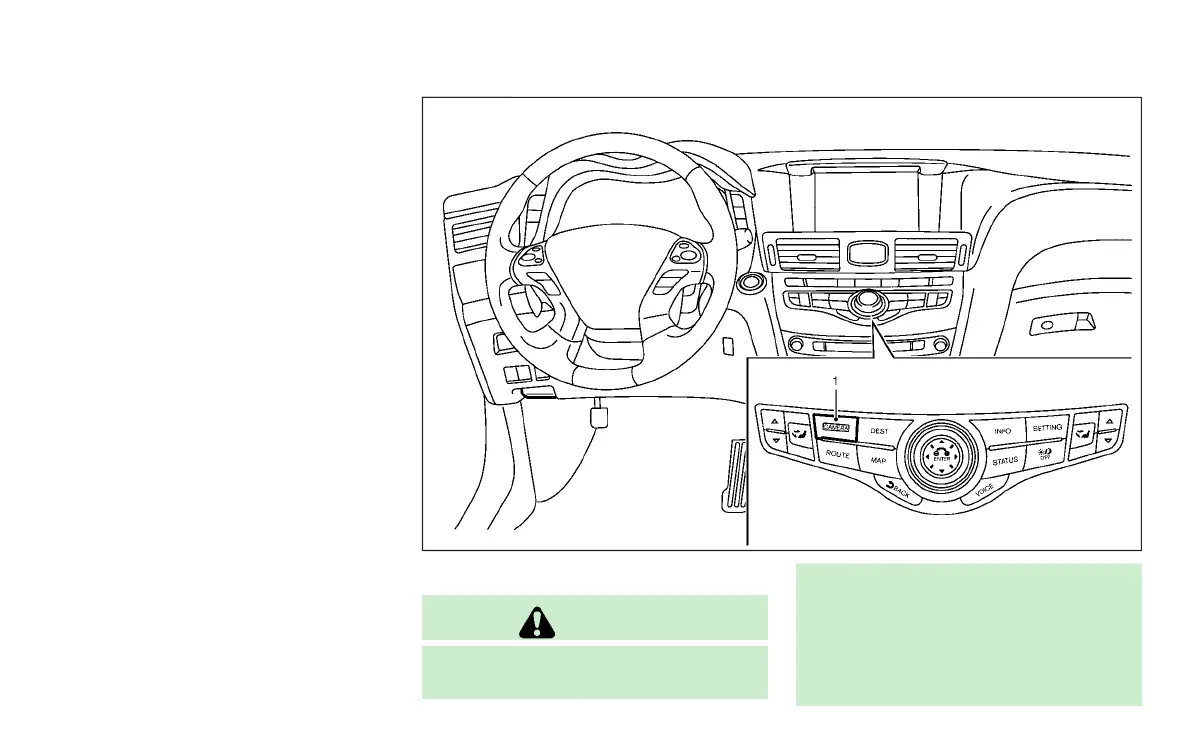
1. CAMERA button
WARNING
Failure to follow the warnings and instruc-
tions for the proper use of the Around View
®
Monitor system could result in serious
injury or death.
. The Around View
®
Monitor is a conve-
nience feature and is not a substitute for
proper vehicle operation because it has
areas where objects cannot be viewed.
AROUND VIEW
®
MONITOR (if so equipped)
Condition:



 To Next Page