[ Edit: 2016/ 8/ 1 Model: 2017MY INFINITI Q70(Y51) OM17E00Y51U0 ]
SAA2502
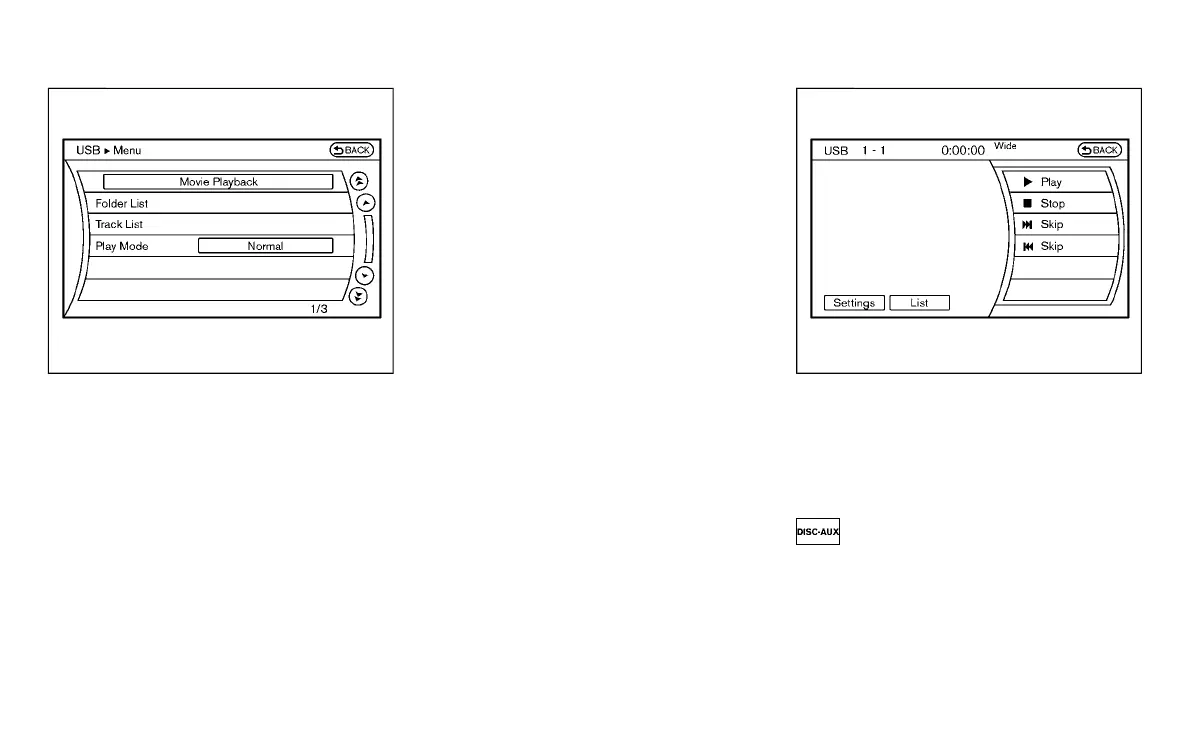
Menu (models with navigation system):
Y51D-V-E01-6596D553-827D-44C5-B9A4-9BD02E91D72D
There are some options available during
playback. Select one of the following
options that are displayed on the screen
if necessary. Refer to the following infor-
mation for each item.
. Movie Playback
Switch to the movie playback mode.
This item is displayed only when a USB
memory contains movie files.
. Folder List/Track List
Displays the folder or track list. The
“Movie Playback” key is also displayed
in this list screen, and enables switch-
ing to the movie playback mode.
. Play Mode
Select the preferred play mode.
SAA2503
Movie file operation (models with
navigation system)
Y51D-V-E01-41041172-55C4-455D-BABE-915665D00684
Park the vehicle in a safe location for the
front seat occupants to operate the USB
memory while watching the images.
PLAY:
Y51D-V-E01-842A06A2-D92C-4CB8-9C8B-6B6D412CBE99
When the DISC·AUX button is pushed with
the system off and the USB memory
inserted, the system will turn on.
If another audio source is playing and a
USB memory is inserted, push the
DISC·AUX button repeatedly until the cen-
ter display changes to the USB memory
Monitor, climate, audio, phone and voice recognition systems 4-85
Condition:



 To Next Page