7.4 SD card and Internal memory
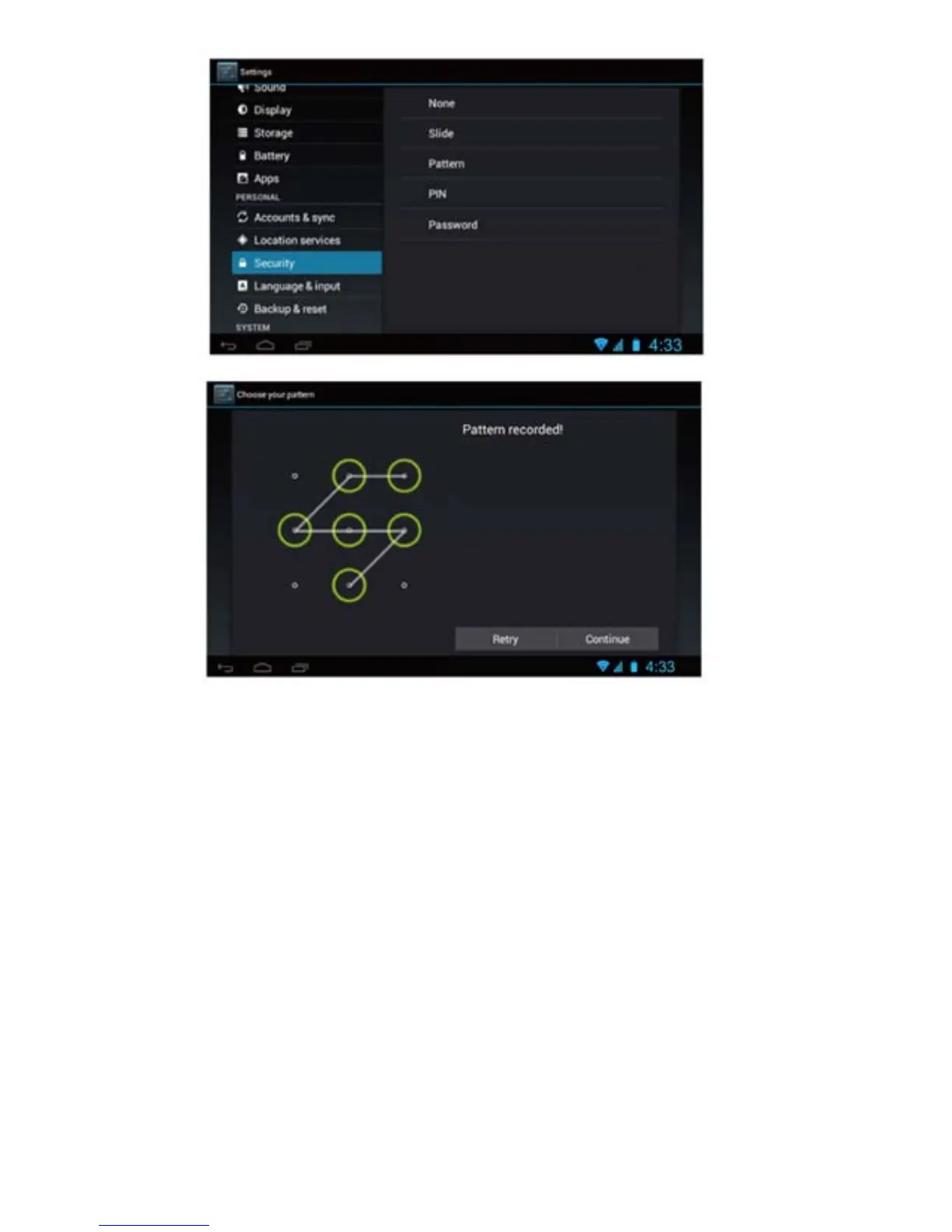
View SD card and MID memory available space
1. Tap the setting icon.
2. Tap memory.
3. View the available space on the SD card.
4. View internal memory space.
Safely remove the SD card.
Please follow this procedure when removing the SD card to prevent
damage to your SD card and files
1. Tap the setting icon.
2. Tap memory.
3. Tap remove SD card.
4. Pull out the SD card.
16



 To Next Page