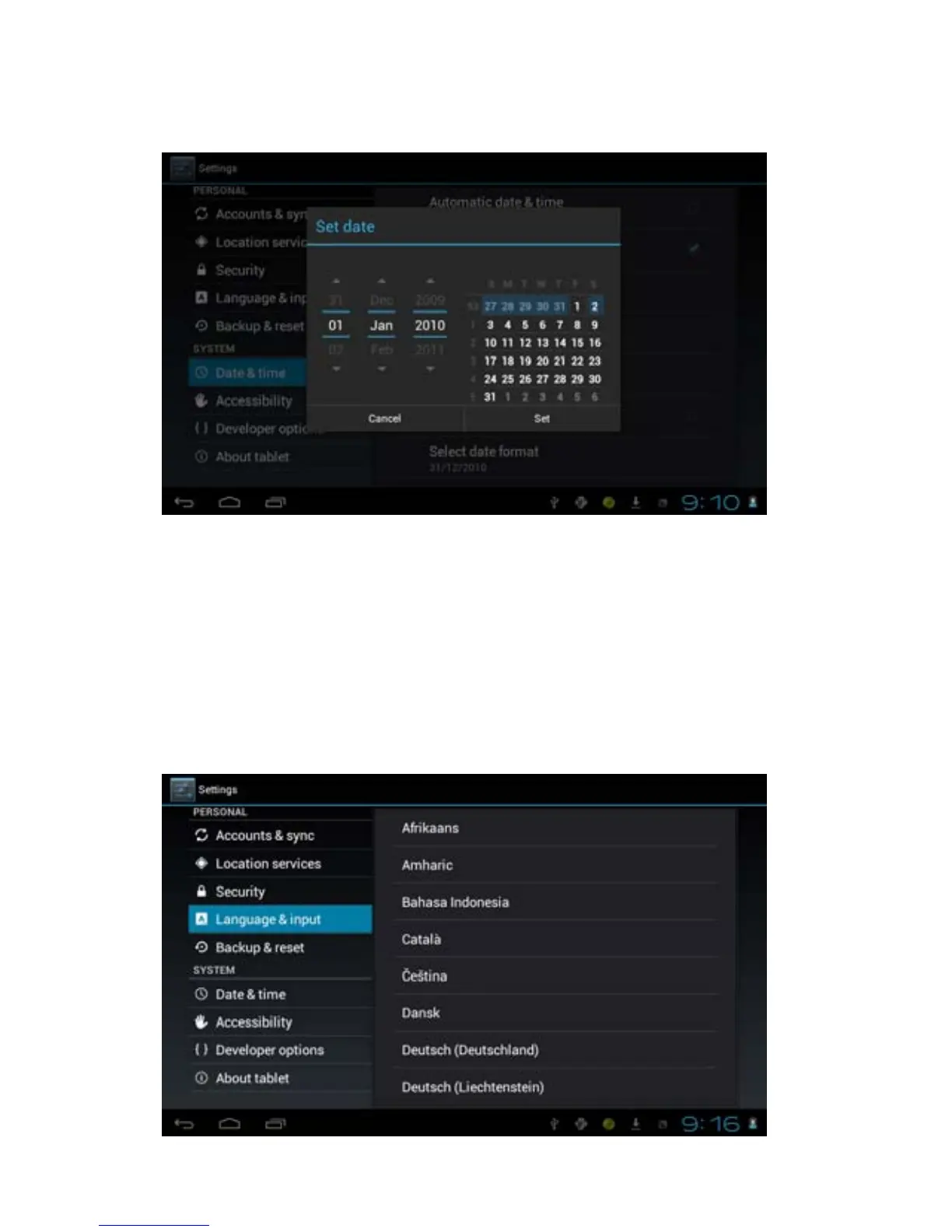
7.5 Date and Time
Manually adjust the date, time and time zone
1. Tap the setting icon.
2. Scroll the screen down, and tap date and time.
3. Tap time zone, and coose your zone in the list. scroll down to view
more zone information.
4. Tap choose date formats, and tap the date formats in MID.
7.6 Setting the display Language
17



 To Next Page