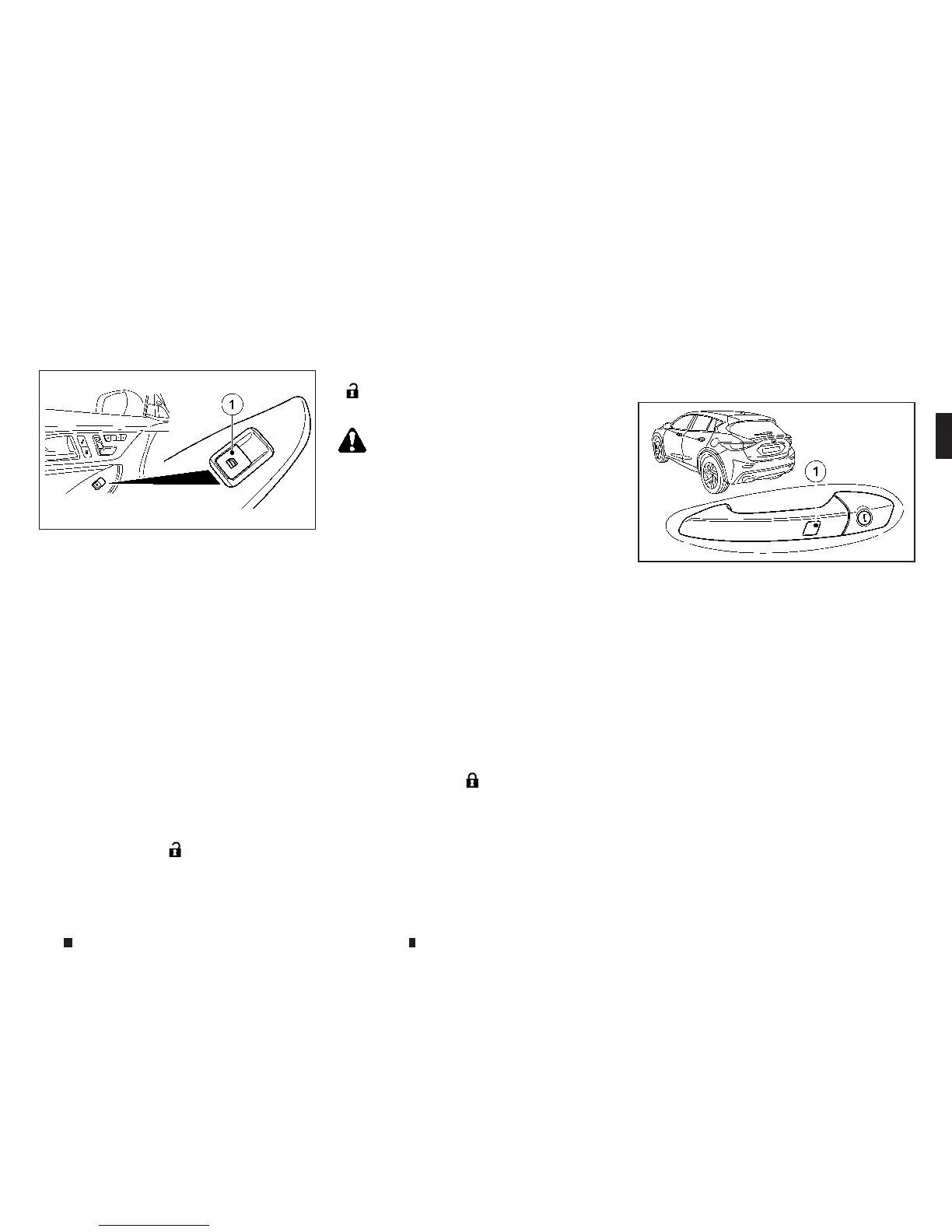
Passenger’s window switch
The passenger’s switch cancontrol its corre-
sponding window.
Convenienceopening feature
For vehicles with Intelligentkey: youcan venti-
late the vehicle before youstart driving.The key
canalso be used to carryout the followingfunc-
tionssimultaneously:
•
Unlock the vehicle
•
Open the side windows
NOTE
The convenienceopening feature canonlybeoper-
ated using the key.
The keymustbeinclose proximity to the vehicle.
Pressand hold the
m
button until the side
windows are in the desired position.
To interrupt convenienceopening: releasethe
m
button.
Convenienceclosingfeature
WARNING
When theconvenienceclosing feature is operating,
parts of the body could become trapped in the closing
area of the side window.There is ariskofinjury. Ob-
servethe complete closing procedure when the con-
venienceclosingfeature is operating. When closing
make sure that no parts of the body are in the closing
area.
For vehicles with Intelligentkey: The keycan
also be used to carryout the followingfunctions
simultaneously:
•
Lock the vehicle
•
Close the side windows
Thedriver’s door and the door at whichthe
handle is used must both be closed. The key
must be outside the vehicle. The gapbetween
the keyand the corresponding door handle
should notbegreater than 1m.
Pressand hold the
m
button until the side
windows are fully closed.
To interrupt convenienceclosing: releasethe
button.
Youcan also usethe keylesslocking feature to
activate convenienceclosing:
Touchrecessed sensor surface
j
1onthe door
handle until the side windows are fully closed.
NOTE
Make sureyouonlytouchrecessed sensor surface
j1.
To interrupt convenienceopening: releasethe
recessed sensor surface
j
1onthe door handle.
Resetting the side windows
If aside window cannolonger be closed fully,
youmustreset it.
1. Switch the ignition switch to the ON position.
2. Close the door.
3. Pull the corresponding switch on thedoor
control panel until the side window is com-
pletelyclosed
4. Hold theswitchfor an additional second.
NIC2640
NPA1478
Instrumentsand controls 2-67


 To Next Page
 Loading...