Screen settings
Thedisplay canbeturned on/off and the image
quality of the display canbeadjusted inthis
menu.
1.Push<MENU>.
2. Touch[Settings].
3. Touch[Screen].
4. Touchthe preferred item to be adjusted.
Display settings
1. Push <MENU> andtouch[Settings].
2. Touch[Screen] and touch[Display Settings].
Available settings
[Brightness] Adjust the brightness.
[Contrast] Adjust the contrast.
[BlackLevel] Adjust the black level.
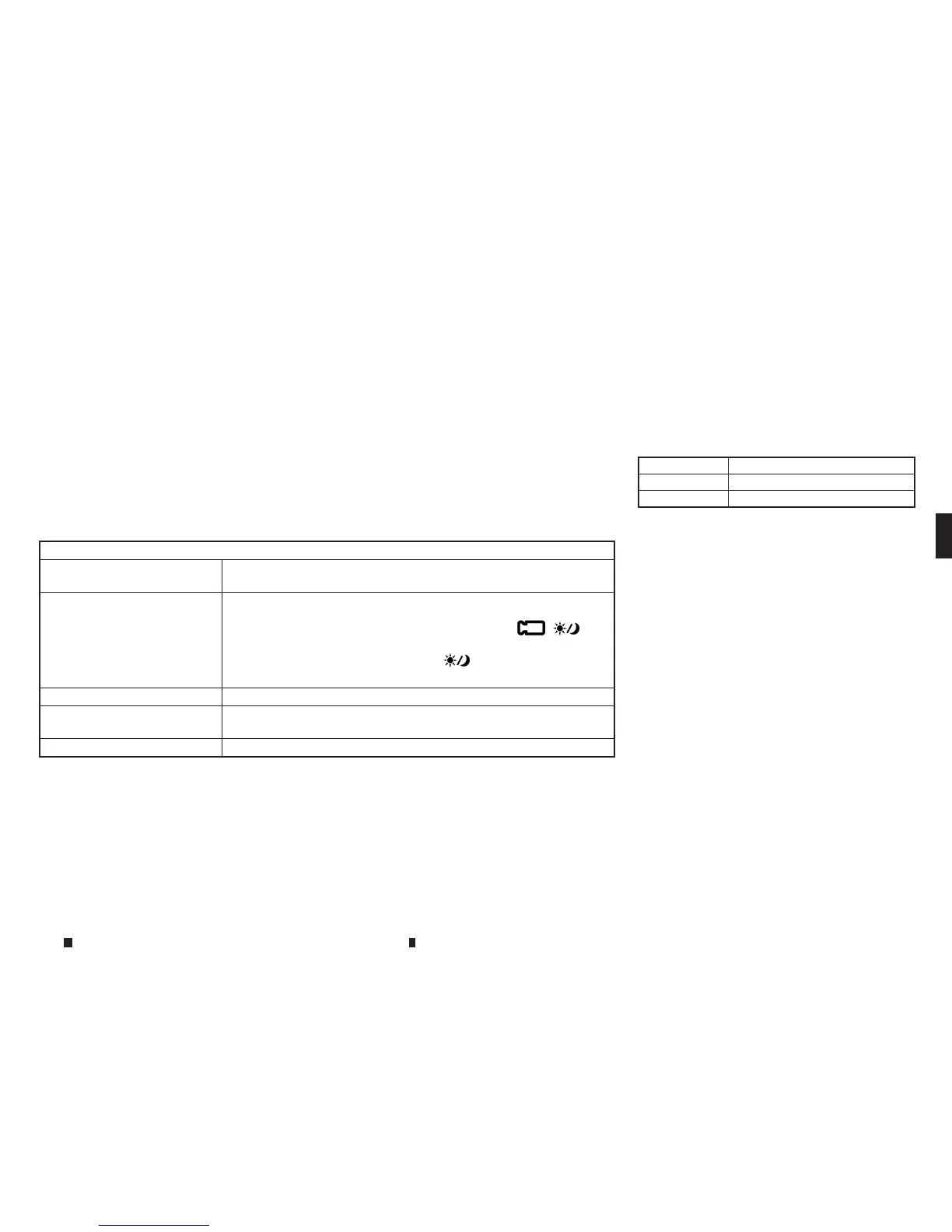
Available items
[Display Settings] Adjust the imagequality of the display.
See “Display settings” later in thissection
[Display OFF] Turnsthe screen off.
To turn the display backon, push and hold <CAMERA
m
/
m
>
(modelswith Around View Monitor) or <
m
> (models without
Around View Monitor) for more than 2seconds.
[Day/Night] Adjust the screen brightness.
[ChangeMap Colour]* Toggles the mapcolour between the daytime mode and the night
time mode.
[ResetSettings] Return the display settings to default.
*: Formodels with navigation system.
Display screen,heater and air conditioner,and audio system 4-9



 To Next Page