Edit shortcut menu:
The followingprocedure canbeused to edit or
sortthe shortcut menu.
1.Select[SelectAdd/Edit]toregisteranew item
to the menu, or to changeanexisting menu
item.
2. Select the preferred setting.
•
[ChangeOrder]
Change the order in whichshortcut menu
itemsare shown.
•
[SelectShortcut Items]
Select itemstobedisplayed inthe shortcut
menu.
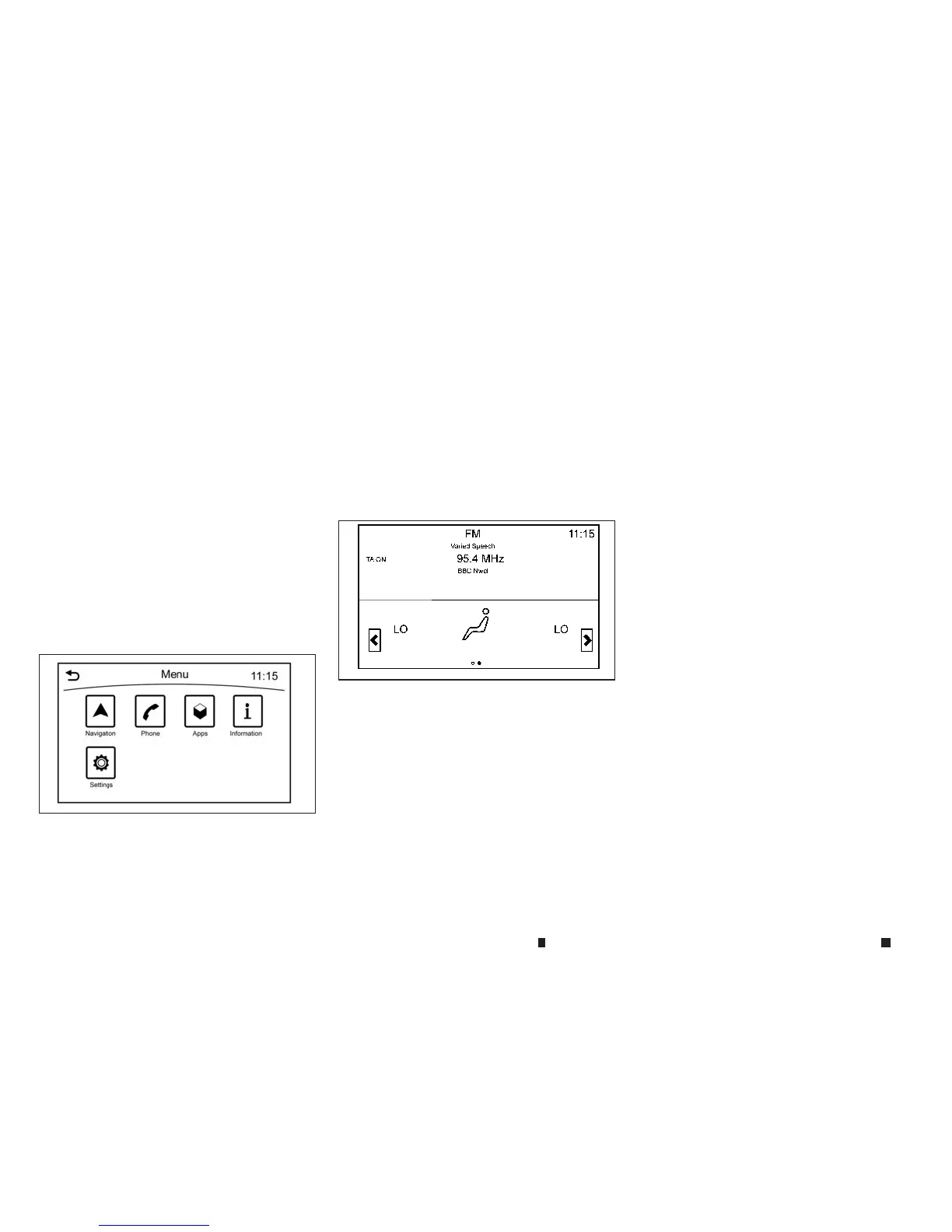
MENUBUTTONOPERATION
Push <MENU> to display functionsonthe dis-
play.
•
[Navigation]
•
[Phone]
•
[Apps]
•
[Information]
•
[Settings]
SYSTEM STATUS SCREEN
By pushing <STA TUS> on the audio switch the
current status of the system canbedisplayed.
Models
with navigation system:
Touch [<]/[>] to switch between air conditioner
status andnavigation route information screen.
ITEMSTOBESET INITIALLY
The initialsetting operationsincluded in this
sectionshould be performed before using the
system forthe first time.
NAA1651
NAA1652
4-8 Display screen, heater and air conditioner,and audio system


 To Next Page
 Loading...