j
3
Touch[Delete] to delete the lastcharacter
entered.
Touchand hold [Delete] to delete allthe
characters entered.
j
4
Touch[Change] to changethe type of
keyboard.
j
5
Touch[Space] to enter aspace.
j
6
Touch
m
or
m
to move the cursor.
j
7
Touch[CAPS] to toggle between upper and
lower case letters.
•
Touch[List] to display alistofmatched items.
•
When [And]isdisplayed, multiple word searchis
possible. Touch[And] between the words youen-
ter.
HOWTOOPERATE DISPLAY
Touchscreen display
To operatethe display,touchthedisplaydirectly
or usethe INFINITI controller.
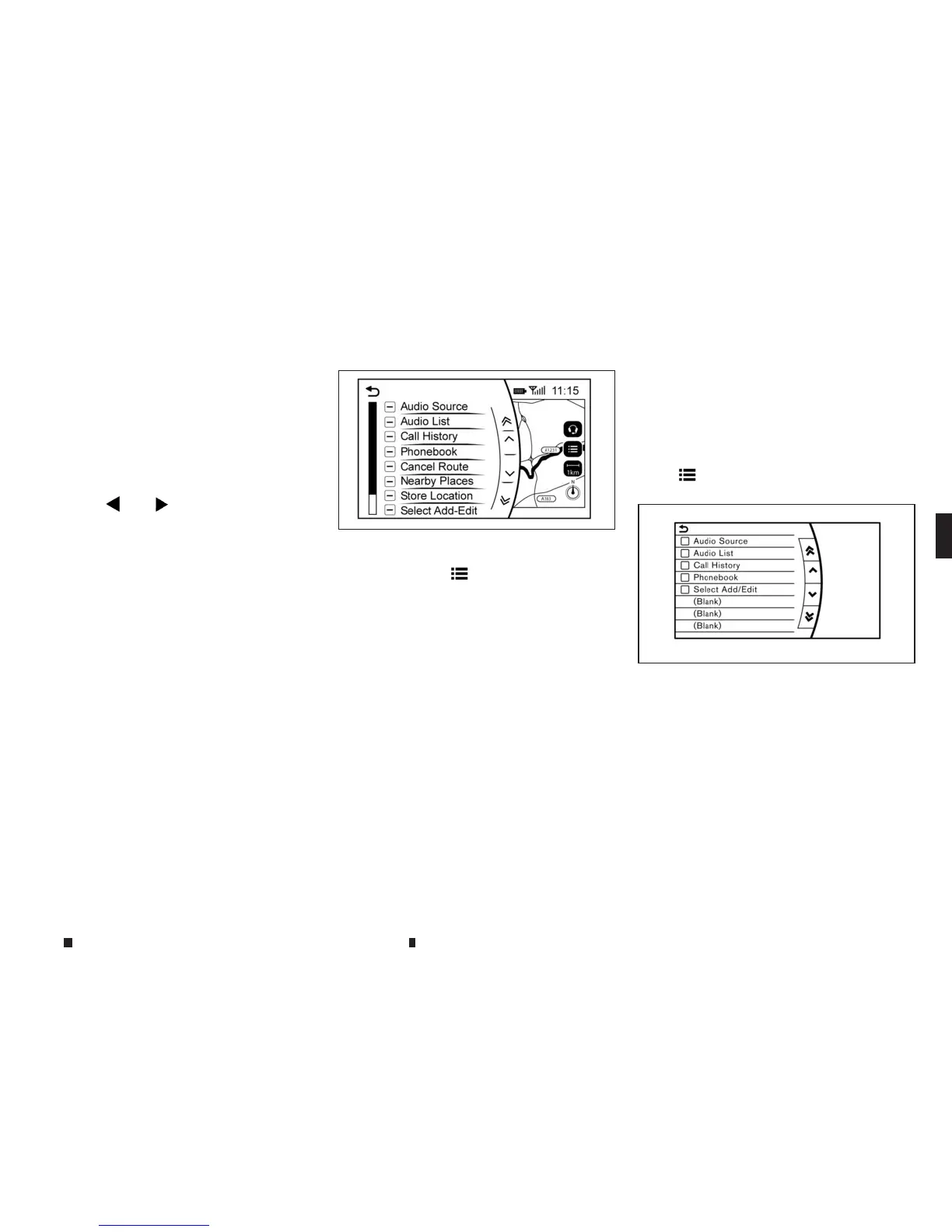
Shortcut menu
Models with navigation system:
The shortcut menu canbedisplayed on the dis-
play.The display maydiffer depending on the
conditionsofthe current mapscreen.
Whilethe current vehicle location is displayed
on the map, push <
m
/OK> on the INFINITI con-
troller to displaythe shortcut menu on the dis-
play.
Available items:
•
[Audio Source]
•
[Audio List]
•
[CallHistory]
•
[Phonebook]
•
[Cancel Route]*
•
[NearbyPlaces]*
•
[Store Location]*
•
[View Settings]*
•
[Store Location]*
•
[Select Add/Edit]*
*For these items see the separately provided
navigation manual (where fitted).
Models without navigation system:
The shortcut menu canbedisplayed on the dis-
play.
Push <
m
/OK> on theINFINITI controller to dis-
play theshortcut menu.
Avai
lableitems:
•
[Audio Source]
•
[Audio List]
•
[CallHistory]
•
[Phonebook]
•
[SelectAdd/Edit]
NAA1650
5GH0183XZ
Display screen,heater and air conditioner,and audio system 4-7


 To Next Page
 Loading...