5. When the vehicle is parked in the spacecom-
pletely, pressthe P(Park) button and apply
theparking brake.
HOWTOSWITCH THE DISPLAY
The view on the Around View Monitor screen can
be switched by pressing the <CAMERA> button
or by changing the shift lever position.
Pressthe <CAMERA> button:
When the <CAMERA> button is pushed while a
screen other than acamerascreen is displayed,
theAround View Monitor operates and the front
view and bird’s-eye view are displayed. Push
the<CAMERA>button to switch the display tothe
frontview and front-side view screen.
j
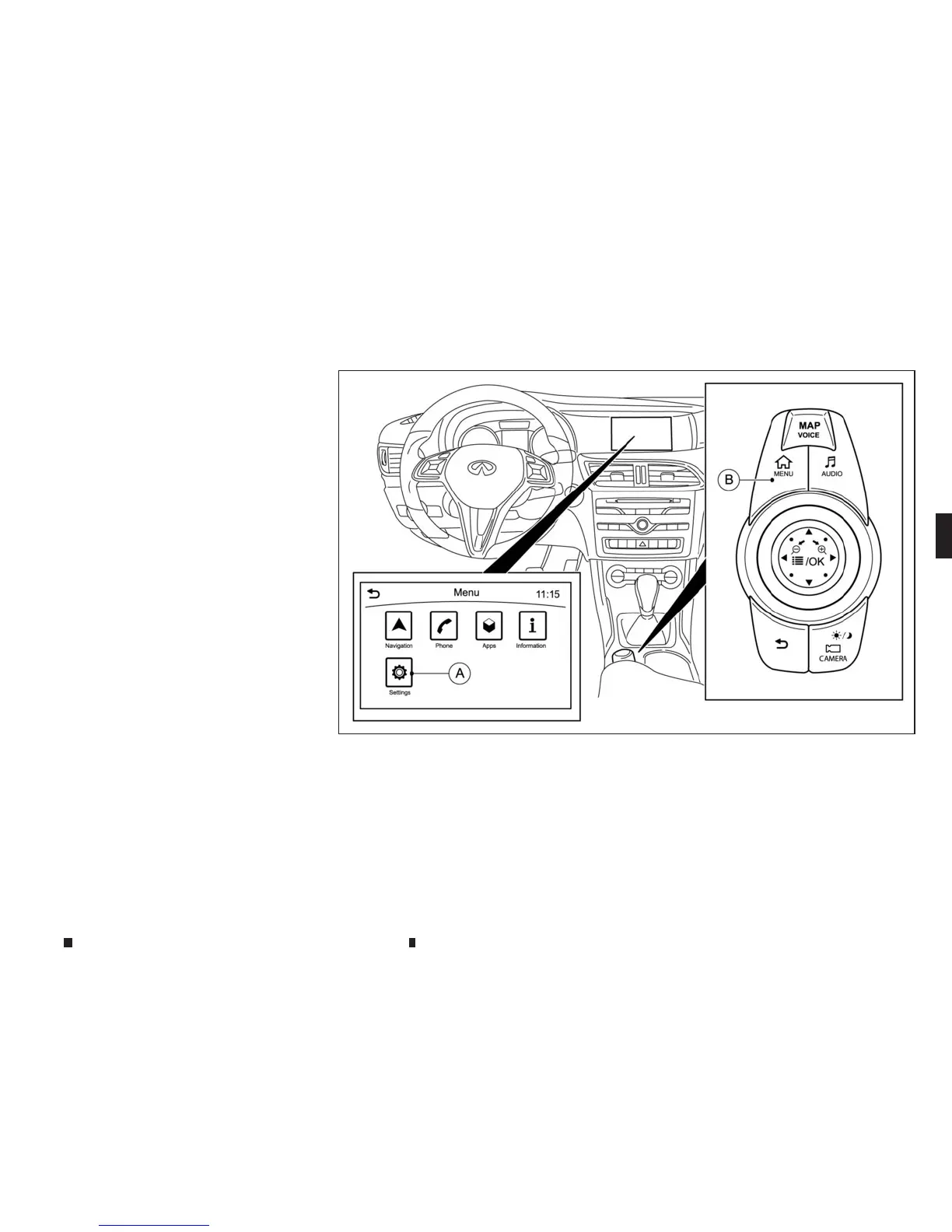
A
[Settings] key
j
B
<MENU> button
AROUND VIEW MONITORSETTINGS
AroundView Monitor settings canbechanged
using the followingprocedure:
1. Push the <MENU> button
j
Bonthe INFINITI
Controller and touch[Settings]
j
Ainthe ve-
hicleinformation display.
2. Touch[Camera]/[Display]
NSD628
Display screen, heater and air conditioner,and audio system 4-27



 To Next Page