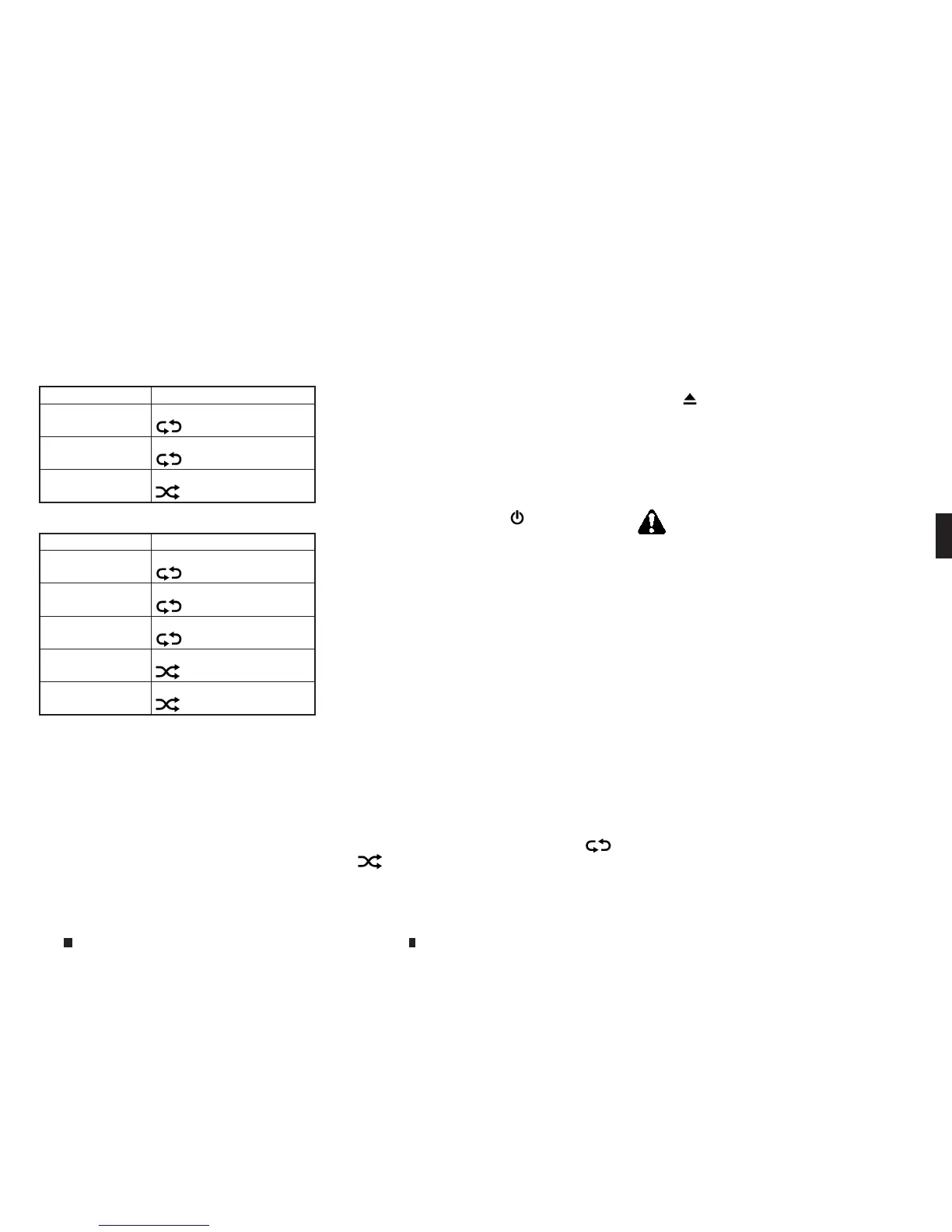
ForCDs without compressed audio files:
Mode Screen display
Disc Repeat
m
Disc
1Track Repeat/
Repeat track
m
1Track
Disc Random
m
Disc
ForCDs with compressed audio files:
Mode Screen display
Disc Repeat
m
Disc
1Folder Repeat
m
1F
older
1Track Repeat/
Repeat Track
m
1Track
Disc Random/
m
Disc
1Folder Random
m
1Folder
CD player operation
Loading:
Insertthe CDinto the slot with thelabel side fac-
ing up.The CD will be guided automatically into
theslot and starts playing.
After loading theCD, the CD screen will appear
on thedisplay.
Activation and playing:
TheCDmode canbeselected from the source
list or by pushing the <MEDIA> buttonwith aCD
loaded to play the CD.
Fordetails, see
“Selecting audio source” earlier in
thissection
and
“Main audio buttons” earlier in this
section
.
If the system has been turned off while the CD
was playing, pushing <VOL/
m
> will startthe
Audio system set to the CD screen.
Selecting track/folder:
Touch[Track] or [Folder] in the CD menu and se-
lect apreferred trackorfolder from the list.
Push <SEEK•TRACK> to move to the next or pre-
vioustrack.
ForCDs with compressed audio files, push
<TUNE•FOLDER> to move to the next or previous
folder.
Fordetails, see
“Mainaudio buttons” earlier in this
section
.
Fast-forwarding/rewinding:
Pu
sh and hold
<
SE
EK•TRACK>
to
fa
st-forward or
rewind the track.
Re
le
as
e<
SE
EK•TRACK> to play
th
et
ra
ck
at normal speed.
Changing play mode:
Touch[Play Mode] or the play mode icon ([
m
]
or [
m
]) to select theplaymode.
Ejecting CD:
Push <
m
> to eject the CD.Ifthe CD is ejected
and left unremoved, it will be reloaded into the
slot to protectthe CD.
USB(UNIVERSAL SERIAL BUS)
CONNECTION PORT
Connecting USB memorydevice
WARNING
Do not connect, disconnect or operate the USB device
while driving. Doing so canbeadistraction. If dis-
tractedyou could lose control of your vehicle and
causeanaccident or seriousinjury.
CAUTION
•
Do not forcethe USB deviceinto the USB port. In-
sertingthe USB devicetilted or upside down into
the portmay damagethe port. Makesure that the
USB deviceisconnected correctly to the USB port.
•
Do notgrab the USB portcover (where fitted)when
pulling the USB deviceout of the port. Thiscould
damagethe portand the cover.
•
Do not leave the USB cableinaplace where it can
be pulled unintentionally.Pulling the cablemay
damagethe port.
Refer to your devicemanufacturer’s owner infor-
mation regarding the proper useand care of the
device.
Display screen, heater and air conditioner,and audio system 4-63


 To Next Page
 Loading...