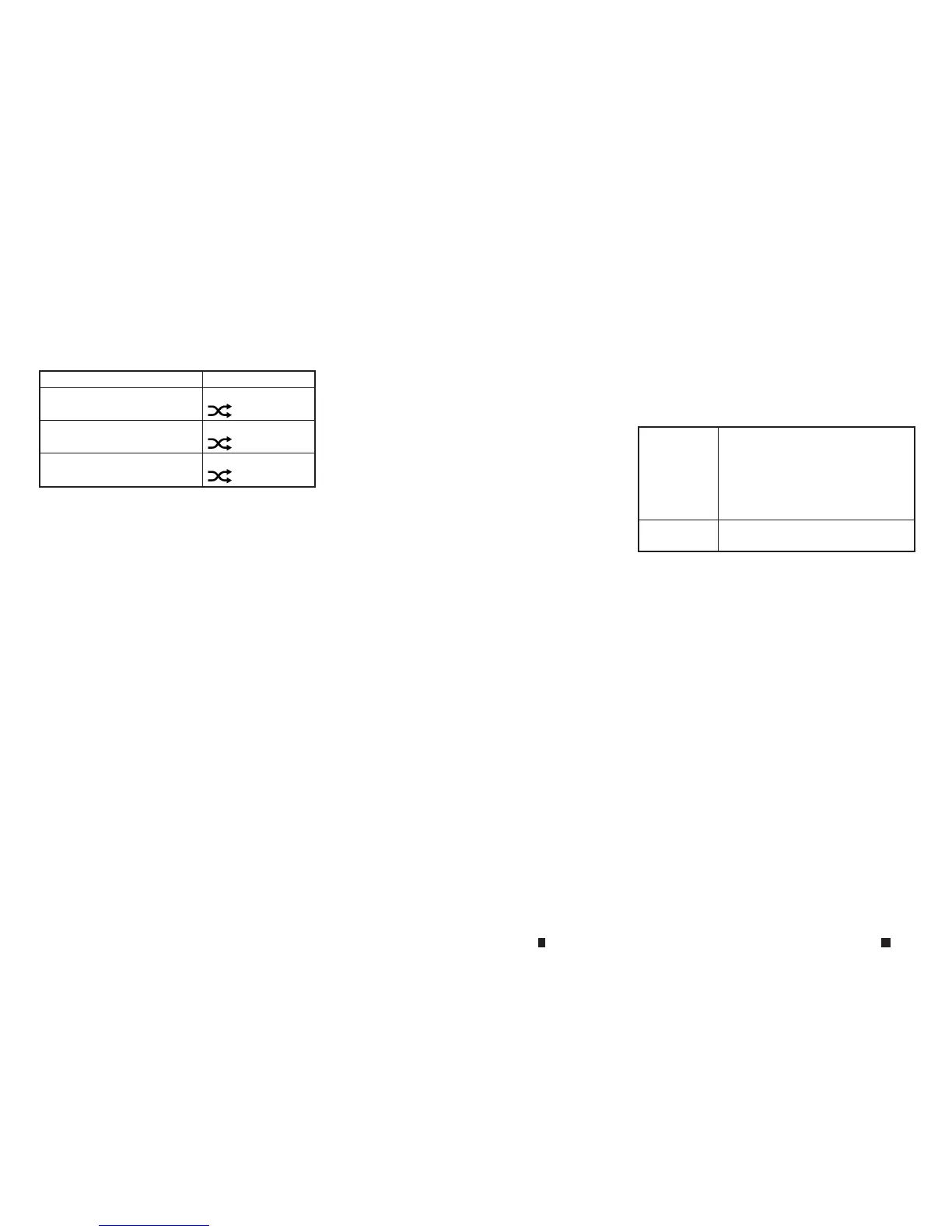
Mode Screen display
AllRandom
m
All
1Folder Random
m
1Folder
Random Off
m
OFF
Dependingontheaudiodevicethatisconnected
to the vehicle, trackinformation maynot be dis-
played.
Bluetooth® streaming audio
operation
Theability to pause, changetracks, fast-
forward, rewind, randomise and repeat music
maybedifferent between devices. Some or all
ofthesefunctionsmaynot be supported on each
device.
•
Dependingonthe Bluetooth® streaming audio de-
vice that is connected, it maynot be possibleto
perform audio operations.
•
Dependingonthe Bluetooth® streaming audio de-
vice that is connected, atime lagmay occur before
musicisplayed back.
•
Depending on the application except for the native
audio application that is played on the Bluetooth®
streaming audio device, incorrectbehaviour (infor-
mation lacking, timer skipping, etc.) mayoccur.
Activation and playing:
Bluetooth® streamingaudio devicecan be se-
lected from audio sources list by touching
[Source] or by pushing <MEDIA>.
“Selecting audio source” page 4-58
“Main audio buttons” page4-57
To play the Bluetooth® streaming audio device,
touch[Play], and to pause the Bluetooth®
streamingaudio devicetouch[Pause] in the
Bluetooth® streaming audio menu.
Selecting folder/track:
Touch[Folder/Track]toselect afolder/track.
Changing play mode:
Touch[Repeat] or [Random] in the Bluetooth®
streaming audio menu to changethe play mode.
Fast-forwarding/rewinding:
Push and hold <SEEK•TRACK> to fast-forward or
rewind the song. Release<SEEK•TRACK> to play
thesong at normal speed.
Skipping songs/folders:
Push <SEEK•TRACK> to skip to the next or previ-
oussong.
To skip to the next or previousfolder,Push
<TUNE•FOLDER>.
Bluetooth® streaming audio controls
Touch[Control] on the Bluetooth® Audio opera-
tion screen to display the control screen.
[Select
Device]
Touchtoselect adifferent
Bluetooth® streaming audio
devicefrom alist of registered
Bluetooth® devices.
See “Bluetooth® settings” later
in this section
[Pair Device] Touchtoconnect anew
Bluetooth® device.
4-70 Displayscreen, heater and air conditioner,and audio system


 To Next Page
 Loading...