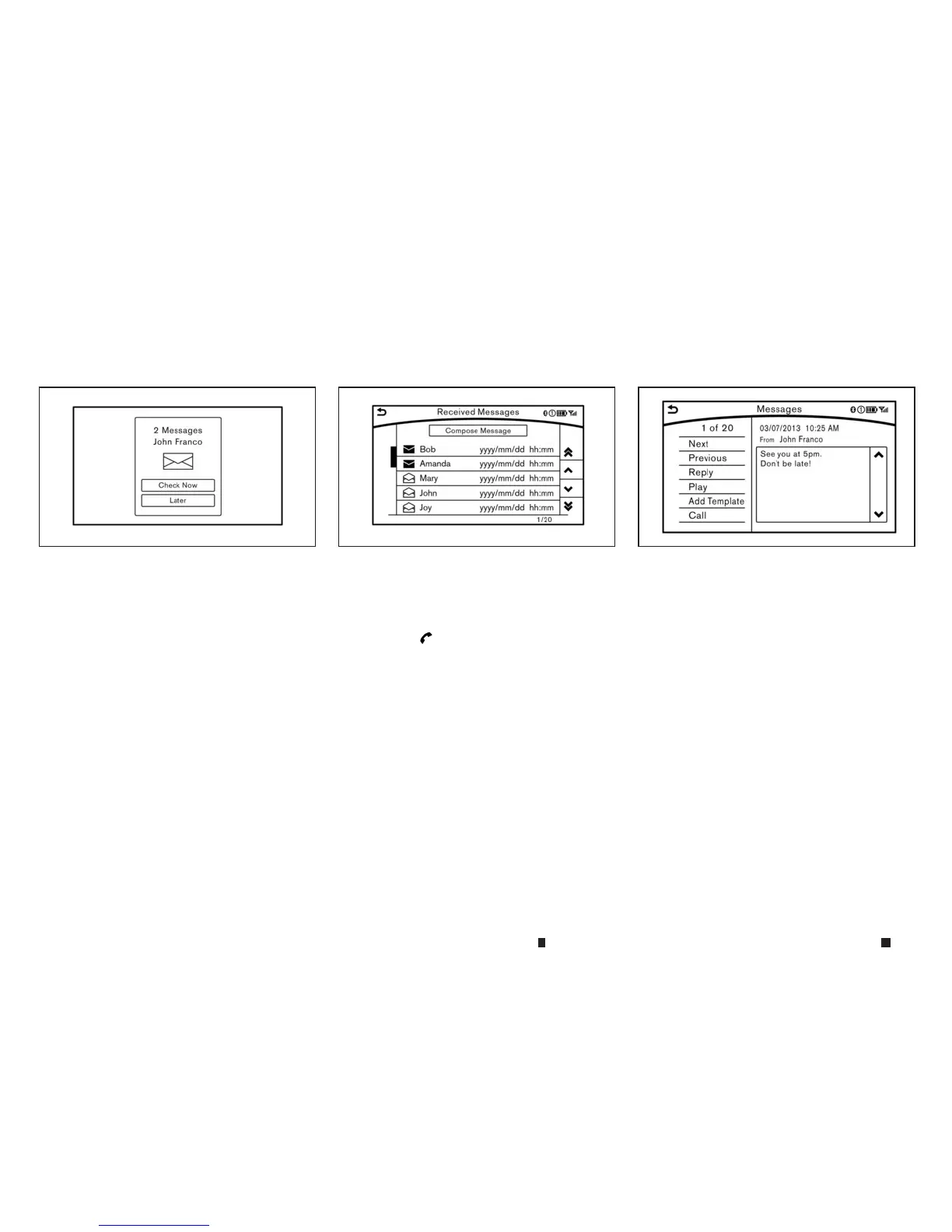
Receiving amessage
When the mobile phone connected to the ve-
hicle receives atext message, anotification is
displayedon thedisplayaccompaniedbyatone.
To checkthe message,touch[CheckNow].Touch
[Later]tosavethe message to be checkedlater.
Using the text message function with iPhone. If
youwould liketouse the text messagefunction
with your iPhone, pleasemakethe below steps.
1) Connect iPhone to the Bluetooth® Hands-
FreePhone System.
2) Disconnect iPhone from vehicle setting
menu.
3) Turn “Show Notification” ON from Blue-
tooth® setting menu on your iPhone.
4) Connect iPhone from vehicle setting menu.
Displaying received message list
1. To display the phone menu screen, take one
of the following actions:
•
Push <MENU>
and touch[Phone].
•
Push <
m
> on the steering wheel or
INFINITI controller (models without navi-
gation system).
2. Touch[Text Messages].
3. Touchanitem on the list to read or to reply to
the message.
Up to 20 messages canbestored on the mes-
sage list.
Received message screen
Touching [CheckNow] on the new message noti-
fication screen or selecting amessage from the
messagelistwillshow details of the received
messageonthe display.
Availableactions:
•
[Next]:
Touchtoreadthe next message.
•
[Previous]:
Touchtoreadthe previousmessage.
•
[Reply]:
Areply templatecan be selected.
“Sending atext message” later in thissection
•
[Play]/[Stop]:
Touch[Play] to have the hands-free phone
systemreadoutthe received message.Touch
[Stop] to stop reading.
5GF0038XZ 5GF0040XZ NAA1656
4-80 Displayscreen, heater and air conditioner,and audio system


 To Next Page
 Loading...