•
[Add Template]:
Thereceived text messagecan be added to
the template (text list).
•
[Call]:
Ifthe sender of the message is registered in
the Phonebook,touchthismenu to make a
call to the sender.
•
After the message is read out, amessage boxwill
appear andanaction canbeselected.
[Reply]Createareply message.
“Sending atext message” later
in thissection
[Next] Have thesystem read out the
next message.
•
If the sender’sname and addressisregistered in
the Phonebook, the name of the sender is dis-
played as sender information on the screen.
Sendingatext message
To display the phone menu screen, take one of
the following actions:
•
Push <MENU>
and touch[Phone].
•
Push <
m
> on the steering wheel or INFINITI
controller (models without navigation sys-
tem).
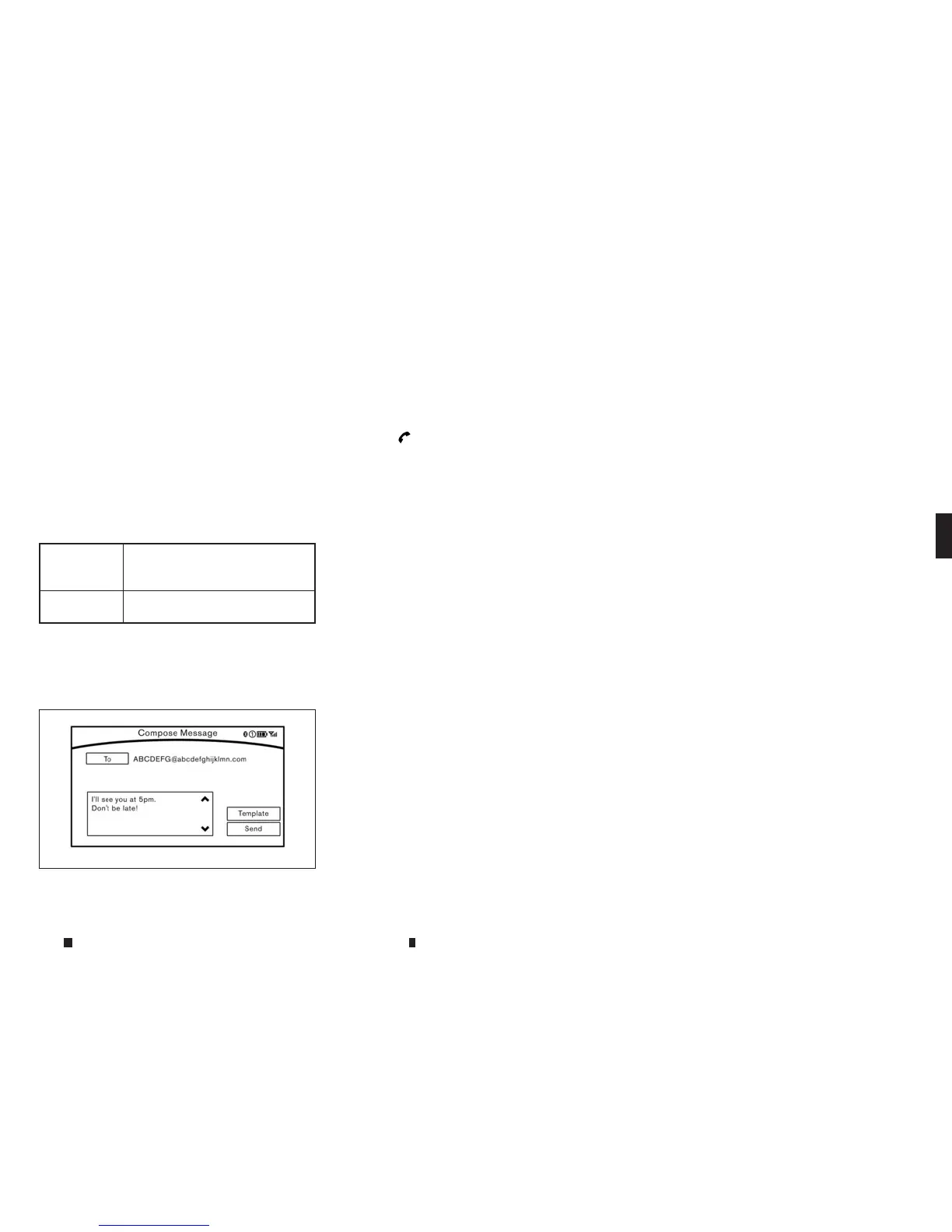
2. Touch[Text Message].
3. Touch[Compose Message].
Thefollowingitems are available.
5GF0003XZ
Displayscreen, heater and air conditioner,and audio system 4-81



 To Next Page