Incoming Call Settings:
Setting item Action
[Ringtone] Select atype of ringtone.
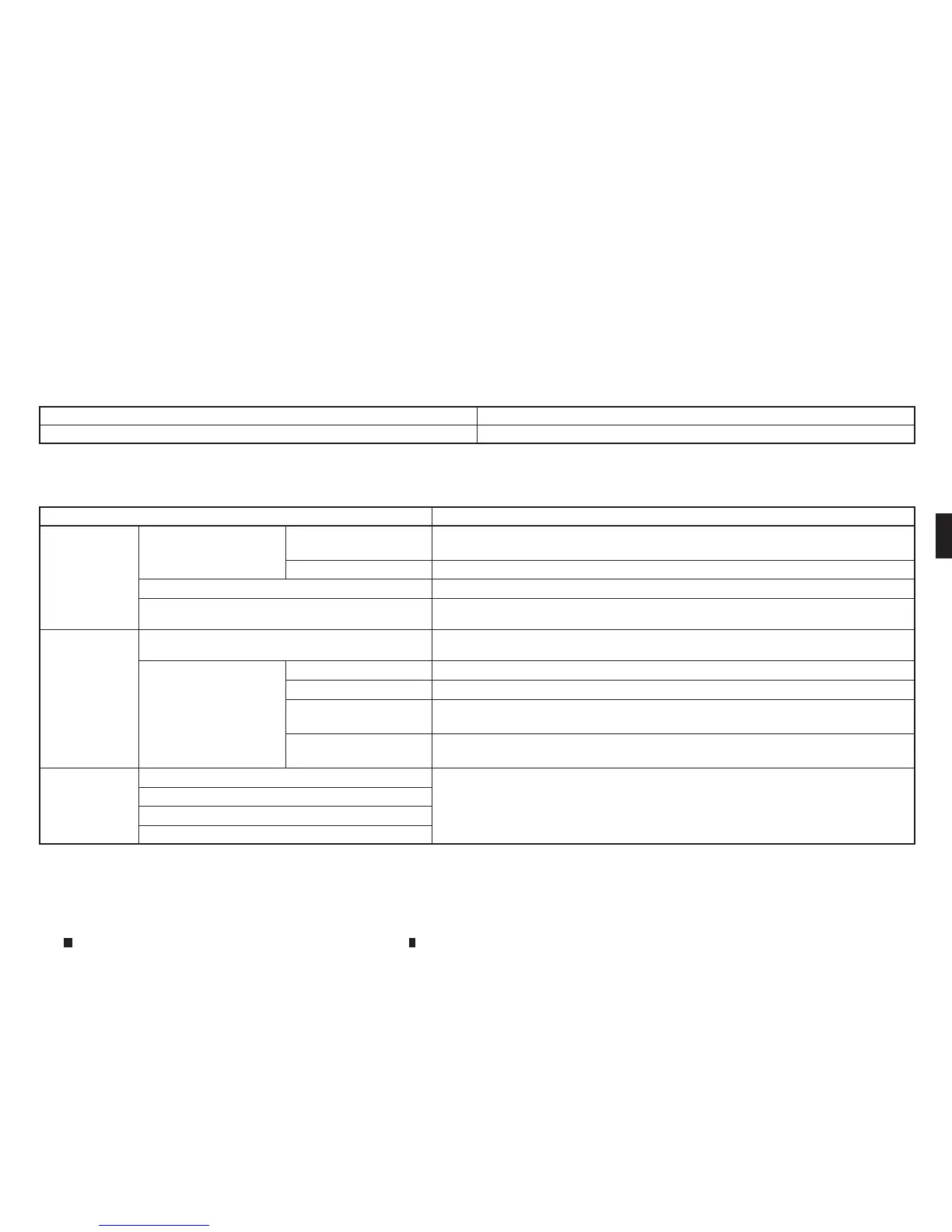
Phonebook/Favourites Settings:
Setting item Action
[Configure
phonebook
settings]
[Automatic Transfer Set-
tings]
[Phonebook Auto
Download]
Turn automatic download of the phonebook from the mobile phone on/off.
[CallHistoryDownload] Turn automatic download of the mobile phone call historyon/off.
[ManualPhonebook Transfer] Manually transfer information from the phonebookonthe mobile phone.
[Delete Phonebook]
To delete asingle item, select the item youwishtodelete from the list. Touch[Delete All] to
delete allitems. To delete multiple items, touch [Multiple Selection].
[FavouritesSet-
tings]
[DeleteFavourites] To delete asingle item, select the item youwishtodelete from the list. Touch[Delete All] to
delete allitems. To delete multiple items, touch [Multiple Selection].
[Add to Favourites] [From Phonebook] Select items fromthe phonebook of the in-vehicle system to add to the favorites.
[FromOutgoing Calls]
Select itemsfrom the outgoing callslistofthe in-vehicle system to add to the favourites.
[From Incoming Calls] Select items from theincoming callslistofthe in-vehicle system to add to the
favourites.
[From Missed Calls] Select items from the missed callslistofthe in-vehicle system to add to the
favourites.
[DeleteCall
History]
[Delete Outgoing Call History] To delete asingle item, select the item youwishtodelete from the list. Touch[Delete
All] to delete allitems. To delete multiple items, touch[Multiple Selection].
[Delete Incoming Call History]
[Delete Missed Call History]
[Delete AllCallHistory]
The volume of the ringtone, incoming call and outgoing call canalso be adjusted.
Display screen, heater and air conditioner,and audio system 4-83


 To Next Page
 Loading...