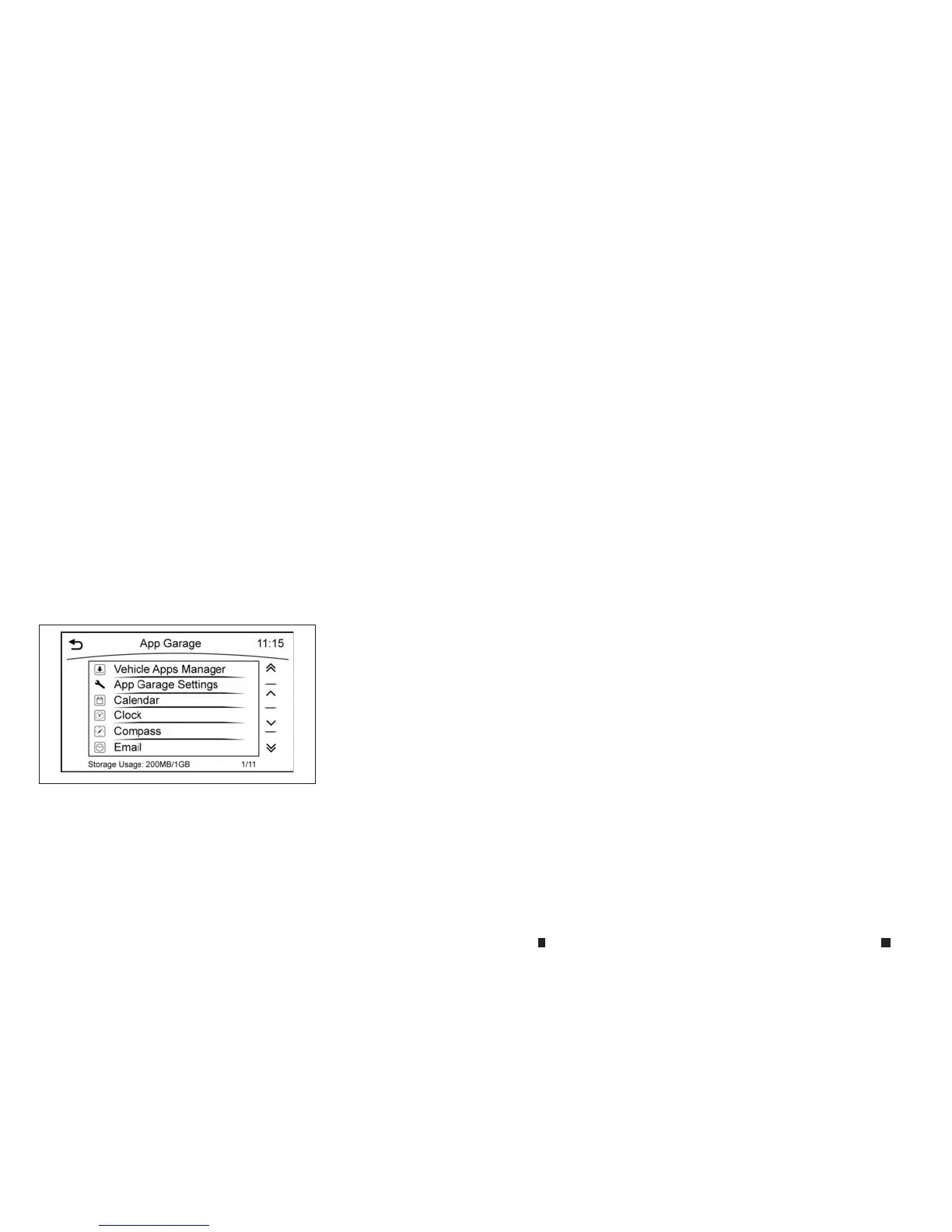
“App Garage Settings screen” later in thissection
•
Someapplicationscan be set to launch automati-
callyasthe ignition switch is turned on.
VEHICLE APPS
Vehicle Appsare unique applicationsdeveloped
byINFINITIthatcanbedownloadedand installed
on thein-vehicle hardware.
NOTE
TheINFINITI InTouchApp must be installed and run-
ning on acompatible smartphone in order to down-
load update
so
ru
se
Ve
hicle App
st
ha
tr
equire
an
et-
work connection.
App Garage screen
1. Push <MENU> andtouch[Apps].
2. Touch[App Garage].
Available settings
•
[Vehicle Apps Manager] (where fitted)
Install, uninstall, and update the Vehicle
Appsapplication.
•
[App Garage Settings]
Select iconstobedisplayed on the menu
screen and changethe auto startand net-
work connection settings.
•
Availableapplication list
Display downloaded Vehicle Appsapplica-
tionsand selected Mobile Apps(where fit-
ted.
NAA1672
4-88 Displayscreen, heater and air conditioner,and audio system



 To Next Page