App Garage Settings screen
Applicationsettings canbechanged on the App Garage Settings screen.
1. Push <MENU> and touch[Apps].
2. Touch[App Garage].
3. Touch[App Garage Settings].
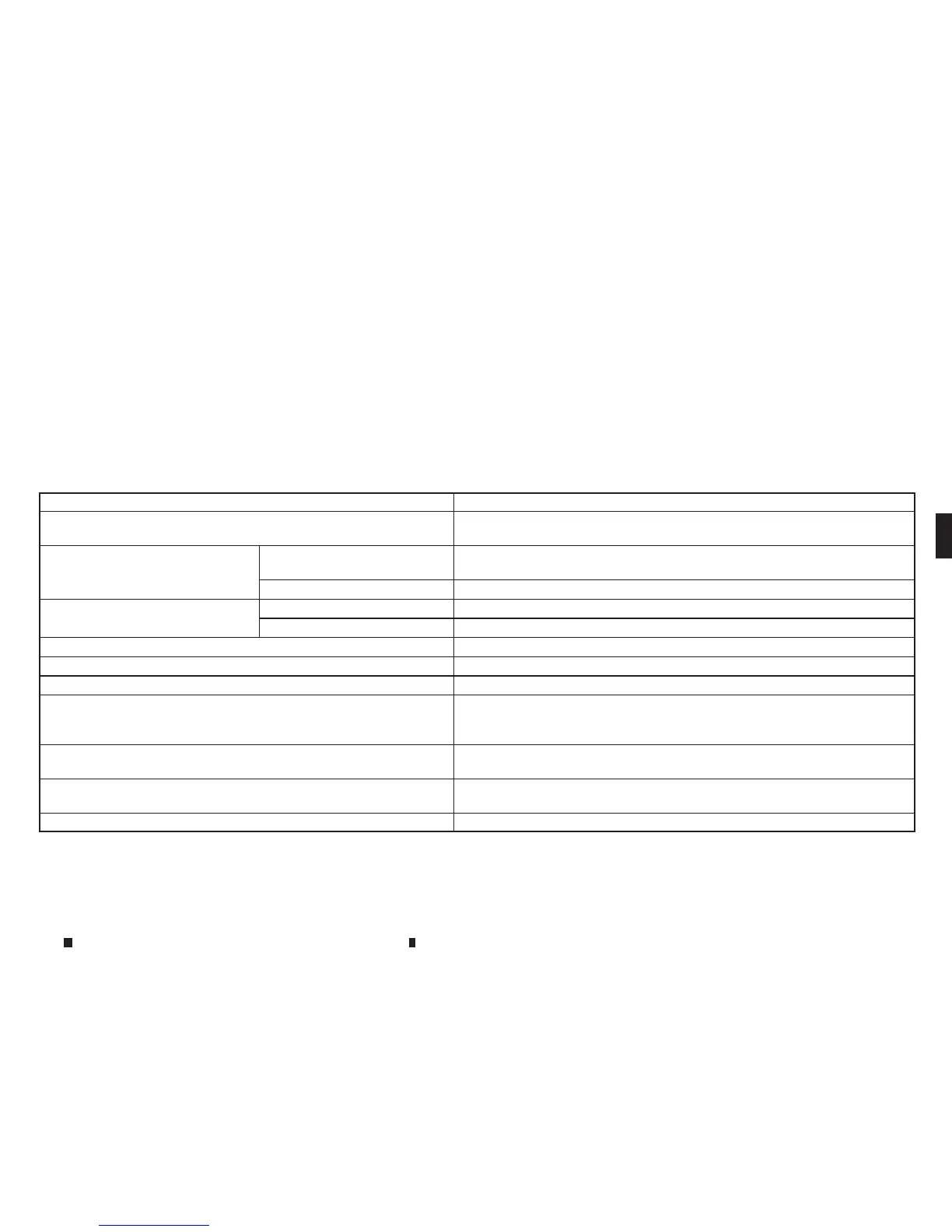
Menu Item Action
[AllApps] Show allapplications. Select an application from the list to modifyadditional
application-specific settings.
[Running Apps]ApplicationslistDisplay allrunningapplications. To display application information or stop an
application, select thepreferred application from the list.
[StopAll]Stop allrunning applications.
[Menu Icon Location Setting] ApplicationslistShow or hide the application icon on the menu screen.
[Delete All] Delete allapplication iconsonthe menu screen.
[Auto StartSetting] Enable thissetting to automatically launch the application upon vehicle ignition.
[System Information] Display system information.
[InstallAppsvia USB] Installanapplication viaUSB from the INFINITI owner portal.
[Automatic Connection] (where fitted) Set the connecting interval. Vehicle AppsManager (where fitted)connects to the
server at regular intervals in order to obtain up-to-date information (suchas
checking for application updates).
[Network Notification] (where fitted) If Network Notification is on, apop-up message is displayed when anetwork con-
nectionisestablished.
[Installation Notification] (where fitted) If InstallNotification is on, apop-up message is displayed when anew applica-
tion is installed.
[Factory DataReset] Discard downloaded or stored application data.
Displayscreen, heater and air conditioner,and audio system
4-89


 To Next Page
 Loading...