NOTE
•
If theAuto StartSetting is enabled, some applica-
tionsmay be accessibletoother drivers of your
vehicle.
•
Depending on the type of application, some appli-
cationsmaynotbedisplayedinthe [Running Apps]
field even if they are running.
•
When [Network Notification] (where fitted) is
turned off,some Appswillbestarted automati-
cally, meaningthatnetworkcommunicationwill be
used and communication fees will be charged.
•
The Auto Startfunction maynot be available for
some applications.
•
Disconnect iPhone or Android devicewhen per-
forming[FactoryDataReset].
•
After [FactoryDataReset], the system will respond
slowlybecause of the highwork load of the sys-
tem. Turn the ignition switch to the OFF position
after [FactoryDataReset] andwait 5minutes. Then
turn the ignition switch to the ON position again.
•
Vehicle Appsand Mobile appsmay not work for 30
sec afterturning the ignition switch to the ON po-
sition.
•
While using Vehicle Appsand Mobile Apps, ames-
sage maybeshown like “com.abq.hmic Xhas
stoppedunexpectedly” (X=1,2, 3,4).[FactoryData
Reset] maybeeffective to recoverthiscondition.
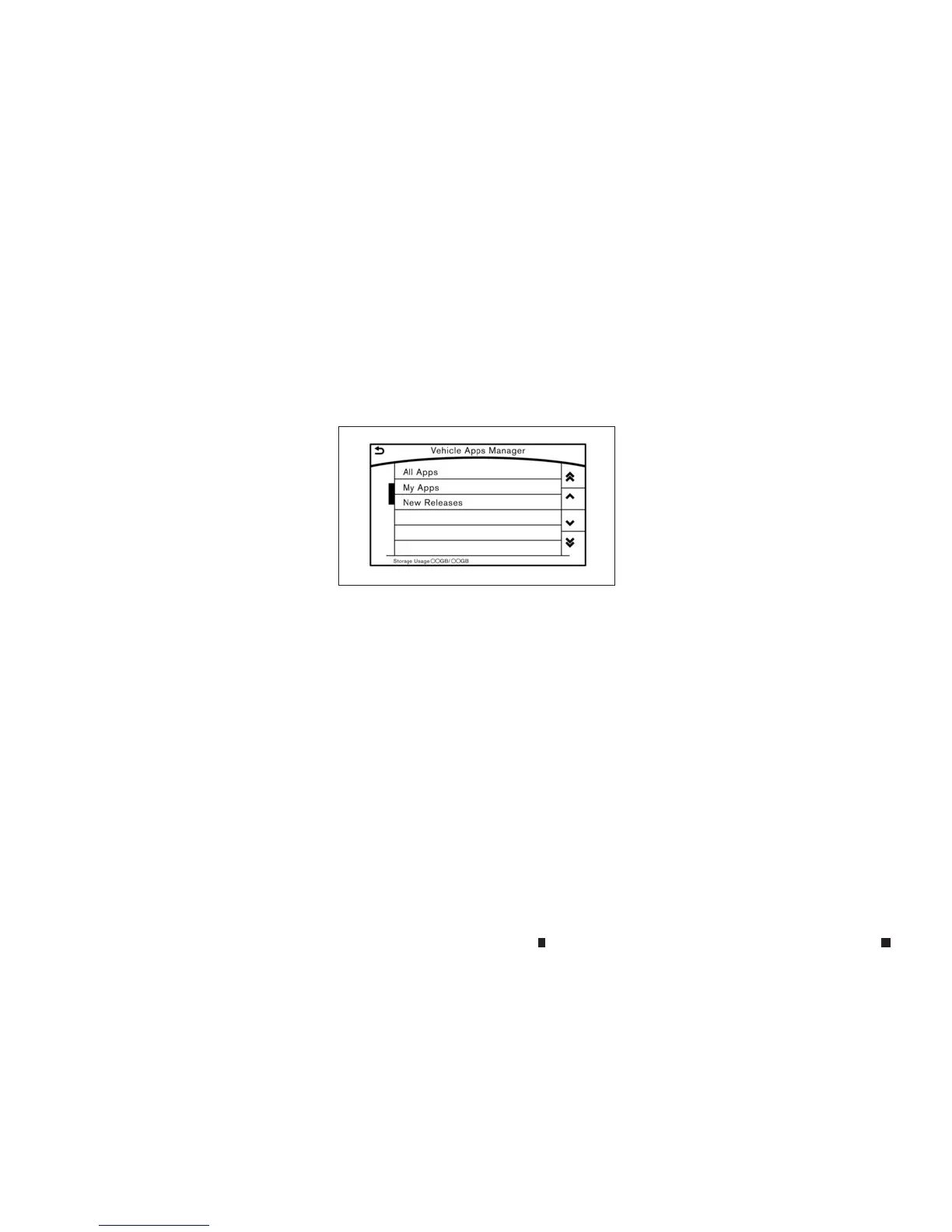
VEHICLE APPSMANAGER
(where fitted)
On this screen, youcan update, uninstall, and
installVehicle Apps.
1. Push <MENU> andtouch[Apps].
2. Touch[App Garage].
3. Touch[Vehicle AppsManager].
Availablesetting items
•
[All Apps]
Display allVehicle Apps. Youcan select to
displayapplication information, update, in-
stalland uninstallapplications.
•
[My Apps]
Display installed Vehicle Apps. Youcan se-
lect to displayapplication information, up-
date and uninstallapplications.
•
[New Releases] (where fitted)
Displaynewlyreleased VehicleApps.Youcan
select an item to display application infor-
mation.
In order to displ ay the application list screen or
the installation and update screensusing the
[Vehicle App sManager], connection viaasmart-
phone is required to establish communication.
5GD0004XZ
4-90 Display screen, heater and air conditioner,and audio system


 To Next Page
 Loading...