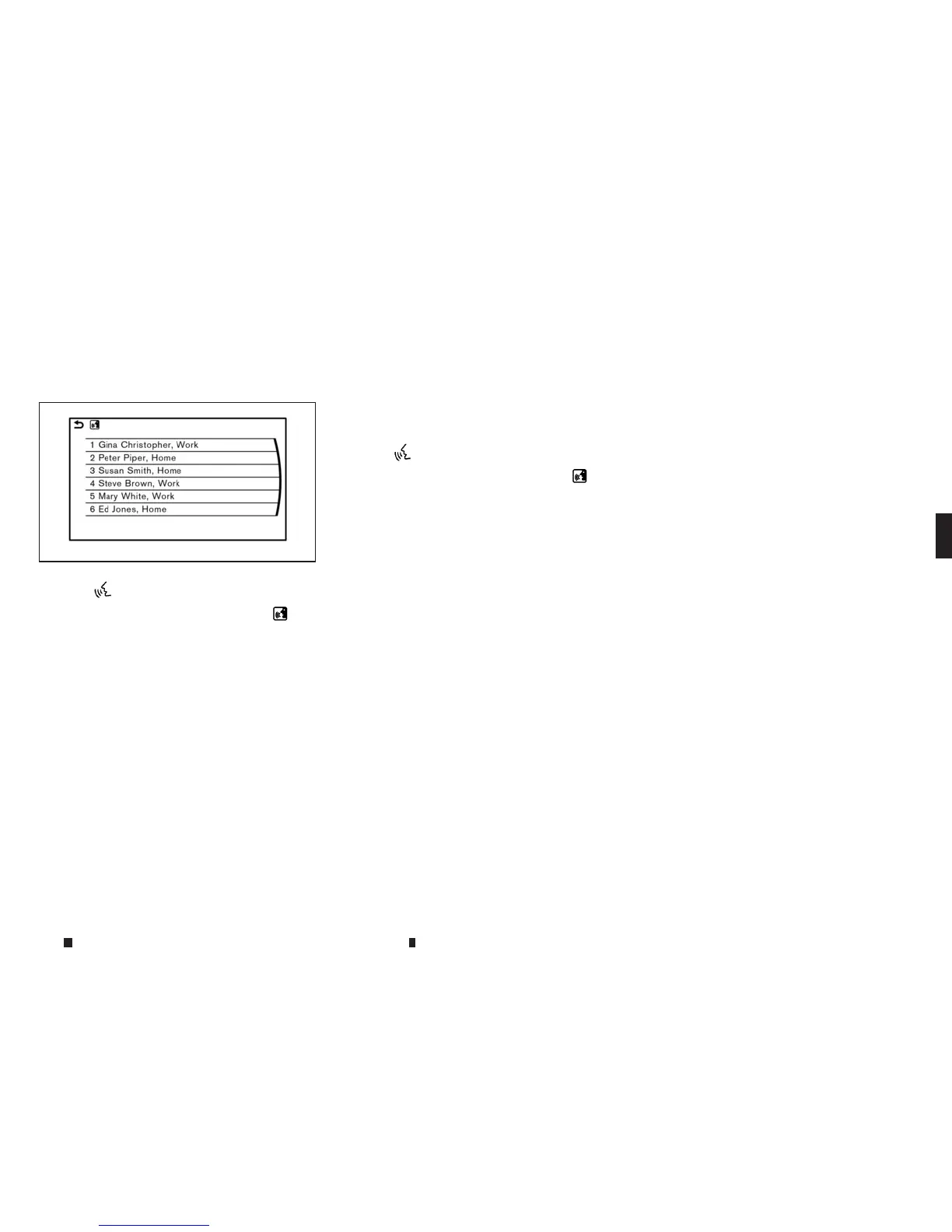
Example 1- Placing call fromhandsfree
phonebook:
1.Push <
m
> located on the steering wheel.
2. Wait for the indicator to changeto
m
and
speak “Phone”.
Youcan also speak “Phone” and then “Call
<Name>” successively.
3. Speak “Call <Name>”.
Whenoptions(Home, Work, etc.) are regis-
teredtoaname in the contact list of amobile
phone, the option canbecommanded
directly.
Example, “Call Steve Brown Work” or “Call
Steve Brown Other”
4. Thesystem prompts youtospeak or select
an item number from the displayed list.To
select adisplayed matching item speaka
number from between 1and 6.
Ifthe selectednumber hasmore thanone phone
number registered to it, the phone number list
screen is displayed.
Example 2-Playing radio:
1. Push <
m
> located on the steering wheel.
2. Wait for the indicator to changeto
m
and
speak “Audio”.
3. Speak “Play FM” to turn on the FM radio.
5GE0022XZ
Display screen, heater and air conditioner,and audio system 4-97



 To Next Page