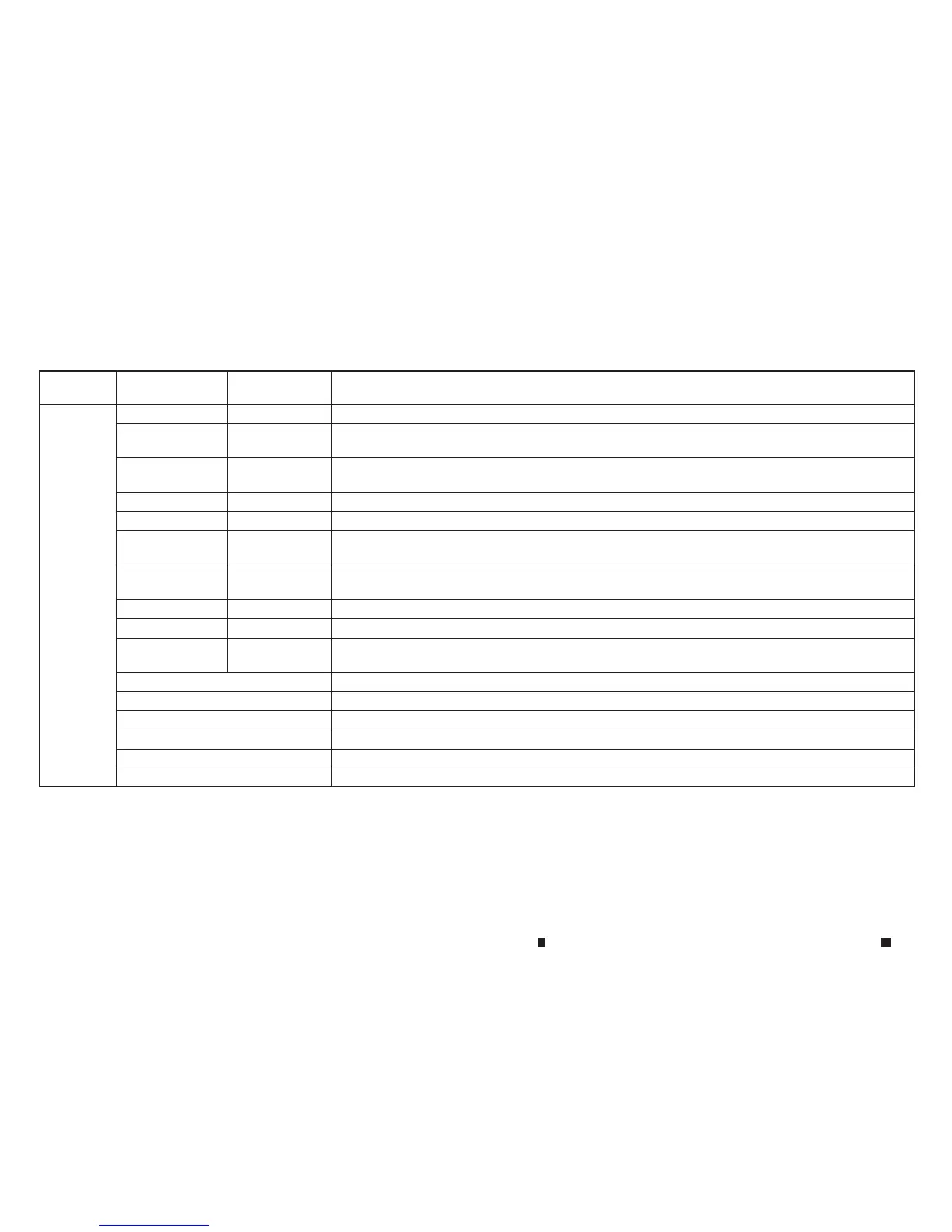
1st com-
mand
2nd command 3rd command Action
Audio iPod Play Artist <artist> Turn on the iPod mode, selecting the artist.
USB Play Album
<Name>
<1 -6>Turn on the USB mode selecting the album.
iPod Play Album
<Name>
<1 -6>Turn on the iPod mode selecting the album.
USB Play Album<album name> Turn on the USB mode, selecting the album.
iPod Play Album <album name> Turn on the iPod mode, selecting the album.
USB Play Song
<Name>
<1 -6>Turn on the USB mode, selecting the track.
iPod Play Song
<Name>
<1 -6>Turn on the iPod mode, selecting the track.
USB Play Song <song>Turn on the USB mode, selecting the track.
iPod Play Song <song> Turn on the iPod mode, selecting the track.
iPod Playlist
<Name>
<1 -6>Turn on the iPod, playing the playlist whichyou said.
USB AllArtists Display USB allartists list.
iPod AllArtists Display iPod allartists list.
USB AllAlbums Display USB allalbums list.
iPod AllAlbums Display iPod allalbums list.
USB AllFolders Display USB allfolders list.
iPod AllSongs Display iPod allsongs list.
4-102 Displayscreen, heater and air conditioner,and audio system



 To Next Page