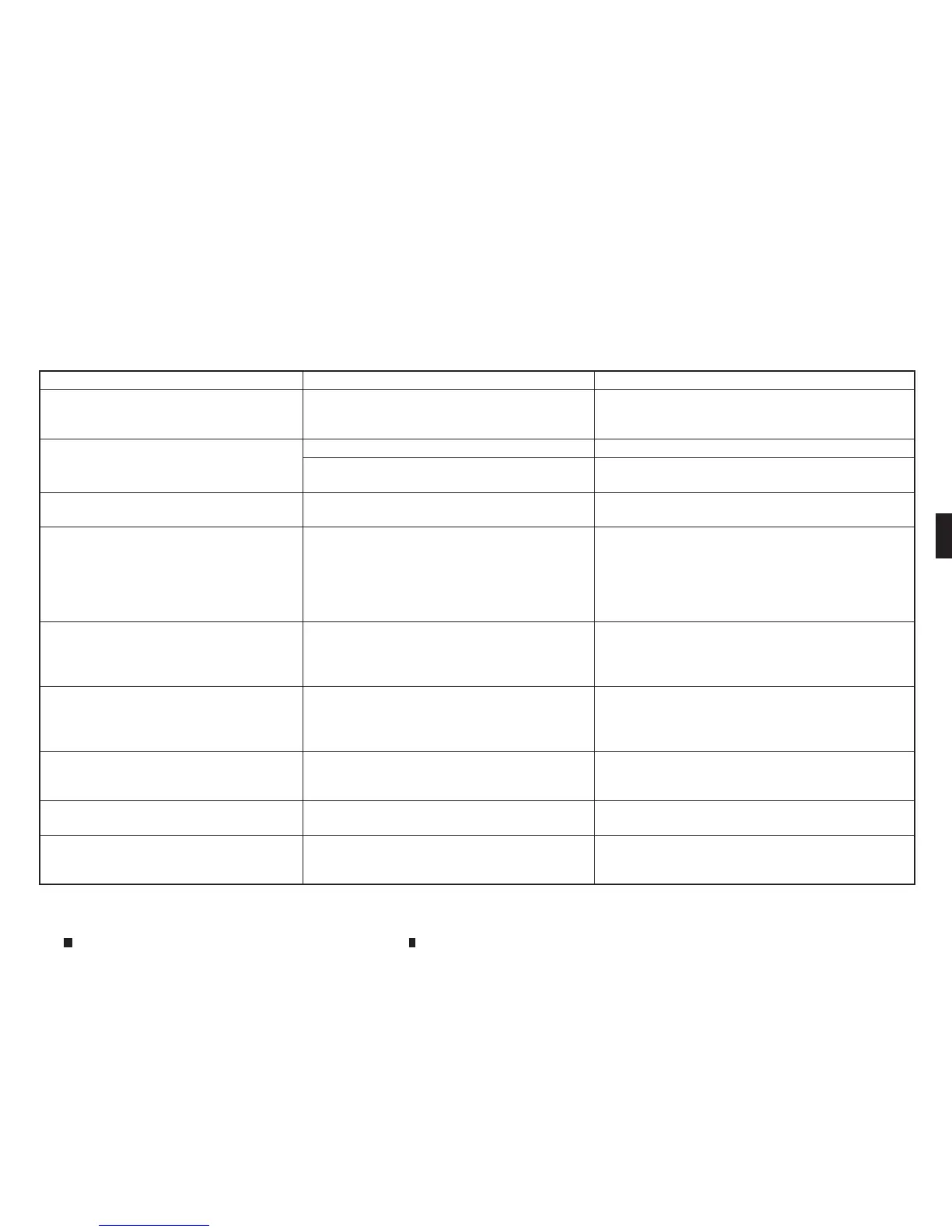
Symptom Possiblecause Possiblesolution
When amobile phone is operated to make a
call,the hands-free function is no longer
available.
Some models of amobile phone do not switch to
the hands-free mode when they are operated to
make acall.
Thisisnot amalfunction. Makeacallagain using the
hands-free function.
Theother party’s voicecannot be heard.
There is no ring tone.
The volume level is set to the minimum. Adjust the volume level.
Amobile phone is not connected. Checkthe registration procedure, and then register the
mobile phoneagain.
Each volume level (ring tone, incoming voice
or outgoing voice) is different.
Each volume level is not adjusted properly.Adjust each volume level properly.
The antennadisplay is different between the
navigation screen (where fitted) and the
screen on amobile phone. Makingorreceiv-
ingacallisunavailable even though the
antennadisplay indicates that it is possible
to do so.
Theantennadisplay varies depending on the
model of mobile phone.
This does not indicate amalfunction. The antenna
displayand remaining batterylevel shown on the
navigation screen maybedifferent from those shown
on the mobilephone screen. Usethem as areference.
Avoicecannot be heard clearly when using a
mobile phonebehind tall buildings.
Some structures suchastallbuildings, etc. may
causeirregular reflection of radio waves or
completely shut out radio waves that are used for
mobile phones.
This is not amalfunction.
Noise is heard when using amobile phone
under/near areas of elevated railroads, high
voltageelectric power cables, traffic signals,
or neon billboards, etc.
Electromagnetic waves that are generated from
radio devices mayadversely affect the mobile
phone.
Thisisnot amalfunction.
Noise is heard in the sound from the audio
system while using amobile phone.
Radio waves that are generated from amobile
phone mayadversely affect the sound from the
audio system.
Thisisnot amalfunction.
Thesound skips. The mobile phone mayhave turned on the wireless
LAN(Wi-Fi).
Turn off the wirelessLAN (Wi-Fi).
Phonebook cannot be downloaded. An error occurred duringthe phone pairing
process.
Re-register the Bluetooth® pairing information after
deleting the pairing information from both the mobile
phone and the vehicle system.
Display screen, heater and air conditioner,and audio system
4-121


 To Next Page
 Loading...