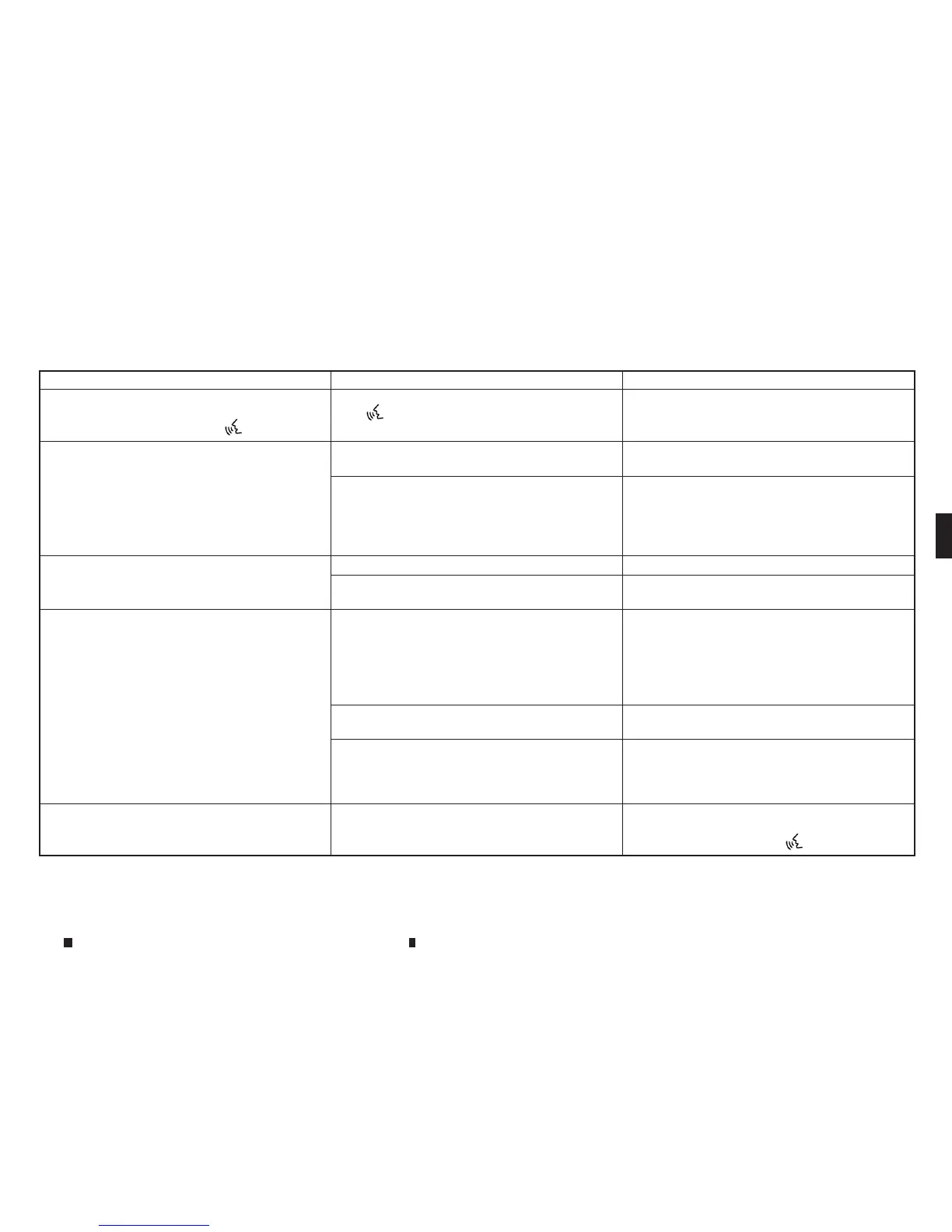
Symptom Possiblecause Possiblesolution
Voicerecognition does not operate, and atone
sounds twiceafter pushing the <
m
>.
The <
m
> is pushed before the system is readyto
accept voicecommands.
After turning on Infiniti InTouch, wait for the voice
recognition system to be readybefore giving voice
commands.
The USB memory devicecannot operate with voice
recognition.
Depending on the device, an iPhone or iPod may
be recognised as aUSB memorydevice.
Thisisnot amalfunction
More than one audiodeviceisconnected to USB
port.
Only one audio devicecan be operated with the
voicerecognition system even when multiple
numbers of devices are connected. Select an audio
sourcetooperate with the voicerecognition
system.
The USB/iPod operation screen is greyed out.The audio deviceisnot connected. Connect an audio devicetothe system.
An audio sourcetobeoperated with the voice
recognitionsystem has not been selected.
Select an audio sourcetobeoperated with the
voicerecognition system.
An error message is displayed when trying to
select atrack and operate the USB/iPod.
The trackinformation is being processed for
registration by the system.
Song information will be loaded into the system
when anew audio deviceisregistered forthe first
time or when thesong information in the pre-
registered device has been changed. Wait for the
loadingtocomplete (thismay take from afew
minutes to up to an hour).
Thenumber of songs stored on the connected
audio deviceexceeds its capacity.
Decreasethe number of songs stored on the audio
device.
No song is stored on the audio device. Storesongs on the connected audio device. Stor-
ing songs with information suchasartistname,
album name, song name, and playlist, etc.,will
make voicerecognition song search available.
The Navigation item is not displayed in the voice
operation menu screen.
VoiceRecognition command preparation for the
navigation system is not completed immediately
afterthe system is started.
Display any screen other than the VoiceRecogni-
tion screen, and then push <
m
>.
Display screen, heater and air conditioner,and audio system
4-123


 To Next Page
 Loading...