Usethe following procedure to turn the FEB sys-
tem onoroff:
1. Pressthe
m
<or>
m
button onthe steer-
ing wheel
j
1toselect the [Assist.] menu on
theMenu bar
j
B.
2. Pressthe
m
or
m
buttontoselect [Emer-
gency Brake].
3. Pressthe <OK> button on thesteering wheel
j
1.The current selection is displayed.
4. To activate/deactivate the FEB system: press
the <OK> button again
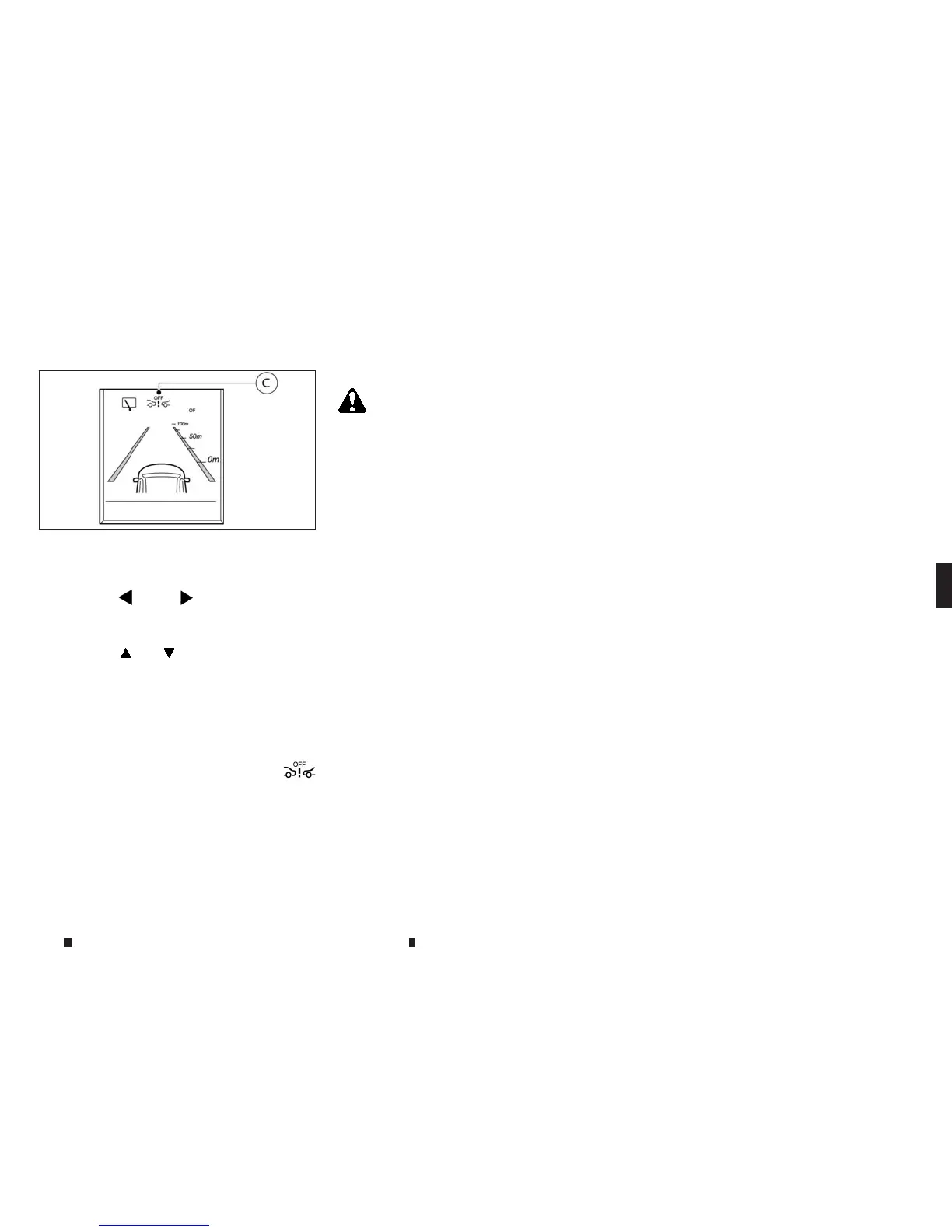
Whenthe FEB system is deactivated, the
m
symbol
j
Cappearsinthe vehicle information
display.
NOTE
TheFEB system will be automatically turned on when
theengine is restarted.
FEB SYSTEM LIMITATIONS
WARNING
Listed beloware the system limitationsfor the FEB
system. Failure to operate the vehicle in accordance
with these system limitationscould result in serious
injuryordeath.
•
TheFEB system cannot detect allvehicles under
allconditions.
•
The radar sensor does not detect the followingob-
jects:
– Pedestriansoranimals
– Oncoming vehicles
– Crossing vehicles
•
The radar sensor has some performancelimita-
tions.For stationaryvehicles, the FEB system will
not function when the vehicle is driven at speeds
over:
– Approximately 50 km/h (31MPH) for the
Autonomousbraking function.
•
The radar sensor maynot detect avehicle ahead in
the following conditions:
– Dirt, ice, snoworother material covering
the radar sensor.
– Interferencebyother radar sources.
– Snow or heavy rain.
– If thevehicle ahead isnarrow (e.g.motor-
cycle).
– If thevehicle ahead is in adifferent lane.
– Under strong radar reflections, for
example, inamulti-storey carpark.
– Newvehicle or after amaintenanceofthe
FEB system.
– When driving on asteep downhillslope
or roads with sharp curves.
– When towing atrailer.
•
In some road or traffic conditions, the FEB system
mayintervene unnecessarily or give an unneces-
sary warning. Alwayspay careful attention to the
trafficsituation.Donot rely solely on the distance
warning function and terminate the intervention if
necessary.
•
Braking distances increaseonslipperysurfaces.
•
The system
is
designe
dtoa
utomatically
ch
ec
kt
he
sensor’s functionality,within certain limitations.
Thesystem maynot detect some forms of obstruc-
tion of the sensor areasuchasice,snow,stickers,
for example. In these cases, the system maynot
be able to warn the driver properly.Besure that
youcheck, clean and clear the sensor arearegu-
larly.
•
Excessive noise will interfere with the warning
chime sound, and the chime maynot be heard.
NSD630
Starting and driving 5-57


 To Next Page
 Loading...