25
DIALING A CONTACT USING VOICE RECOGNITION
To make a call using voice recognition, follow
this procedure:
1. Press the button on the steering wheel. After the
tone, say “Phone”
2. After the system confirms your command, wait for
the tone and say “Phonebook”.
3. The system will prompt you to speak a name.
After the tone, say a name from your phonebook.
Be aware that for some cellular phones it will be
necessary to say the name in the last name, first
name format.
4. The system will give you a list of close matches. After the tone, select the correct match by
saying the number next to the correct match.
5. The system will confirm your selection. After the tone, say “Dial”.
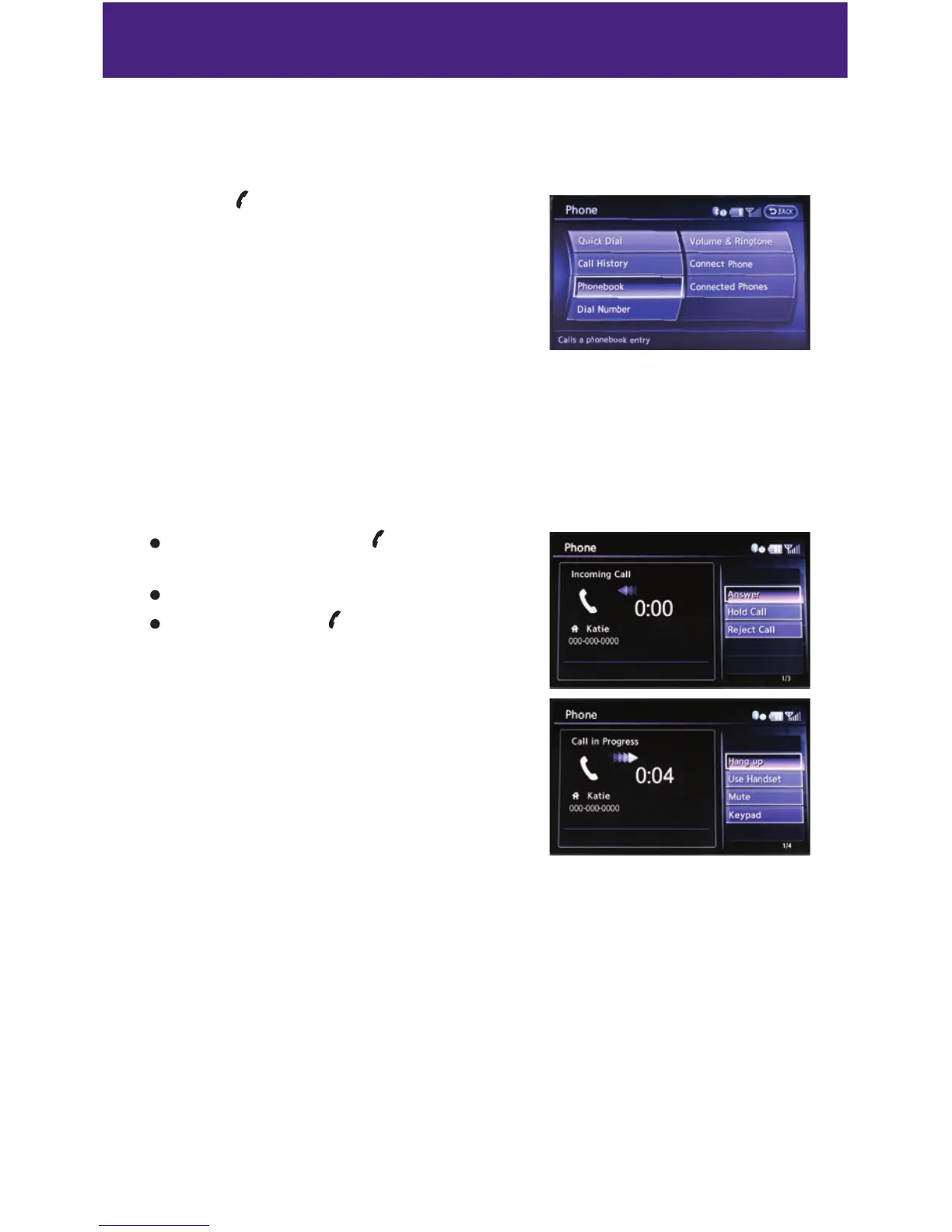
RECEIVING/ENDING A CALL
To accept the call, press the button on the
steering wheel or touch the “Answer” key.
To reject the call, touch the “Reject Call” key.
To hang-up, press the button or touch the
“Hang up” key.
For more information, refer to the “Monitor, climate, audio, phone and
voice recognition systems (section 4)” of your Owner’s Manual or please
visit www.InfinitiUSA.com/bluetooth.



 To Next Page