Need help?
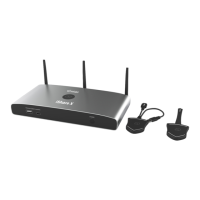
Do you have a question about the infobit iShare Series and is the answer not in the manual?
Receiver connects to WIFI for network access during casting.
Download and install the iShare app to cast from Android devices.
Use Miracast Receiver function from the control center for casting.
Troubleshooting steps for USB dongle connection and pairing issues.
 General
| Brand | infobit |
|---|---|
| Model | iShare Series |
| Category | Projector Accessories |
| Language | English |


 To Next Page