Setup Page 13
Connecting to Other Devices
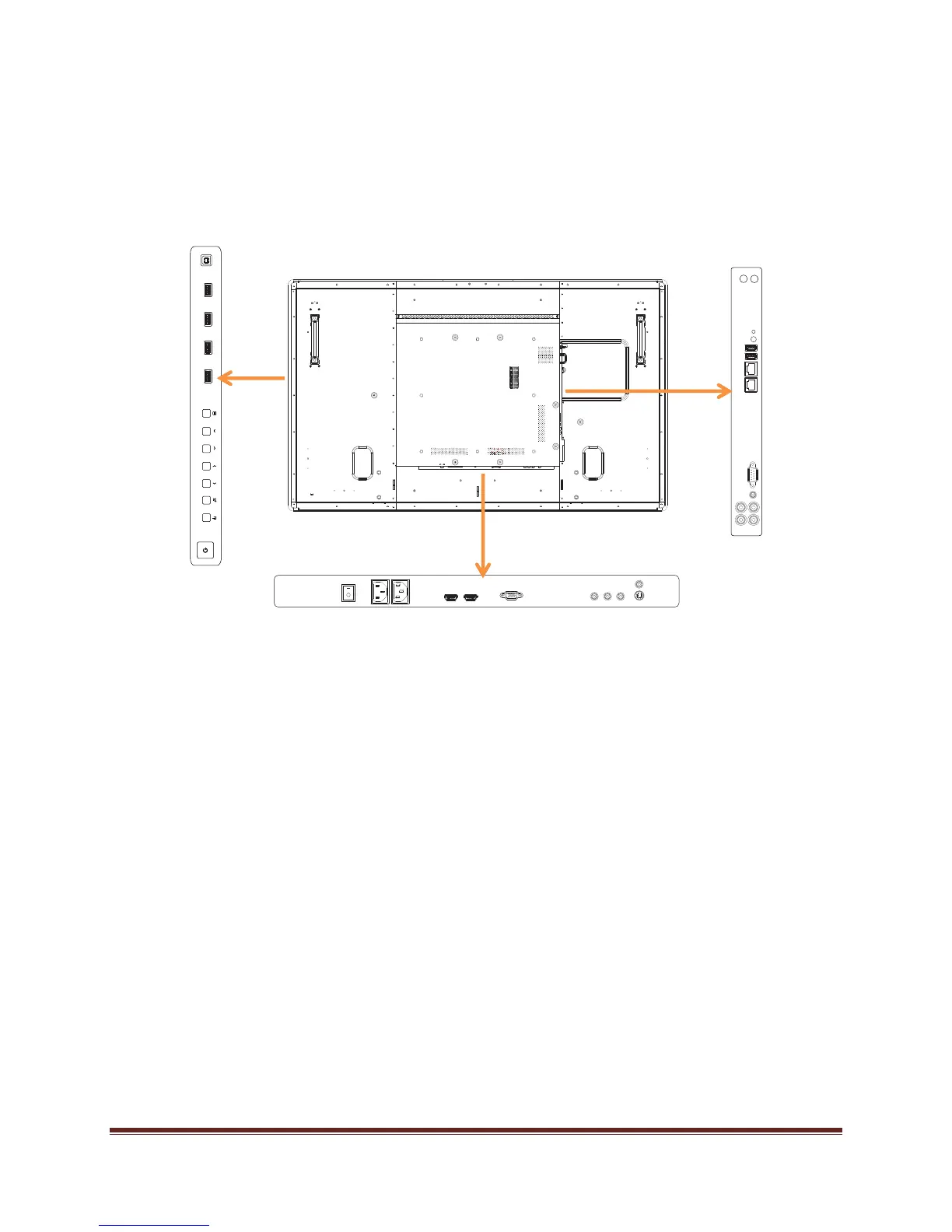
A full range of digital and analog video inputs and audio source devices can be connected to the
connection panels on the back and side of Mondopad™, if desired. Available jacks include:
HDMI
®
(2), VGA, Component (RCA), S-Video, Composite, RS232, Audio in RCA (1 – R/L),
Audio in 3.5mm (1), Audio Out (1 – R/L), RJ45 (2), USB-B (1) and USB-A (6).
Bottom Connector Panel
Side Connector
Panel
Bezel Connector
Panel


 To Next Page